Temperature Control
Enter
Type B
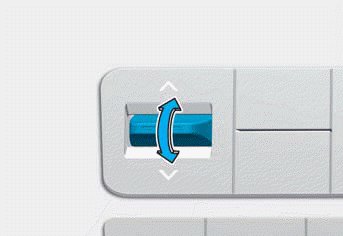
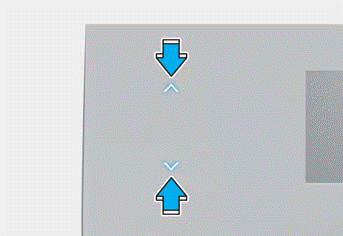
The temperature setting increases when you press the UP arrow on the touch screen (if equipped) or turn the dial clockwise.
The temperature setting decreases when you press the DOWN arrow on the touch screen (if equipped) or turn the dial counterclockwise.
Equal Temperature Control
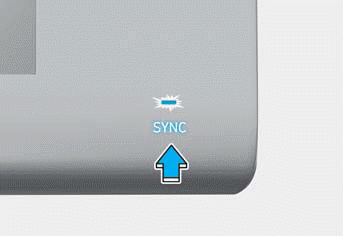
Press the SYNC button (indicator ON) to adjust the driver and passenger side temperatures equally.
Separate Temperature Control
Press the SYNC button (indicator OFF) again to adjust the driver and passenger side temperatures separately.
Temperature Unit Conversion
If the battery is discharged or disconnected, the temperature display resets to degrees Fahrenheit.
To change the temperature unit from °C to °F or from °F to °C:
- Setup > Units > Temperature Unit > °F/°C (for cluster type)
- Setup > General Settings > Device > Temperature Unit > °C/°F (for audio/video system type)
The temperature unit on both the cluster display and the climate control information screen is changed.
Information
- For more information on the cluster settings menu, refer to the "Cluster Display" section in Chapter 4.
- The infotainment system may change after a software update. For more information, refer to the infotainment system user's manual and quick reference guide.
Test yourself
A quick Hyundai Tucson LM quiz: every answer comes with an explanation and a link to the manual page.