To Enter Cruise Control Mode
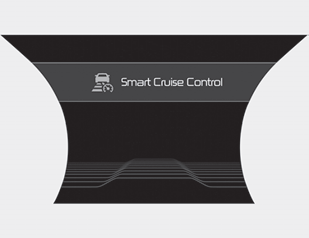
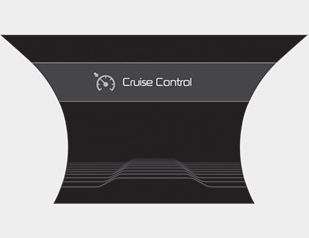
The driver can use only the cruise control mode (speed control function) by performing the following steps:
1. Turn on the Smart Cruise Control system (the cruise indicator will illuminate). (The system is on, but it will not be activated.)
2. Press and hold the distance setting switch for more than 2 seconds.
3. Select "Smart Cruise Control (SCC) Mode" or "Cruise Control (CC) Mode".
When using Cruise Control mode, you must manually check the distance to other vehicles, as the system will not automatically brake to slow down for other vehicles.
When the system is turned off using the CRUISE button, or when the CRUISE button is used after the engine is started, Smart Cruise Control mode will be activated.
WARNING
When using Cruise Control mode, you must manually check the distance to other vehicles, as the system will not automatically brake to slow down for other vehicles.
Test yourself
A quick Kia Stinger CK quiz: every answer comes with an explanation and a link to the manual page.