Transmission Temperature LCD and Warning Message
Transmission Temperature Sensor
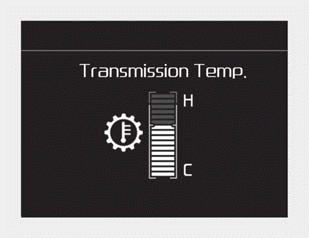
■ Type A
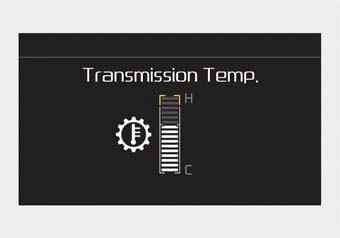
■ Type B
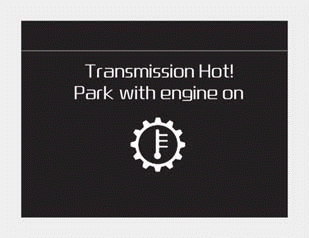
■ Type A
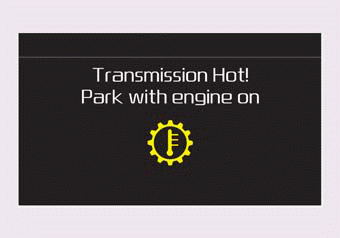
■ Type B
- Select the trip computer mode on the LCD and go to the transmission temperature screen to check the dual clutch transmission temperature.
- Try to drive so that the temperature gauge does not show high temperature/overheat. When the transmission overheats, a warning message will appear on the LCD. Follow the displayed message.
- The transmission temperature is displayed in three colors (white, orange, and red) as the temperature increases (if equipped with a color cluster). The temperature sensor is displayed in one color (white) if equipped with a monochrome cluster.
- The orange temperature sensor is displayed just before the warning message appears on the LCD. (if equipped)
CAUTION
A high temperature indication on the transmission temperature sensor may appear when the vehicle is on a grade and has been stationary for a long time without pressing the accelerator pedal or the brake pedal.

■ Type A
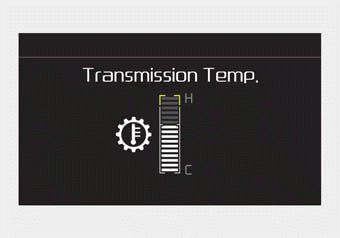
■ Type B
Normal (below 10 mark)
• To maintain optimal shift performance, drive the vehicle so that the temperature gauge stays below the point (below the 10 mark).
✽ NOTICE
The transmission temperature can rise quickly if the clutch slips excessively due to repeated stops and starts, driving up steep hills, and when Hill Hold is maintained for a long time. To avoid excessive temperature rise, use the brake when driving at low speed or when stopping the vehicle on a slope.
Before Entering High/Overheat (from marks 10 to 14)
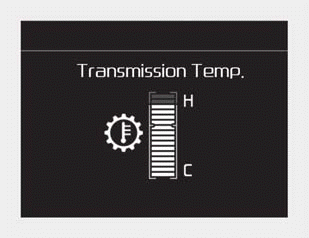
■ Type A

■ Type B
- This zone indicates that the dual clutch DCT temperature is close to entering the high/overheat zone. When the clutch temperature is within this zone (from the 10 mark to the 14 mark), drive with minimal clutch slip so that the temperature drops below the 10 mark.
- If the dual clutch temperature continues to rise and reaches the 14 mark, a warning chime sounds and the temperature sensor pops up in the cluster. The DCT warning message is not displayed.
High/Overheat (15 to 16 marks)
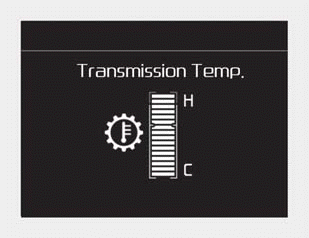
■ Type A
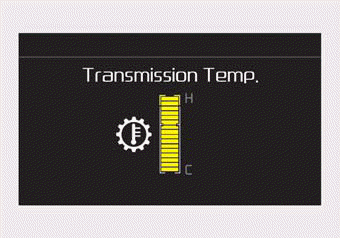
■ Type B
- This zone indicates that the dual clutch DCT temperature has entered the high/overheat zone. The DCT warning chime sounds, a warning message is displayed in the cluster, and the transmission temperature sensor disappears from the cluster. Follow the displayed warning message.
- To check the dual clutch temperature status when overheated, go to the temperature sensor screen by selecting the trip computer mode. Then you can check the temperature status of the dual clutch.
Test yourself
A quick Kia Forte BD quiz: every answer comes with an explanation and a link to the manual page.