Smart Key Antenna
Repair Procedures
Removal
Interior Antenna 1
Disconnect the negative battery cable.
Remove the center lower panel of the airbag.
(Refer to Body - "Center Lower Panel")
Remove the internal antenna 1 (B) by loosening the screws after disconnecting the connector (A).
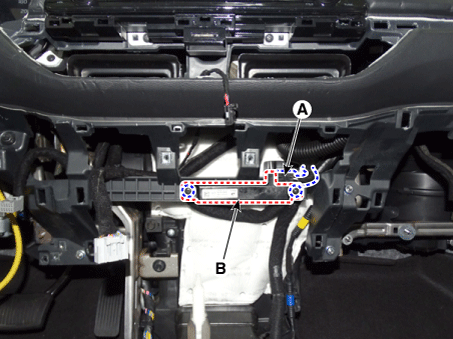
Interior Antenna 2
Disconnect the negative battery cable.
Remove the floor console assembly.
(Refer to Body - Floor Console Assembly)
Remove the internal antenna 2 (B) by loosening the screws after disconnecting the connector (A).
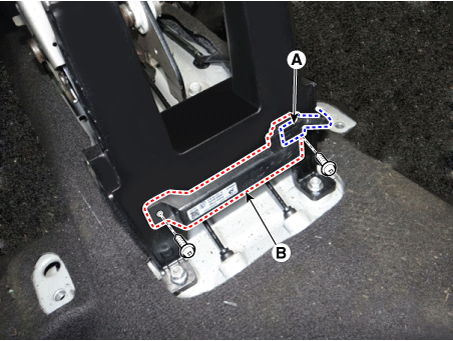
Trunk Antenna
Disconnect the negative battery cable.
Remove the rear crossmember trim.
(Refer to Body - "Rear Crossmember Trim")
Remove the main antenna (B) by loosening the nuts after disconnecting the connector (A).
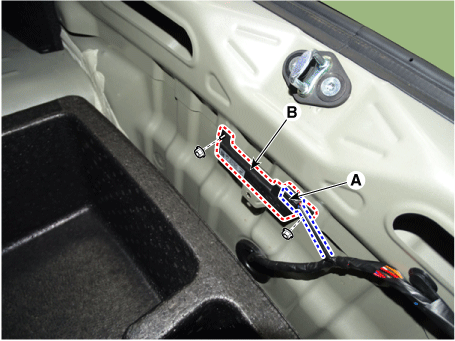
Trunk Antenna
Disconnect the negative battery cable.
Remove the rear crossmember trim.
(Refer to Body - "Rear Crossmember Trim")
Disconnect the liftgate antenna connector (A).
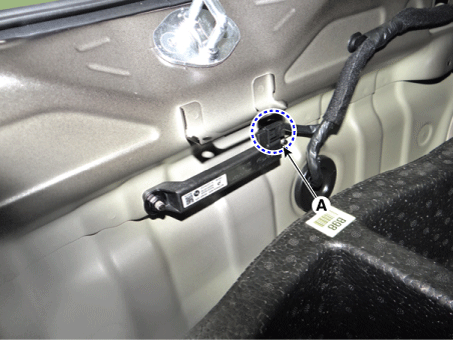
Remove the liftgate antenna (A) after loosening the mounting nuts.
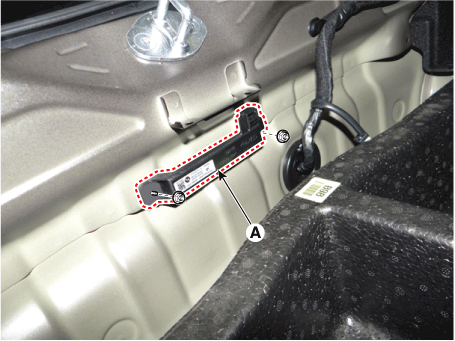
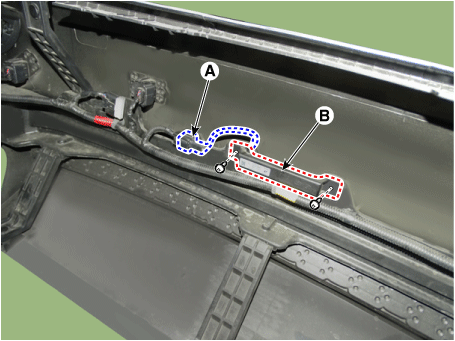
Rear Bumper Antenna
Disconnect the negative battery cable.
Remove the rear bumper assembly.
(Refer to Body - "Rear Bumper Assembly")
Remove the rear bumper antenna (B) by loosening the screws after disconnecting the connector (A).
Outside Door Handle
Disconnect the negative battery cable.
Remove the front door outside handle.
(Refer to Body - "Front Door Outside Handle")
Installation
Install in the reverse order of removal.
Inspection
Antenna Activation Diagnosis
Connect the KDS cable to the data link connector (DLC) on the lower driver-side instrument panel trim.
After turning the ignition switch ON, select "Active Test".
Place the smart key near the corresponding antenna and operate it using the KDS.
If the smart key LED blinks, the smart key is normal.
If the smart key LED does not blink, check the smart key battery voltage.
Antenna Activation
Interior Antenna 1
Interior Antenna 2
Trunk/Liftgate Antenna
Bumper Antenna
Driver Door Antenna
Auxiliary Door Antenna
Antenna Status Inspection
Connect the KDS cable to the data link connector (DLC) on the lower driver-side instrument panel trim.
Select "Antenna Status Check".
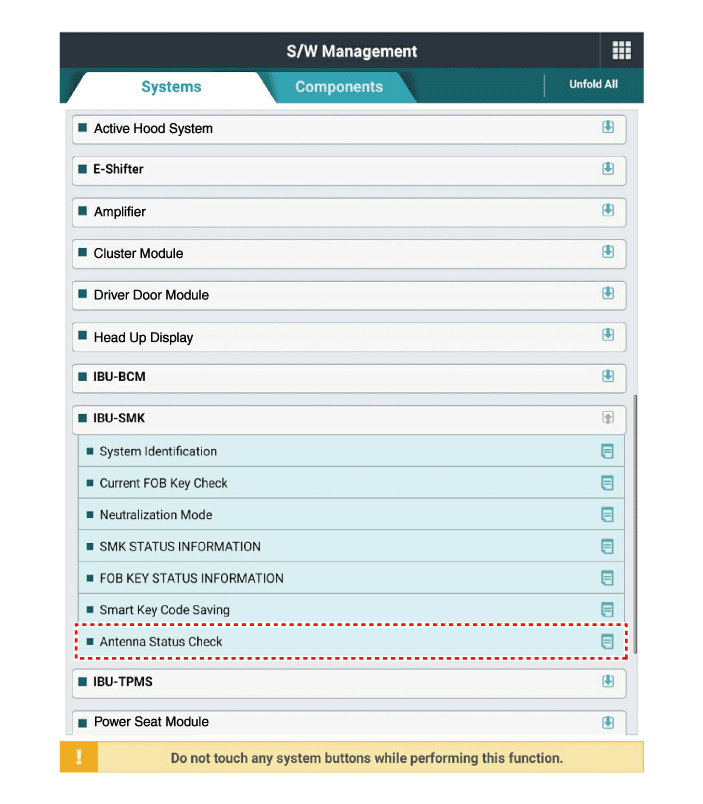
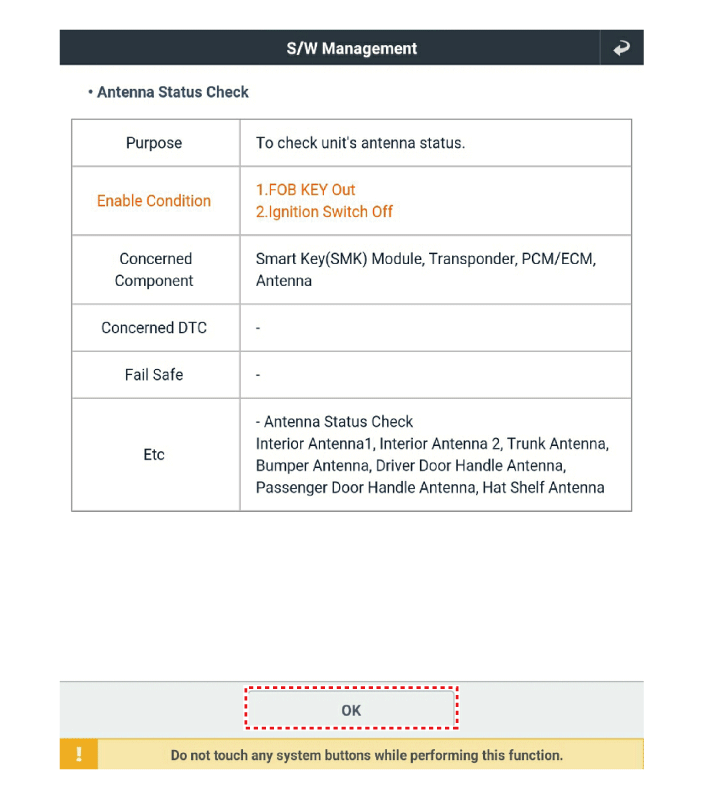
After turning the IG switch ON, select "Antenna Status Check".
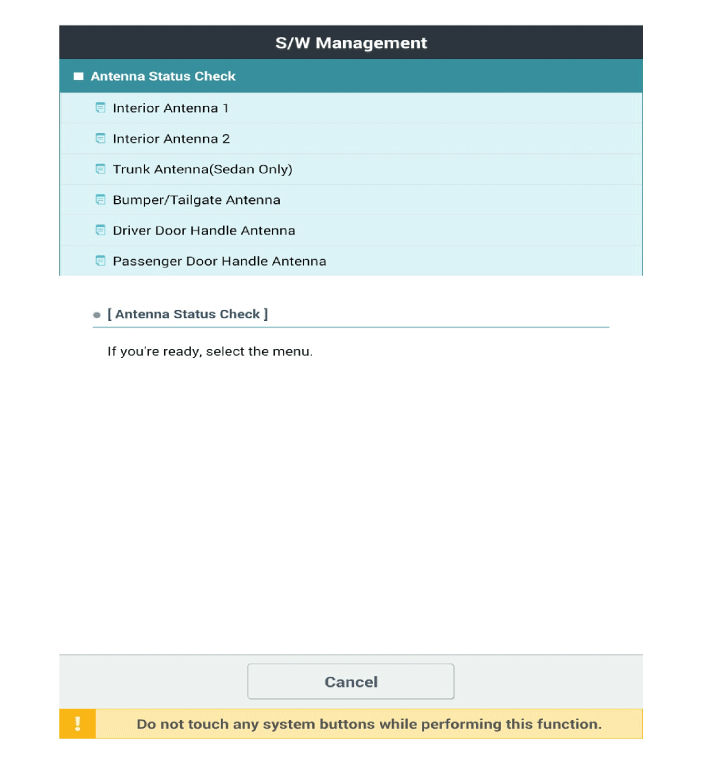
Place the smart key near the corresponding antenna and operate it using the KDS.
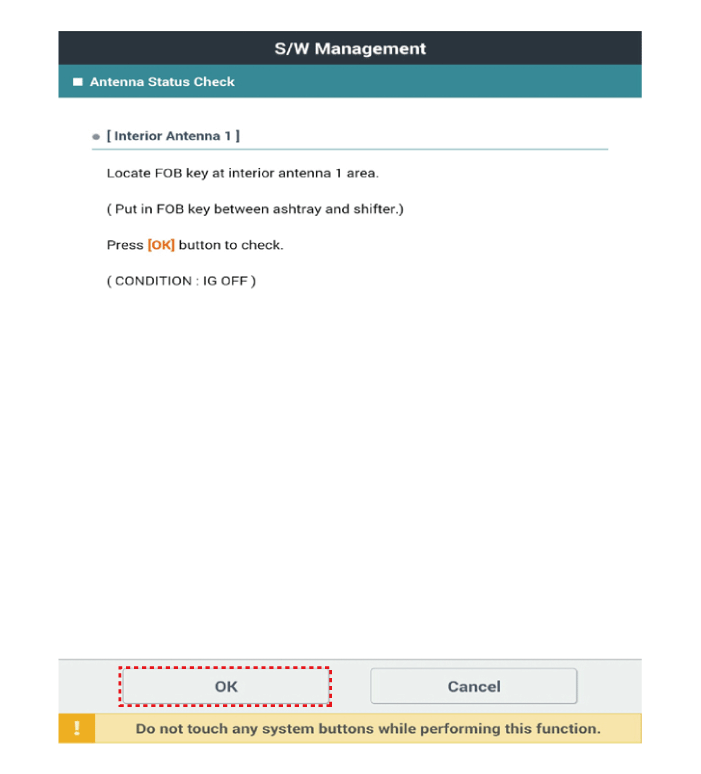
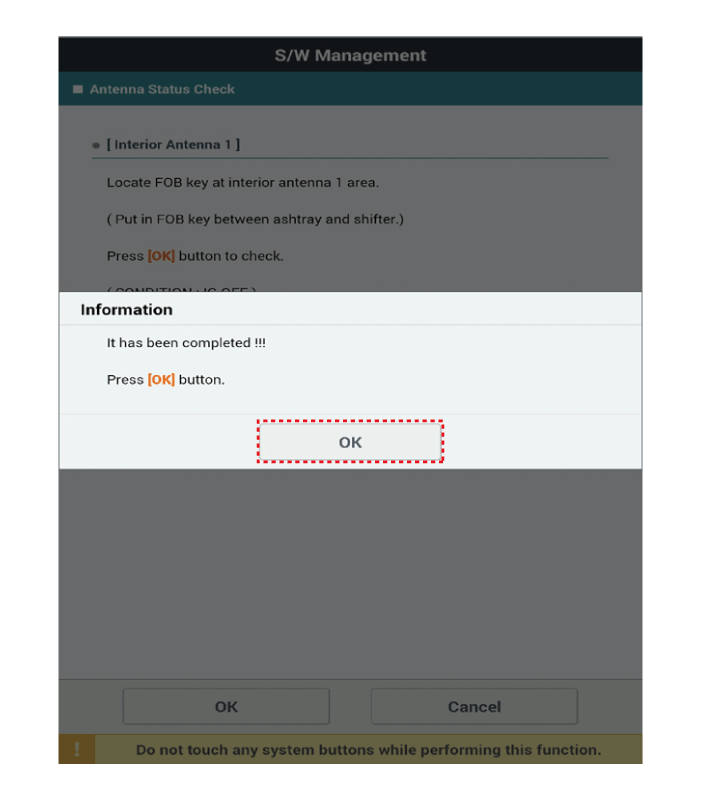
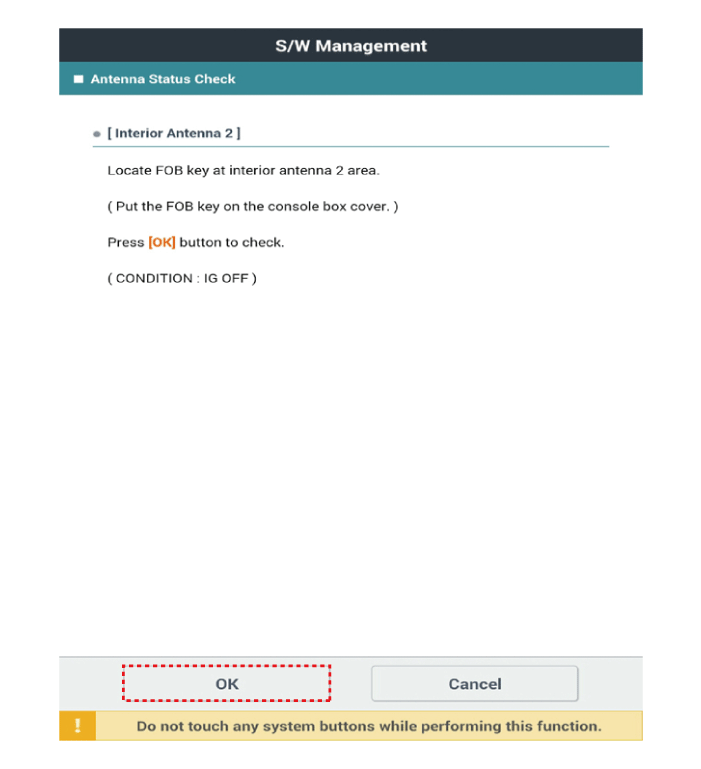
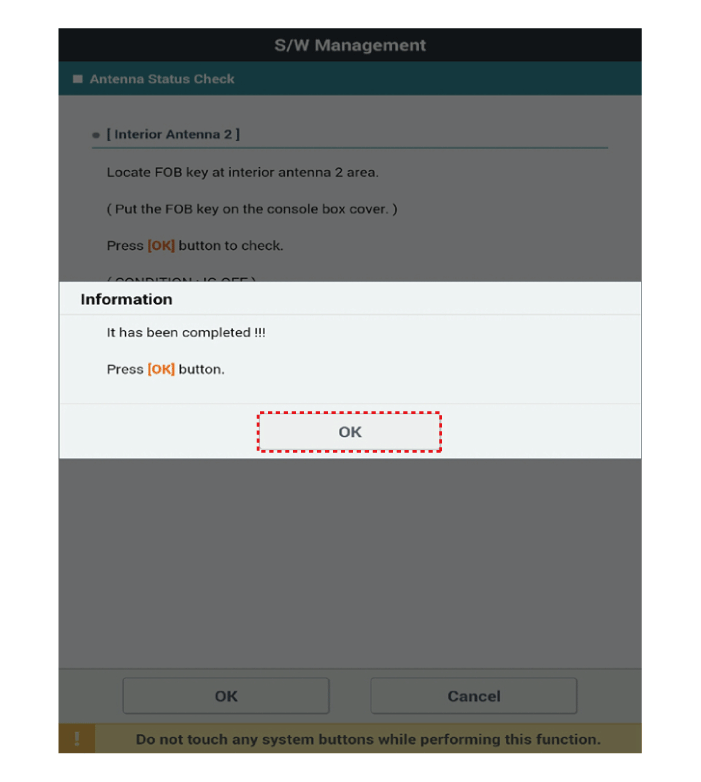
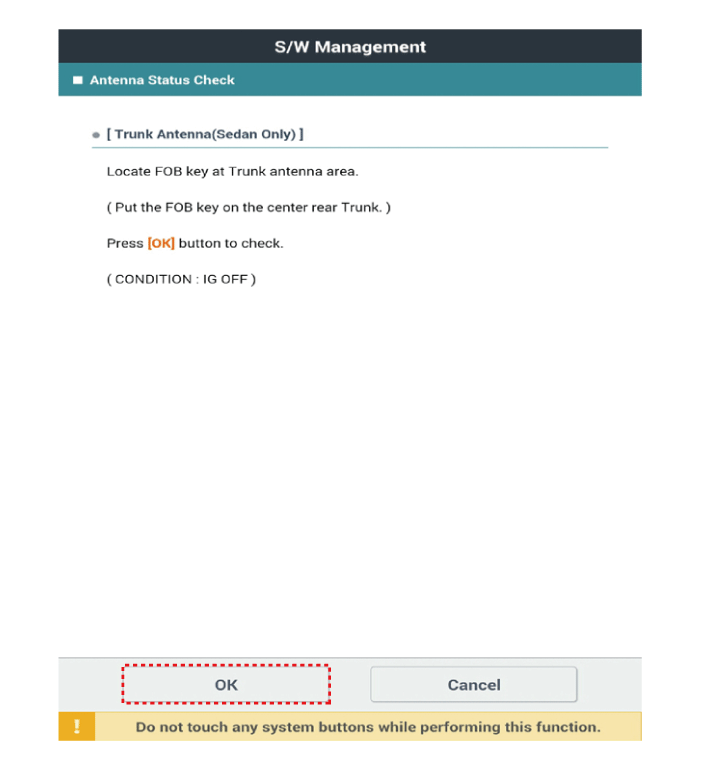
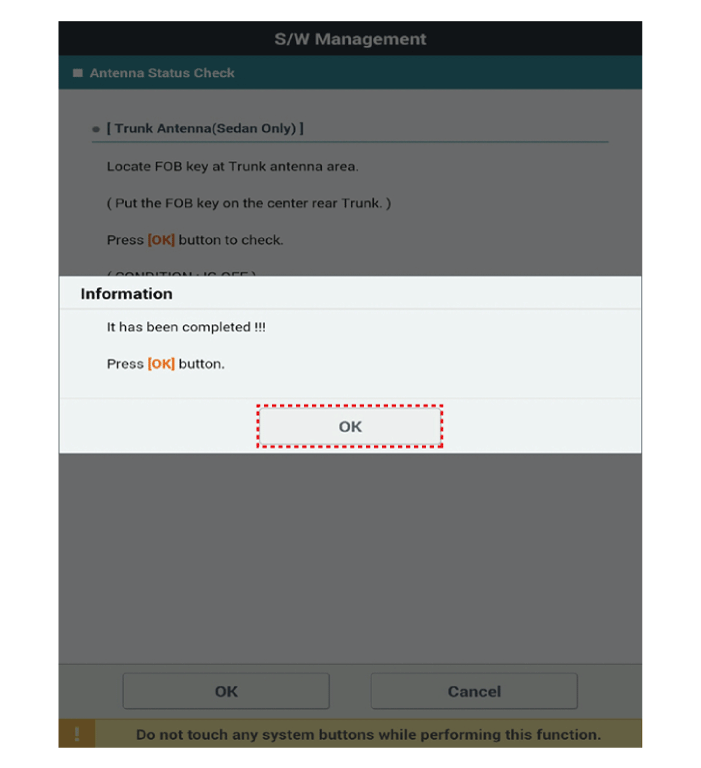
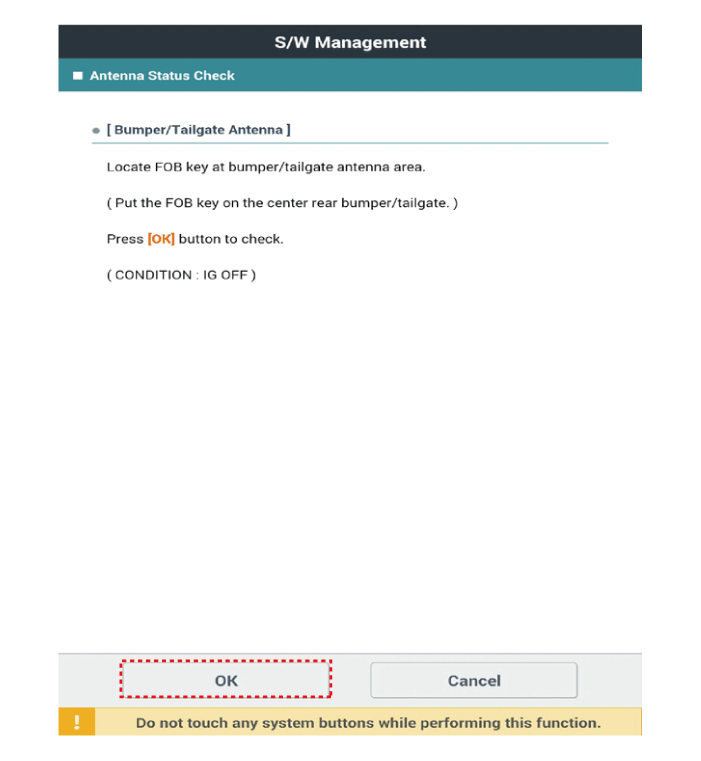
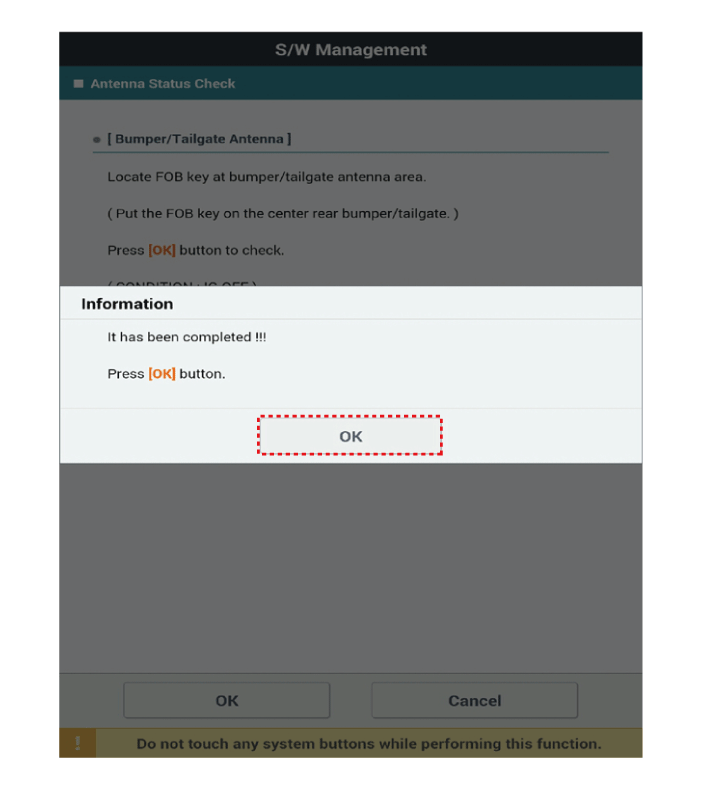
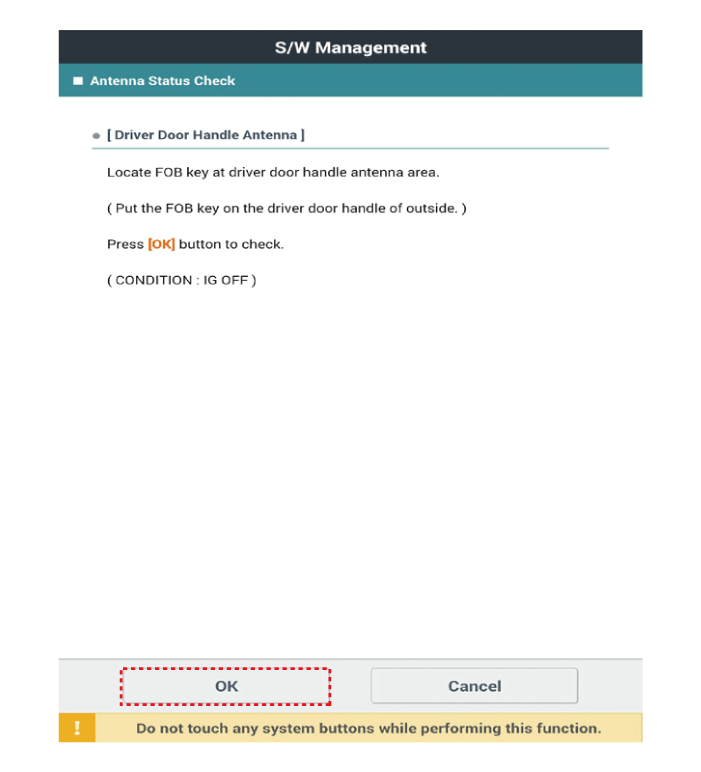
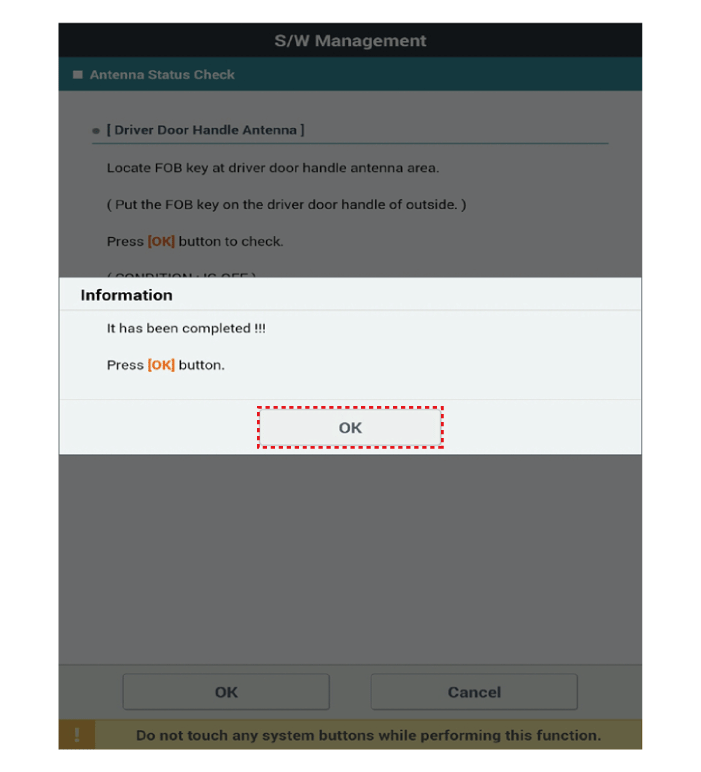
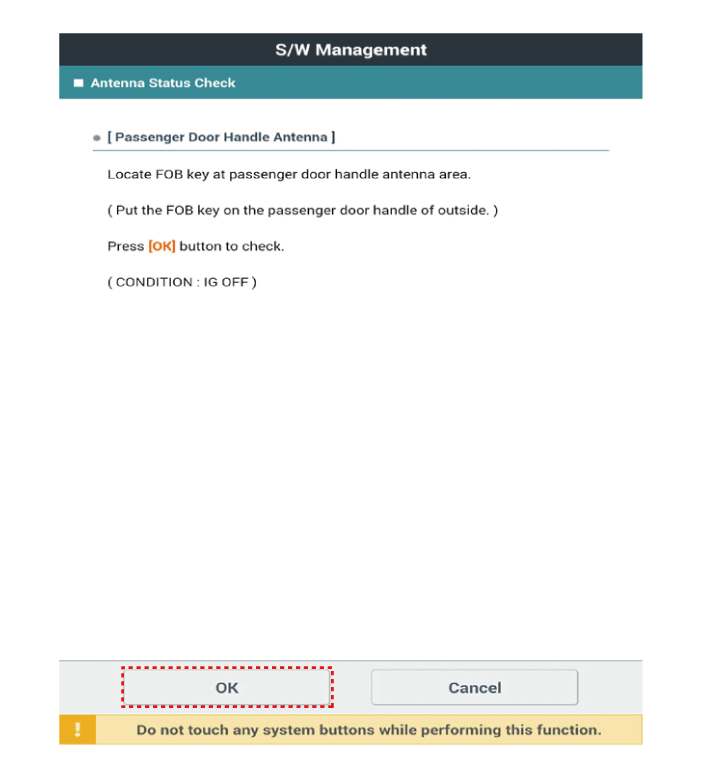
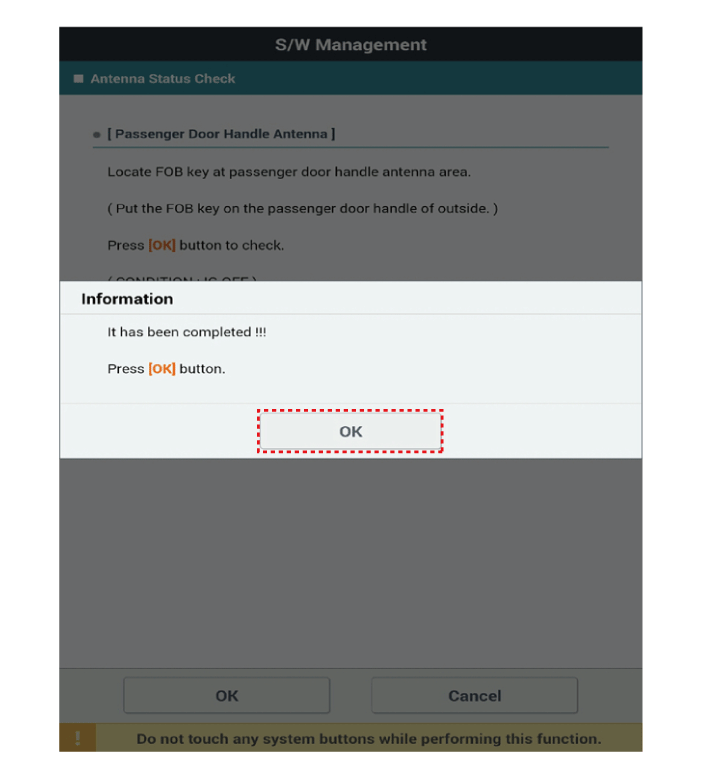
If the Smart Key operates normally, the corresponding antenna, Smart Key (transmission, reception) and external receiver are normal.
Antenna Status
Interior Antenna 1
Interior Antenna 2
Trunk Antenna
Bumper Antenna
Driver Door Antenna
Auxiliary Door Antenna
Test yourself
A quick Kia Forte BD quiz: every answer comes with an explanation and a link to the manual page.