CMBS Indicator
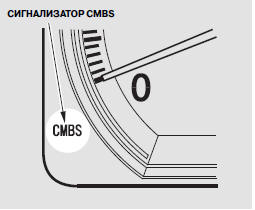
The indicator illuminates for a few seconds when the ignition switch is turned to the ON (II) position. It also illuminates (and remains on) when the CMBS is turned off by pressing the CMBS OFF switch.
To turn the CMBS back on, make sure the vehicle is stationary and the ignition switch is in the ON (II) position, then press and hold the CMBS OFF switch until a short beep sounds.
The indicator illuminates during normal CMBS operation in the following cases:
• When you turn the system off manually.
The system will remain in this state until you turn it back on manually.
• When the system automatically deactivates.
• Driving in bad weather (rain, fog, snow, etc.).
• The radar sensor cover is dirty with mud, dry leaves, wet snow, etc.
• When the VSA (Vehicle Stability Assist) indicator illuminates (page 402).
• When the ignition is turned on (ignition switch in the ON (II) position), the CMBS indicator illuminates briefly and then goes out. If the indicator illuminates at any other time, and the symbol appears on the multi-information display, which may be accompanied by the message "CHECK SYSTEM", this indicates a CMBS malfunction. You may continue driving, but the Collision Mitigation Braking System (CMBS) will not operate. Consult your dealer to have the vehicle inspected.
Test yourself
A quick Honda CR-V quiz: every answer comes with an explanation and a link to the manual page.