Visualizzazione delle funzioni sul display centrale
Function view, which is one of the center display's basic views, contains all of the vehicle's function buttons. From the Home view, navigate to Function view by swiping from left to right over the screen1.
Diversi tipi di pulsanti
Esistono tre diversi tipi di pulsanti per le funzioni del veicolo; vedere di seguito:
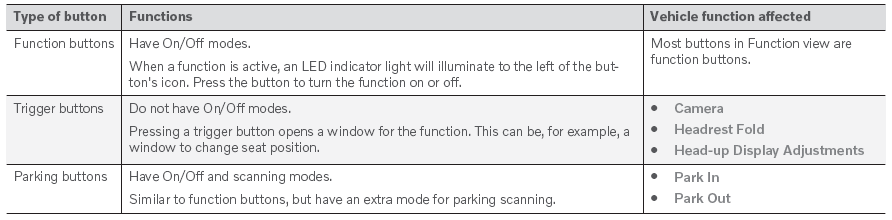
Modalità dei pulsanti
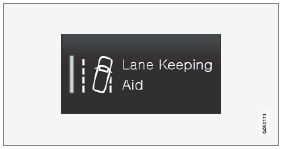
When a function or parking button's LED indicator is green, the function is activated (on). For some functions, an additional text explaining the function will be shown when the function is initially activated. The text will be displayed for a few seconds and then the button will be displayed with the LED indicator illuminated.
Per Lane Keeping Aid, ad esempio, il testo Funziona solo a determinate velocità viene visualizzato quando si preme il pulsante.
Premere il pulsante per attivare o disattivare brevemente la funzione.
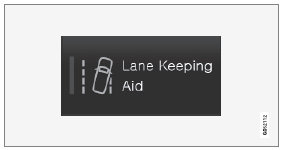
La funzione viene disattivata quando il LED si spegne.

A warning triangle in the right-hand section of the button indicates that something is not working correctly.
1 Applicabile ai veicoli con guida a sinistra. Per i veicoli con guida a destra, scorrere nella direzione opposta.
Mettiti alla prova
Un breve quiz sulla Volvo XC90: ogni risposta ha una spiegazione e un link alla pagina del manuale.