Просмотр функций на центральном дисплее
Function view, which is one of the center display's basic views, contains all of the vehicle's function buttons. From the Home view, navigate to Function view by swiping from left to right over the screen1.
Различные типы кнопок
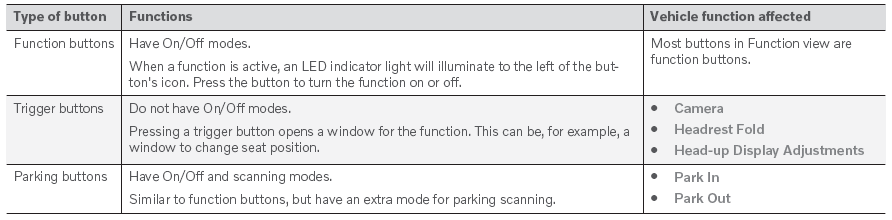
Существует три различных типа кнопок для функций транспортных средств; см. ниже:
Режимы кнопок
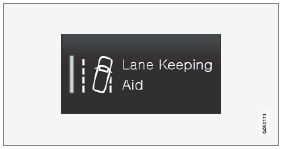
When a function or parking button's LED indicator is green, the function is activated (on). For some functions, an additional text explaining the function will be shown when the function is initially activated. The text will be displayed for a few seconds and then the button will be displayed with the LED indicator illuminated.
For Лейн соблюдает помощь, for example, the text Работает только на определенных скоростях will be displayed when the button is pressed.
Нажмите кнопку, когда -то кратко активируя или деактивируйте функцию.
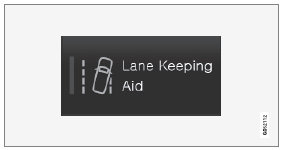
Функция деактивируется при выключении светодиодного индикатора.

A warning triangle in the right-hand section of the button indicates that something is not working correctly.
1 Applies for left-hand drive vehicles. Для правых транспортных средств проведите в другом направлении.
Проверьте себя
Короткий тест по Volvo XC90: после ответа — пояснение и ссылка на страницу руководства.