Vista de funciones en la pantalla central
Function view, which is one of the center display's basic views, contains all of the vehicle's function buttons. From the Home view, navigate to Function view by swiping from left to right over the screen1.
Distintos tipos de botones
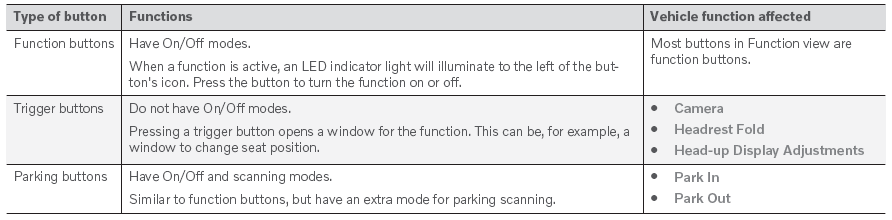
Existen tres tipos diferentes de botones para las funciones del vehículo; véase a continuación:
Modos de los botones
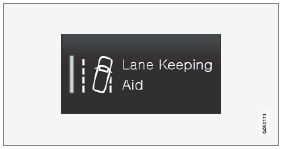
When a function or parking button's LED indicator is green, the function is activated (on). For some functions, an additional text explaining the function will be shown when the function is initially activated. The text will be displayed for a few seconds and then the button will be displayed with the LED indicator illuminated.
Para Asistente de mantenimiento de carril, por ejemplo, al pulsar el botón se mostrará el texto Funciona solo a determinadas velocidades.
Pulse el botón brevemente para activar o desactivar la función.
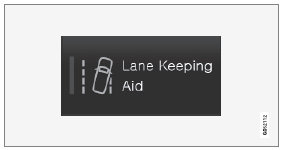
La función se desactiva cuando el indicador LED está apagado.

A warning triangle in the right-hand section of the button indicates that something is not working correctly.
1 Aplicable a vehículos con volante a la izquierda. Para vehículos con volante a la derecha, deslice en la dirección contraria.
Pon a prueba tus conocimientos
Un test rápido sobre el Volvo XC90: cada respuesta trae una explicación y un enlace a la página del manual.