Affichage des fonctions sur l'écran central
Function view, which is one of the center display's basic views, contains all of the vehicle's function buttons. From the Home view, navigate to Function view by swiping from left to right over the screen1.
Différents types de boutons
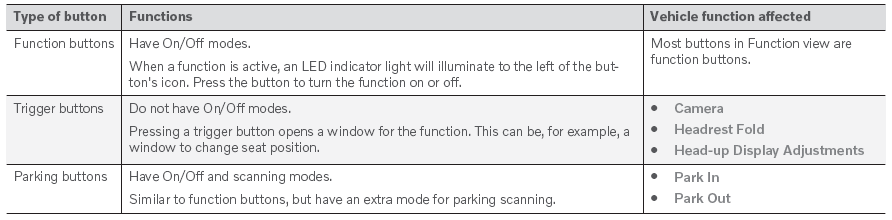
Il existe trois types de boutons pour les fonctions du véhicule ; voir ci-dessous :
Modes des boutons
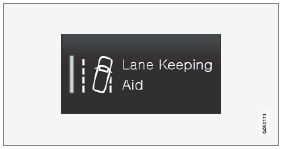
When a function or parking button's LED indicator is green, the function is activated (on). For some functions, an additional text explaining the function will be shown when the function is initially activated. The text will be displayed for a few seconds and then the button will be displayed with the LED indicator illuminated.
Pour Aide au maintien de voie, par exemple, le texte Fonctionne uniquement à certaines vitesses s'affiche lorsque le bouton est enfoncé.
Appuyez brièvement sur le bouton pour activer ou désactiver la fonction.
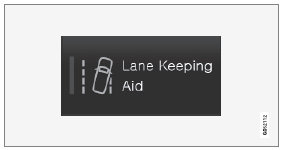
La fonction est désactivée lorsque le voyant LED s'éteint.

A warning triangle in the right-hand section of the button indicates that something is not working correctly.
1 Valable pour les véhicules à conduite à gauche. Pour les véhicules à conduite à droite, balayez dans le sens inverse.
Testez-vous
Un quiz rapide sur Volvo XC90 : chaque réponse est expliquée, avec un lien vers la page du manuel.