System settings
In this manual: System settings
~1min read
Press the key Select
[System] using the TUNE knob or the key Select the menu using
the knob TUNE
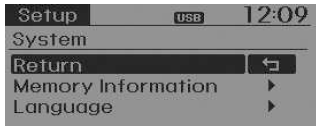
Memory Information
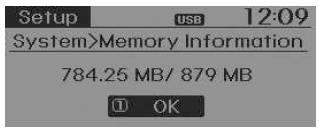
Displays the currently used memory and the total memory capacity of the system.
Select [Memory Information] OK The currently used memory is shown on the left, while the total memory capacity of the system is shown on the right.
Language
This menu is used to set the display language and the voice recognition language.
Select [Language]. Set using the TUNE knob
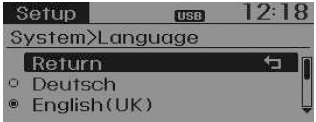
❈ After changing the language, the system will reinitialize.
❈ Language support by region
Test yourself
A quick Kia Rio YB quiz: every answer comes with an explanation and a link to the manual page.
Was this page helpful?