Displays and Controls
Changing Settings in Top View of the Center Display
In this manual: Displays and Controls
4steps
~24min
2/5difficulty
Done 0 of 4
You can change settings and information for many of the vehicle's functions via the center display.
- Open Top view by tapping the tab at the top of the screen or by dragging/swiping from the top of the screen downward.
- Tap Settings to open the Settings menu.
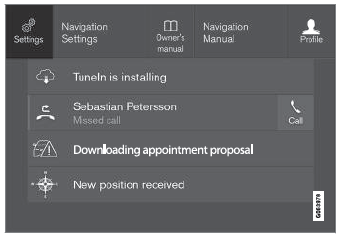
Top view with Settings button.
- Tap one of the categories and sub-categories to navigate to the desired setting.
- Change the setting(s). Different types of settings are changed in different ways.
- Changes are saved immediately.

A sub-category in the Settings menu with various possible settings; has a multi-selection button and radio buttons.
Test yourself
A quick Volvo XC90 quiz: every answer comes with an explanation and a link to the manual page.
Was this page helpful?