Écran et commandes vocales
Modification d'un réglage dans la vue supérieure de l'écran central
Dans ce manuel : Écran et commandes vocales
4étapes
~24min
2/5difficulté
Fait 0 sur 4
You can change settings and information for many of the vehicle's functions via the center display.
- Open Top view by tapping the tab at the top of the screen or by dragging/swiping from the top of the screen downward.
- Appuyez sur Paramètres pour ouvrir le menu Paramètres.
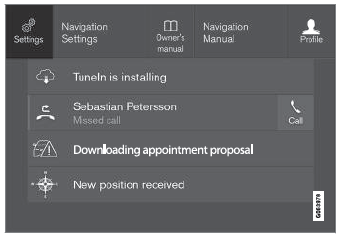
Vue supérieure avec le bouton Paramètres.
- Tap one of the categories and sub-categories to navigate to the desired setting.
- Change the setting(s). Different types of settings are changed in different ways.
- Les modifications sont enregistrées immédiatement.

A sub-category in the Settings menu with various possible settings; has a multi-selection button and radio buttons.
Testez-vous
Un quiz rapide sur Volvo XC90 : chaque réponse est expliquée, avec un lien vers la page du manuel.
Cette page vous a-t-elle été utile ?