System Description - Operation ++

In this manual: System Description - Operation ++
General Information — 8Engine :: Engine Mechanical — 19Engine Lubrication System - Precautions. Preparation — 1Engine Lubrication System - Lubrication System (System Description). Engine Oil Pressure (Basic Inspection). Service Data and Specifications (SDS) — 1Engine Cooling System - Precautions. Preparation. Service Data and Specifications (SDS) — 1Engine Cooling System - Engine Coolant — 1Engine Control System - System Description — 1System Description - Component Parts ++ — 1System Description - System ++ — 1Engine Control System - Ecu Diagnosis Information — 1Ecu Diagnosis Information - Ecm ++ — 1Engine Control System - Basic Inspection — 1Basic Inspection - Diagnosis and Repair Workflow ++ — 1Basic Inspection - Basic Inspection ++ — 1Basic Inspection - Additional Service When Replacing Ecm ++ — 1Basic Inspection - Fuel Pressure Check ++ — 1Basic Inspection - How to Set Srt Code ++ — 1Basic Inspection - How to Erase Permanent Dtc ++ — 1Engine Control System - Dtc/circuit Diagnosis — 1Engine Control System - Symptom Diagnosis — 1Engine Control System - Periodic Maintenance — 1Engine Control System - Removal and Installation — 1Fuel System - Precautions. Preparation. Service Data and Specifications (SDS) — 1Fuel System - Fuel System (Periodic Maintenance). Fuel Level Sensor Unit (Disassembly and Assembly) — 1Exhaust System - Precautions. Preparation — 1Exhaust System - Exhaust System (Periodic Maintenance). Exhaust System (Removal and Installation) — 1Starting System - Precautions. Preparation. Starter Motor (Service Data and Specifications (sds)) — 1Starting System - Diagnosis and Repair Work Flow — 1Starting System - Starting System (Symptom Diagnosis). Starter Motor (Removal and Installation) — 1Accelerator Control System - Precautions. Service Data and Specifications (SDS) — 1Accelerator Control System - Accelerator Pedal Assembly — 1Transmission & Driveline :: Transaxle & Transmission — 21Driveline - System Description — 1Transfer: Ty92b - Ecu Diagnosis Information. Awd Control Unit ++ — 1Driveline - Basic Inspection — 1Driveline - Dtc/circuit Diagnosis — 1Driveline - Symptom Diagnosis — 1Driveline - Removal and Installation — 1Transfer: Ty92b - Unit Removal and Installation. Transfer Assembly ++ — 1Driveline - Unit Disassembly and Assembly — 1Driveline - Basic Inspection — 1Driveline - Removal and Installation — 1Driveline - Unit Disassembly and Assembly — 1Front Axle - Precautions. Preparation — 1Front Axle - Noise, Vibration and Harshness (nvh) Troubleshooting (Symptom Diagnosis). Service Data and Specifications (SDS) — 1Front Axle - Front Drive Shaft Boot — 1Front Axle - Front Drive Shaft — 1Rear Axle - Precautions. Preparation. Service Data and Specifications (SDS) — 1Rear Axle - Noise, Vibration and Harshness (nvh) Troubleshooting — 1Rear Axle - Rear Drive Shaft — 1Suspension :: Front Suspension — 7Rear Suspension - Precautions. Preparation — 1Rear Suspension - Noise, Vibration and Harshness (nvh) Troubleshooting (Symptom Diagnosis). Service Data and Specifications (SDS) — 1Rear Suspension - Rear Suspension Assembly — 1Road Wheels & Tires - Precautions — 1Road Wheels & Tires - Preparation. Bcm (Ecu Diagnosis Information). Service Data and Specifications (SDS) — 1Road Wheels & Tires - System — 1Brakes :: Brake System — 9Parking Brake System - Precautions. Preparation — 1Parking Brake System - System — 1Vdc/tcs/abs - Precautions ++ — 1Brake Control System - System Description — 1System Description - Component Parts ++ — 1System Description - System ++ — 1Brake Control System - Basic Inspection — 1Brake Control System - Symptom Diagnosis — 1Brake Control System - Removal and Installation — 1Brake Control System - System Description — 1Brake Control System - Dtc/circuit Diagnosis — 1Brake Control System - Removal and Installation — 1Brake Control System - System Description — 1Brake Control System - Basic Inspection — 1Brake Control System - Symptom Diagnosis — 1Brake Control System - System Description — 1Brake Control System - Basic Inspection — 1Brake Control System - Symptom Diagnosis — 1Steering :: Steering System — 9Steering Control System - Precautions — 1Steering Control System - System — 1Steering Control System - Eps Control Unit (Ecu Diagnosis Information. Removal and Installation) — 1Restraints :: Seat Belt — 7Srs Air Bag - Precautions. Preparation — 1Srs Air Bag - Collision Diagnosis — 1Srs Air Bag - Occupant Classification System — 1Srs Air Bag Control System - Precautions — 1Srs Air Bag Control System - System — 1Srs Air Bag Control System - Diagnosis Sensor Unit — 1Srs Air Bag Control System - Inspection and Adjustment — 1Ventilation, Heater & Air Conditioner :: Ventilation System — 6Heater & Air Conditioning System - Precautions — 1Heater & Air Conditioning System - Preparation — 1Heater & Air Conditioning System - Component Parts — 1Heater & Air Conditioning System - Diagnosis and Repair Work Flow — 1Heater & Air Conditioning System - Compressor — 1Heater & Air Conditioning System - Cooler Pipe and Hose — 1Heater & Air Conditioning System - Condenser. Condenser — 1Heater & Air Conditioning System - Heating and Cooling Unit Assembly — 1Heater & Air Conditioning System - Service Data and Specifications (SDS) — 1Heater & Air Conditioning Control System - System Description — 1System Description - Component Parts ++ — 1System Description - System ++ — 1System Description - Operation ++ — 1Heater & Air Conditioning Control System - Ecu Diagnosis Information — 1Heater & Air Conditioning Control System - Basic Inspection — 1Heater & Air Conditioning Control System - Dtc/circuit Diagnosis — 1Heater & Air Conditioning Control System - Symptom Diagnosis — 1Heater & Air Conditioning Control System - Removal and Installation — 1Body Interior :: Interior — 8Instrument Panel - Precautions. Preparation. Clip List — 1Instrument Panel - Squeak and Rattle Trouble Diagnoses — 1Instrument Panel - Cluster Lid C — 1Seat - Precautions — 1Seat - Preparation. Clip List — 1Seat - Component Parts — 1Seat - System — 1Seat - Diagnosis and Repair Work Flow — 1Seat - Front Seat — 1Seat - Second Row Seats — 1Seat - Third Row Seats — 1Seat - Front Seat — 1Seat - Second Row Seat — 1Seat - Third Row Seat — 1Automatic Drive Positioner - Precautions. Preparation — 1Automatic Drive Positioner - System — 1Automatic Drive Positioner - Diagnosis and Repair Work Flow — 1Automatic Drive Positioner - Inspection and Adjustment — 1Body Exterior, Doors, Roof & Vehicle Security :: Door & Lock — 38Security Control System - Precautions — 1Security Control System - System — 1Security Control System - Ecm, Bcm, Intelligent Key Unit, Ipdm E/r — 1Security Control System - Vehicle Security System Cannot Be Set — 1Glass & Window System - Precautions. Preparation — 1Glass & Window System - Squeak and Rattle Trouble Diagnoses — 1Power Window Control System - Precautions. Preparation — 1Power Window Control System - Power Supply and Ground Circuit — 1Power Window Control System - Power Window Motor Circuit — 1Power Window Control System - Front Power Window Rh Alone Does Not Operate — 1Power Window Control System - Rear Lh Side Power Window Alone Does Not Operate — 1Power Window Control System - Rear Rh Side Power Window Alone Does Not Operate — 1Roof - Precautions. Preparation — 1Roof - Power Supply and Ground Circuit — 1Roof - Moonroof Switch Assembly — 1Roof - Lin Communication Circuit — 1Roof - Auto Operation Does Not Operate — 1Roof - Anti-Pinch Function Does Not Operate — 1Exterior - Precautions. Preparation. Clip List (Preparation) — 1Exterior - Squeak and Rattle Trouble Diagnoses — 1Exterior - Fender Protector — 1Exterior - Over Fender — 1Exterior - Under Cover — 1Exterior - Roof Side Rail — 1Body Repair - Service Information — 1Service Information - Sheet Metal Work ++ — 1Service Information - Body Welding and Precautions ++ — 1Service Information - Safety and Health ++ — 1Service Information - Repairing Procedures and Precautions ++ — 1Body Repair - Precaution — 1Body Repair - Preparation — 1Body Repair - Removal and Installation — 1Driver Controls :: Mirrors — 8Exterior Lighting System - System Description — 1System Description - Component Parts ++ — 1Exterior Lighting System - Basic Inspection — 1Exterior Lighting System - Dtc/circuit Diagnosis — 1Exterior Lighting System - Symptom Diagnosis — 1Exterior Lighting System - Periodic Maintenance — 1Exterior Lighting System - Removal and Installation — 1Interior Lighting System - Precautions. Preparation — 1Interior Lighting System - Component Parts. Interior Lighting System — 1Interior Lighting System - System — 1Interior Lighting System - Diagnosis and Repair Work Flow — 1Interior Lighting System - Interior Lighting System Symptoms (Symptom Diagnosis). Bcm (Ecu Diagnosis Information). Service Data and Specifications (SDS) — 1Interior Lighting System - Foot Lamp — 1Wiper & Washer - Precautions — 1Wiper & Washer - Preparation. Bcm, Ipdm E/r (Ecu Diagnosis Information). Service Data and Specifications (SDS) — 1Wiper & Washer - System — 1Wiper & Washer - Diagnosis and Repair Work Flow — 1Defogger - Precautions. Bcm, A/c Auto Amp. (Ecu Diagnosis Information) — 1Defogger - Diagnosis and Repair Work Flow — 1Horn - Precautions — 1Electrical & Power Control :: Power Outlet — 13Body Control System - Precautions. Preparation — 1Body Control System - Component Parts — 1Body Control System - System — 1Body Control System - Diagnosis System (bcm) — 1Body Control System - Bcm — 1Lan System - System Description — 1Lan System - System Description — 1Lan System - Dtc/circuit Diagnosis — 1Lan System - System Description — 1Lan System - Dtc/circuit Diagnosis — 1Power Control System - System Description — 1Power Control System - Basic Inspection — 1Power Control System - Dtc/circuit Diagnosis — 1Power Control System - System Description — 1Power Control System - Basic Inspection — 1Power Control System - Dtc/circuit Diagnosis — 1Power Control System - Removal and Installation — 1Charging System - Precautions. Preparation. Ecm, Ipdm E/r (Ecu Diagnosis Information) — 1Charging System - Diagnosis and Repair Work Flow — 1Charging System - Charging System (Symptom Diagnosis). Generator (Removal and Installation). Service Data and Specifications (SDS) — 1Power Supply, Ground & Circuit Elements - Precautions. Preparation. Service Data and Specifications (SDS) — 1Driver Information & Multimedia :: Meter, Warning Lamp & Indicator — 25Warning Chime System - Application Notice (How to Use This Manual). Precautions — 1Warning Chime System - System — 1Warning Chime System - Diagnosis System (combination Meter) — 1Warning Chime System - Bcm, Combination Meter (Ecu Diagnosis Information). Diagnosis and Repair Work Flow (Basic Inspection) — 1Sonar System - Precautions. Preparation — 1Sonar System - Sonar Control Unit — 1Dtc/circuit Diagnosis - B2720 Corner Sensor [rl] ++ — 1Audio, Visual & Navigation System - System Description — 1System Description - Component Parts ++ — 1System Description - System ++ — 1Audio, Visual & Navigation System - Ecu Diagnosis Information — 1Audio, Visual & Navigation System - Basic Inspection — 1Audio, Visual & Navigation System - Dtc/circuit Diagnosis — 1Dtc/circuit Diagnosis - Multi Av (av Control Unit) ++ — 1Audio, Visual & Navigation System - Symptom Diagnosis — 1Symptom Diagnosis - Multi Av System ++ — 1Audio, Visual & Navigation System - Removal and Installation — 1Audio, Visual & Navigation System - System Description — 1Audio, Visual & Navigation System - Ecu Diagnosis Information — 1Audio, Visual & Navigation System - Basic Inspection — 1Audio, Visual & Navigation System - Dtc/circuit Diagnosis — 1Audio, Visual & Navigation System - Symptom Diagnosis — 1Audio, Visual & Navigation System - Removal and Installation — 1Audio, Visual & Navigation System - System Description — 1Audio, Visual & Navigation System - Basic Inspection — 1Audio, Visual & Navigation System - Dtc/circuit Diagnosis — 1Audio, Visual & Navigation System - Symptom Diagnosis — 1Audio, Visual & Navigation System - Removal and Installation — 1Audio, Visual & Navigation System - System Description — 1Audio, Visual & Navigation System - Basic Inspection — 1Audio, Visual & Navigation System - Dtc/circuit Diagnosis — 1Audio, Visual & Navigation System - Symptom Diagnosis — 1Audio, Visual & Navigation System - Removal and Installation — 1Cruise Control & Driver Assistance :: Cruise Control System — 17Driver Assistance System - System Description — 1Driver Assistance System - Basic Inspection — 1Driver Assistance System - Dtc/circuit Diagnosis — 1Driver Assistance System - System Description — 1System Description - Component Parts ++ — 1System Description - System ++ — 1System Description - Operation ++ — 1System Description - Handling Precaution ++ — 1Driver Assistance System - Ecu Diagnosis Information — 1Driver Assistance System - Basic Inspection — 1Basic Inspection - Distance Sensor Alignment ++ — 1Basic Inspection - Camera Aiming Adjustment ++ — 1Basic Inspection - Action Test ++ — 1Driver Assistance System - Dtc/circuit Diagnosis — 1Dtc/circuit Diagnosis - Laser/radar (distance Sensor) ++ — 1Dtc/circuit Diagnosis - Lane Camera (front Camera Unit) ++ — 1Driver Assistance System - Symptom Diagnosis — 1Driver Assistance System - Removal and Installation — 1Driver Assistance System - System Description — 1System Description - System ++ — 1Driver Assistance System - Basic Inspection — 1Driver Assistance System - Dtc/circuit Diagnosis — 1Drive Mode System - Precautions — 1Drive Mode System - Component Parts. Drive Mode System — 1Drive Mode System - System — 1Drive Mode System - Diagnosis and Repair Work Flow — 1Drive Mode System - Drive Mode Select Switch Circuit — 1Maintenance - Precautions. Preparation — 1Maintenance - General Maintenance — 1Maintenance - Periodic Maintenance — 1Maintenance - Recommended Fluids and Lubricants — 1Maintenance - Engine Maintenance — 1Maintenance - Chassis and Body Maintenance — 1Engine Lubrication System - Periodic Maintenance — 1Engine Lubrication System - Removal and Installation — 1Engine Cooling System - System Description — 1Engine Cooling System - Removal and Installation — 1Engine Control System - Vq35dd — 1Fuel System - Removal and Installation — 1Starting System - System Description — 1Starting System - Dtc/circuit Diagnosis — 1Driveline - Transfer: Ty92b — 1Driveline - Rear Propeller Shaft: 3fcj-Cvj — 1Driveline - Rear Final Drive: R145 — 1Front Axle - Periodic Maintenance — 1Front Axle - Removal and Installation — 1Rear Axle - Periodic Maintenance — 1Rear Axle - Removal and Installation — 1Rear Suspension - Removal and Installation — 1Road Wheels & Tires - System Description — 1Road Wheels & Tires - Basic Inspection — 1Road Wheels & Tires - Dtc/circuit Diagnosis — 1Road Wheels & Tires - Symptom Diagnosis — 1Road Wheels & Tires - Periodic Maintenance — 1Road Wheels & Tires - Removal and Installation — 1Parking Brake System - System Description — 1Parking Brake System - Basic Inspection — 1Parking Brake System - Dtc/circuit Diagnosis — 1Parking Brake System - Symptom Diagnosis — 1Parking Brake System - Removal and Installation — 1Brake Control System - Vdc/tcs/abs — 1Brake Control System - Automatic Brake Hold — 1Brake Control System - Automatic Emergency Braking — 1Brake Control System - Rear Automatic Braking — 1Steering Control System - System Description — 1Steering Control System - Basic Inspection — 1Steering Control System - Dtc/circuit Diagnosis — 1Steering Control System - Symptom Diagnosis — 1Srs Air Bag - Removal and Installation — 1Srs Air Bag Control System - System Description — 1Srs Air Bag Control System - Basic Inspection — 1Srs Air Bag Control System - Symptom Diagnosis — 1Heater & Air Conditioning System - Symptom Diagnosis — 1Heater & Air Conditioning System - Periodic Maintenance — 1Heater & Air Conditioning Control System - Automatic Air Conditioning — 1Instrument Panel - Removal and Installation — 1Instrument Panel - Unit Disassembly and Assembly — 1Seat - Ecu Diagnosis Information — 1Seat - Dtc/circuit Diagnosis — 1Seat - Symptom Diagnosis — 1Automatic Drive Positioner - System Description — 1Automatic Drive Positioner - Ecu Diagnosis Information — 1Automatic Drive Positioner - Dtc/circuit Diagnosis — 1Automatic Drive Positioner - Symptom Diagnosis — 1Automatic Drive Positioner - Removal and Installation — 1Security Control System - System Description — 1Security Control System - Basic Inspection — 1Security Control System - Dtc/circuit Diagnosis — 1Security Control System - Symptom Diagnosis — 1Security Control System - Removal and Installation — 1Glass & Window System - Removal and Installation — 1Power Window Control System - System Description — 1Power Window Control System - Ecu Diagnosis Information — 1Power Window Control System - Basic Inspection — 1Power Window Control System - Dtc/circuit Diagnosis — 1Power Window Control System - Symptom Diagnosis — 1Power Window Control System - Removal and Installation — 1Roof - System Description — 1Roof - Ecu Diagnosis Information — 1Roof - Basic Inspection — 1Roof - Dtc/circuit Diagnosis — 1Roof - Symptom Diagnosis — 1Roof - Removal and Installation — 1Exterior - System Description — 1Exterior - Removal and Installation — 1Body Repair - Repair Information — 1Exterior Lighting System - Led Headlamp — 1Interior Lighting System - Dtc/circuit Diagnosis — 1Interior Lighting System - Removal and Installation — 1Wiper & Washer - System Description — 1Wiper & Washer - Dtc/circuit Diagnosis — 1Wiper & Washer - Symptom Diagnosis — 1Wiper & Washer - Removal and Installation — 1Defogger - System Description — 1Defogger - Dtc/circuit Diagnosis — 1Defogger - Symptom Diagnosis — 1Defogger - Removal and Installation — 1Horn - Removal and Installation — 1Body Control System - Basic Inspection — 1Body Control System - Dtc/circuit Diagnosis — 1Body Control System - Symptom Diagnosis — 1Body Control System - Removal and Installation — 1Lan System - Can Fundamental — 1Lan System - Can — 1Lan System - Can Gateway — 1Power Control System - Ipdm E/r — 1Power Control System - Power Distribution System — 1Charging System - System Description — 1Charging System - Dtc/circuit Diagnosis — 1Power Supply, Ground & Circuit Elements - System Description — 1Power Supply, Ground & Circuit Elements - Basic Inspection — 1Power Supply, Ground & Circuit Elements - Removal and Installation — 1Warning Chime System - System Description — 1Warning Chime System - Dtc/circuit Diagnosis — 1Warning Chime System - Symptom Diagnosis — 1Sonar System - System Description — 1Sonar System - Basic Inspection — 1Sonar System - Dtc/circuit Diagnosis — 1Sonar System - Symptom Diagnosis — 1Sonar System - Removal and Installation — 1Audio, Visual & Navigation System - Nissanconnect — 1Audio, Visual & Navigation System - Intelligent Around View Monitor System — 1Audio, Visual & Navigation System - Rear View Monitor System — 1Audio, Visual & Navigation System - Telematics System — 1Driver Assistance System - Adas Control Unit 2 — 1Driver Assistance System - Driver Assistance System — 1Driver Assistance System - Chassis Control — 1Drive Mode System - Removal and Installation — 1Dtc/circuit Diagnosis (C053c Wheel Speed Sensor ... U2141 Can Comm Circuit) — 1Dtc/circuit Diagnosis (P0011 Intake Valve Timing Control ... P0111 Iat Sensor) — 1Dtc/circuit Diagnosis (P0116 Engine Coolant Temperature Sensor ... P025b Fuel Pump Module a) — 1Dtc/circuit Diagnosis (P026b Injection Timing ... P0420 Three Way Catalyst Function) — 1Dtc/circuit Diagnosis (P0441 Evap Control System ... P0524 Engine Oil Pressure) — 1Dtc/circuit Diagnosis (P0532 A/c Refrigerant Pressure Sensor ... P064d Ecm) — 1Dtc/circuit Diagnosis (P06da Engine Oil Pressure Control Solenoid Valve ... P1217 Engine Over Temperature) — 1Dtc/circuit Diagnosis (P1220 Fuel Pump Control Module (fpcm) ... P1574 Ascd Vehicle Speed Sensor) — 1Dtc/circuit Diagnosis (P1575 Brake Switch ... P2101 Electric Throttle Control Function) — 1Dtc/circuit Diagnosis (P2118 Throttle Control Motor ... P34ac Electric Intake Valve Timing Control Actuator) — 1Dtc/circuit Diagnosis (Active Grille Shutter ... High Pressure Fuel Pump) — 1Dtc/circuit Diagnosis (Ignition Signal ... Variable Induction Air System) — 14012 C1040 Emergency Brake — 14013 C106a Wheel Sensor — 14014 C1078-55 Not Configuration — 14015 C10b4-98 Overheat — 14016 B1001 Lap Pre-Tensioner Lh — 14017 B0001 Driver Air Bag Module — 14018 B100e Knee Air Bag Module Rh — 14019 B142x Collision Detection — 1Dtc/circuit Diagnosis (B20c7-11 A/c Clutch ... B24a6-11 in-Vehicle Sensor) — 1Dtc/circuit Diagnosis (B24a6-15 in-Vehicle Sensor ... U2140-87 Can Comm Err (ecm)) — 1Dtc/circuit Diagnosis (C1f00-1c Control Unit ... C1f04-61 Brake Sw/stop Lamp Sw) — 1Dtc/circuit Diagnosis (C1f05-49 Front Camera Unit ... C1f70-87 Ethernet Circuit) — 1
56steps
~336min
4/5difficulty
Done 0 of 56

I-Fcw

7 Inch Information Display

Operation

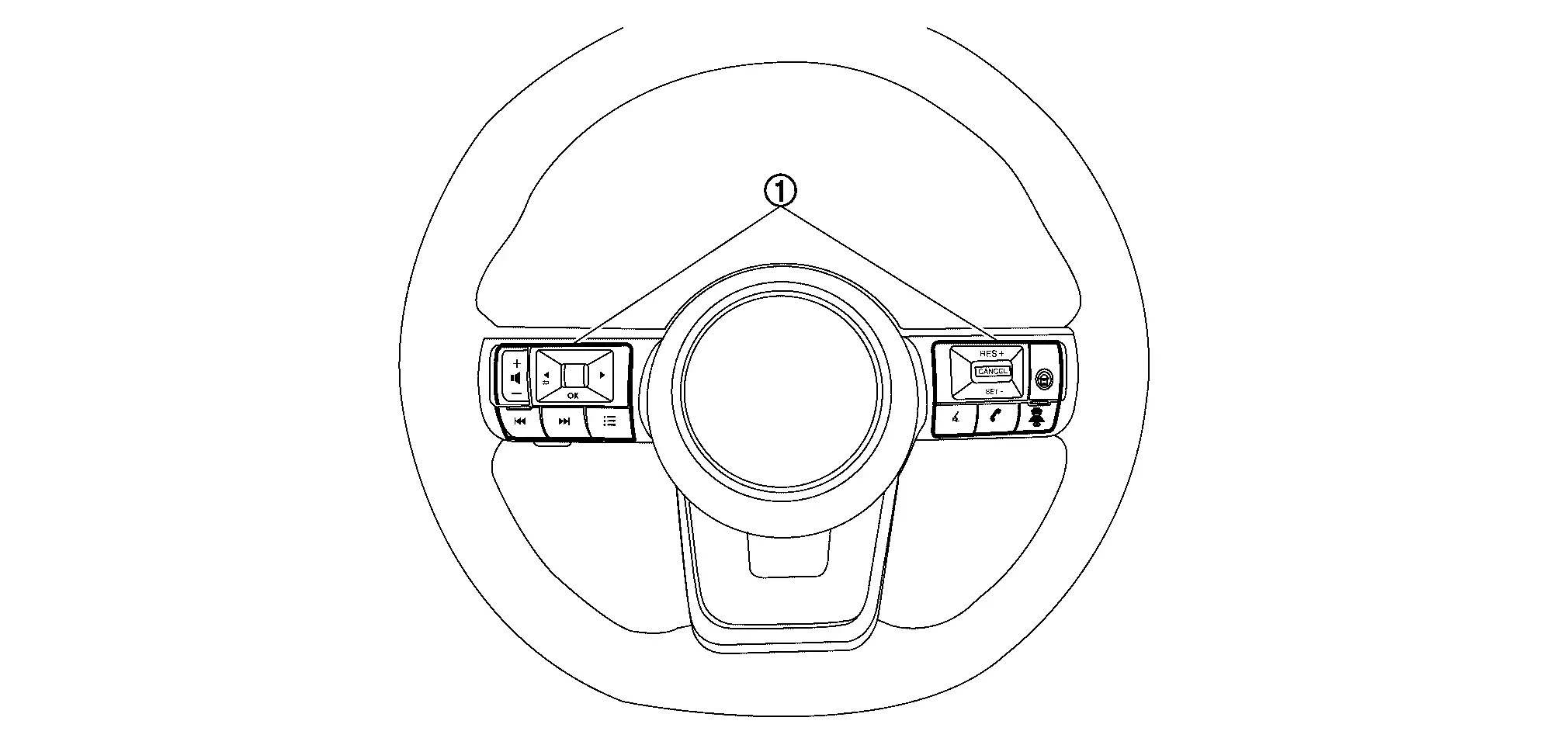
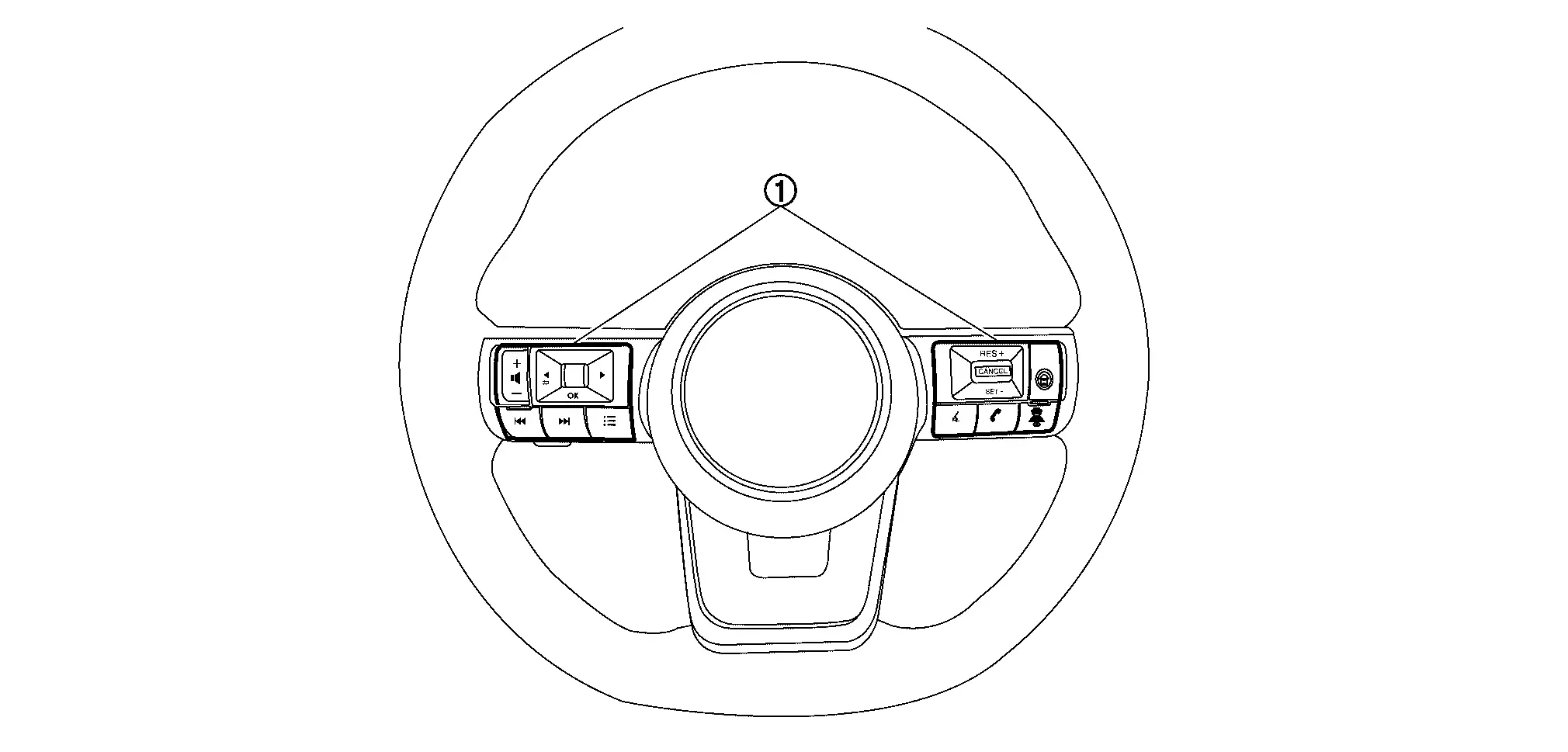
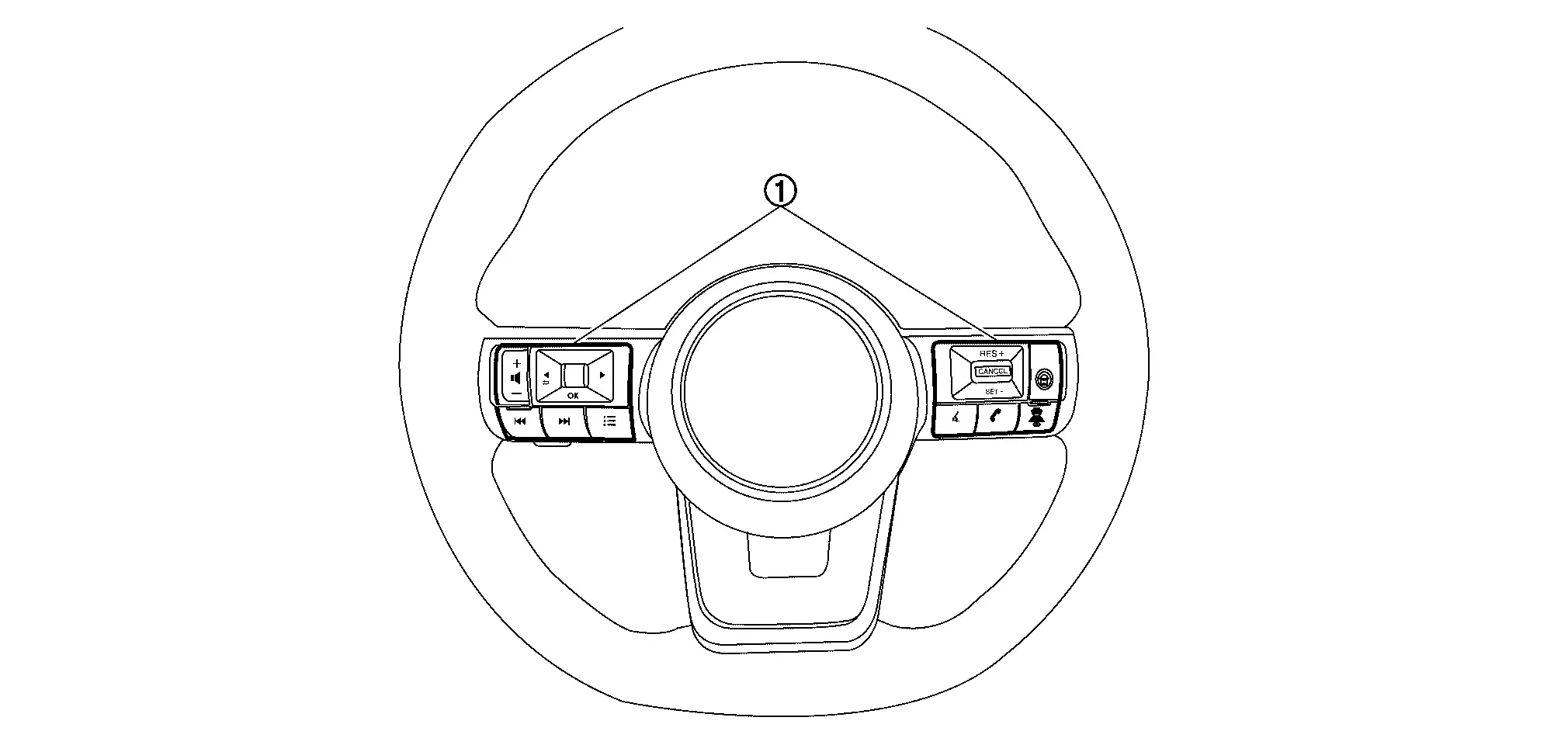
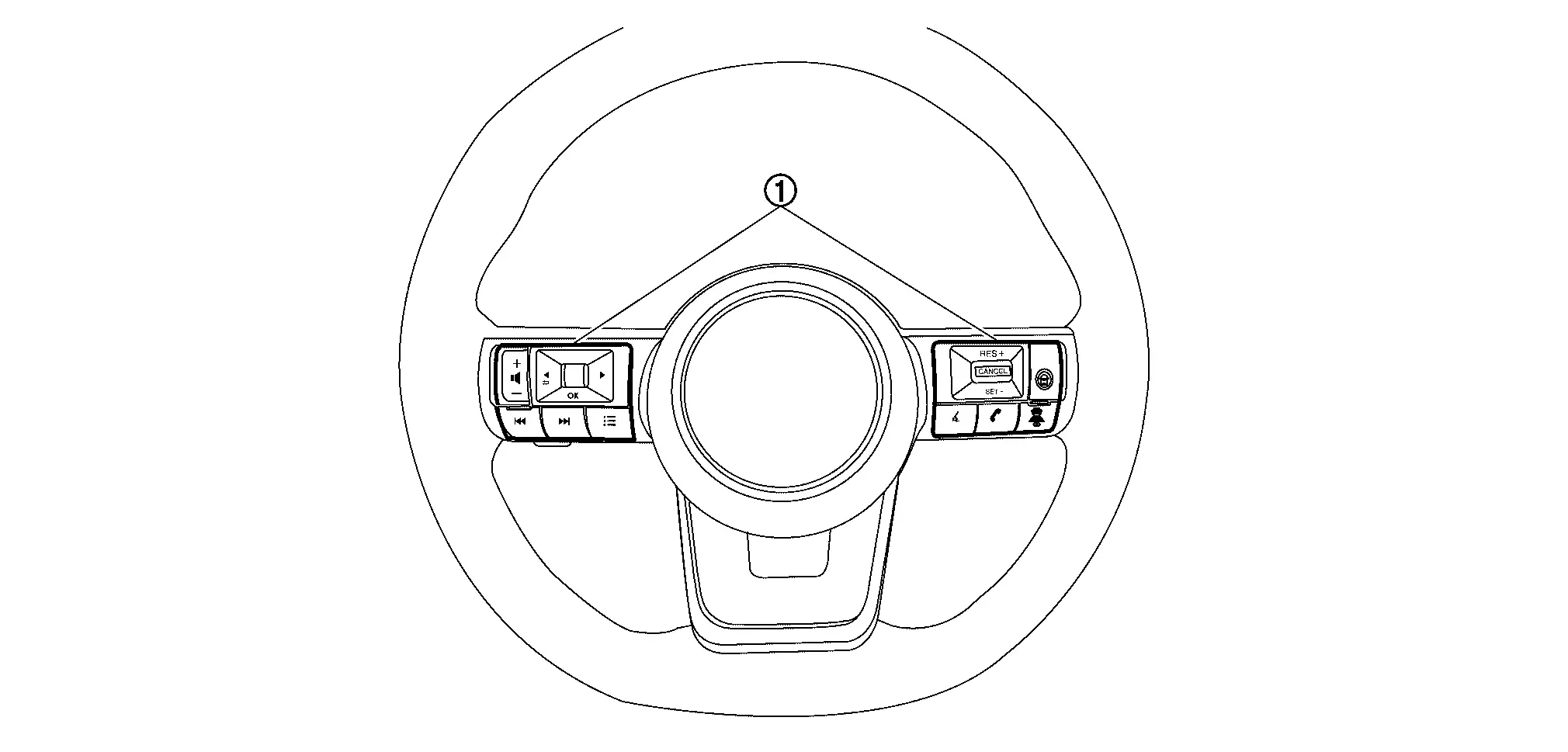
SWITCH NAME AND FUNCTION

No. Switch name Description
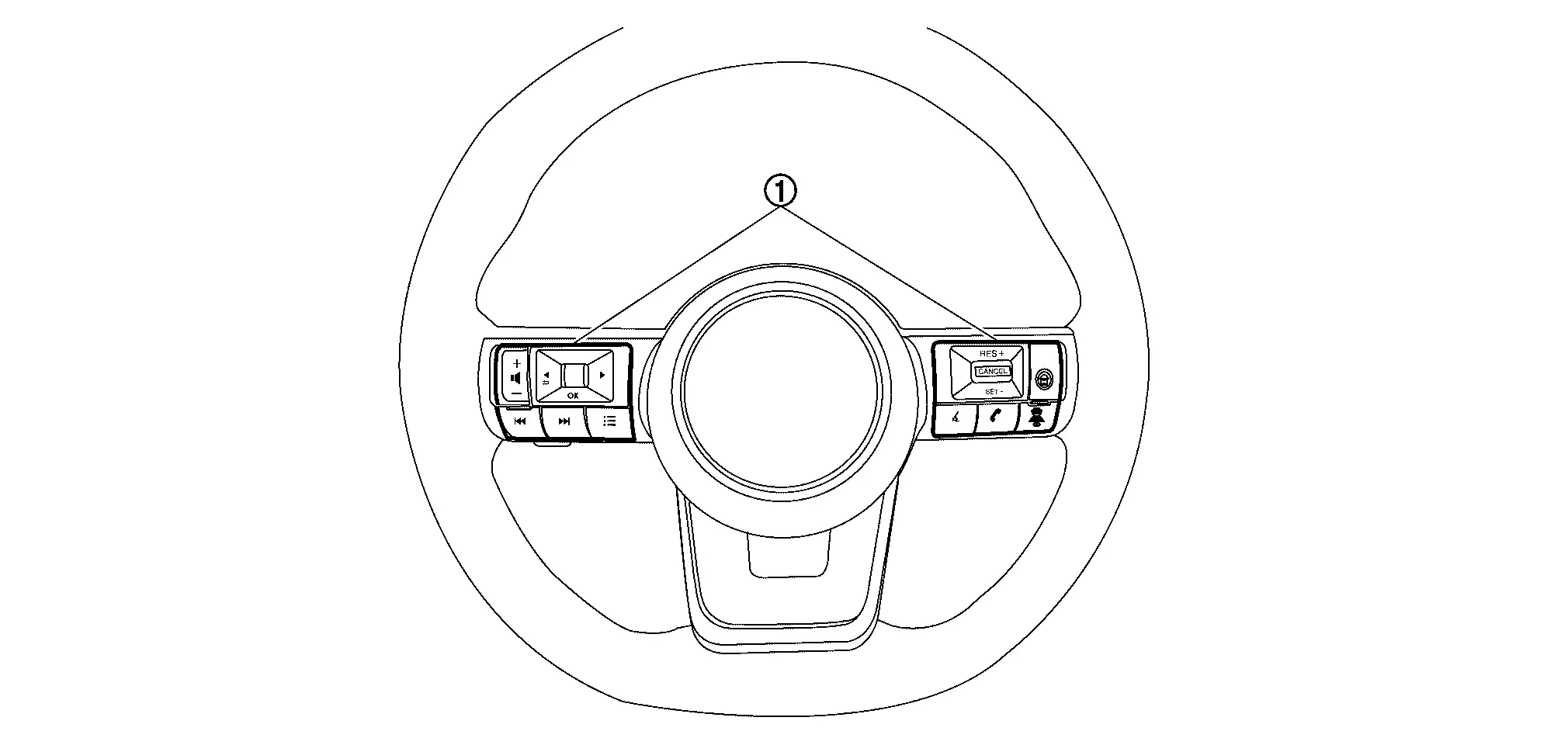
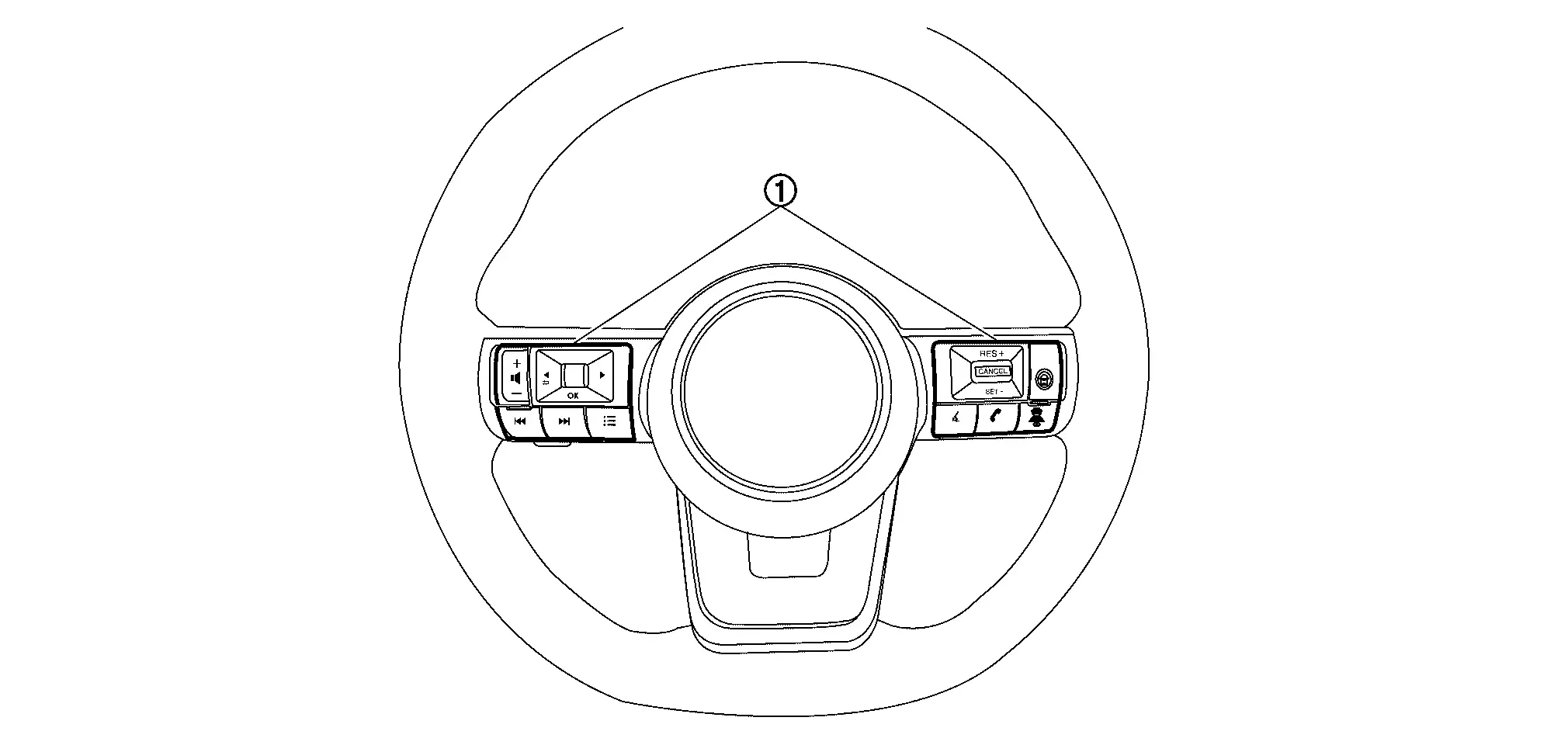
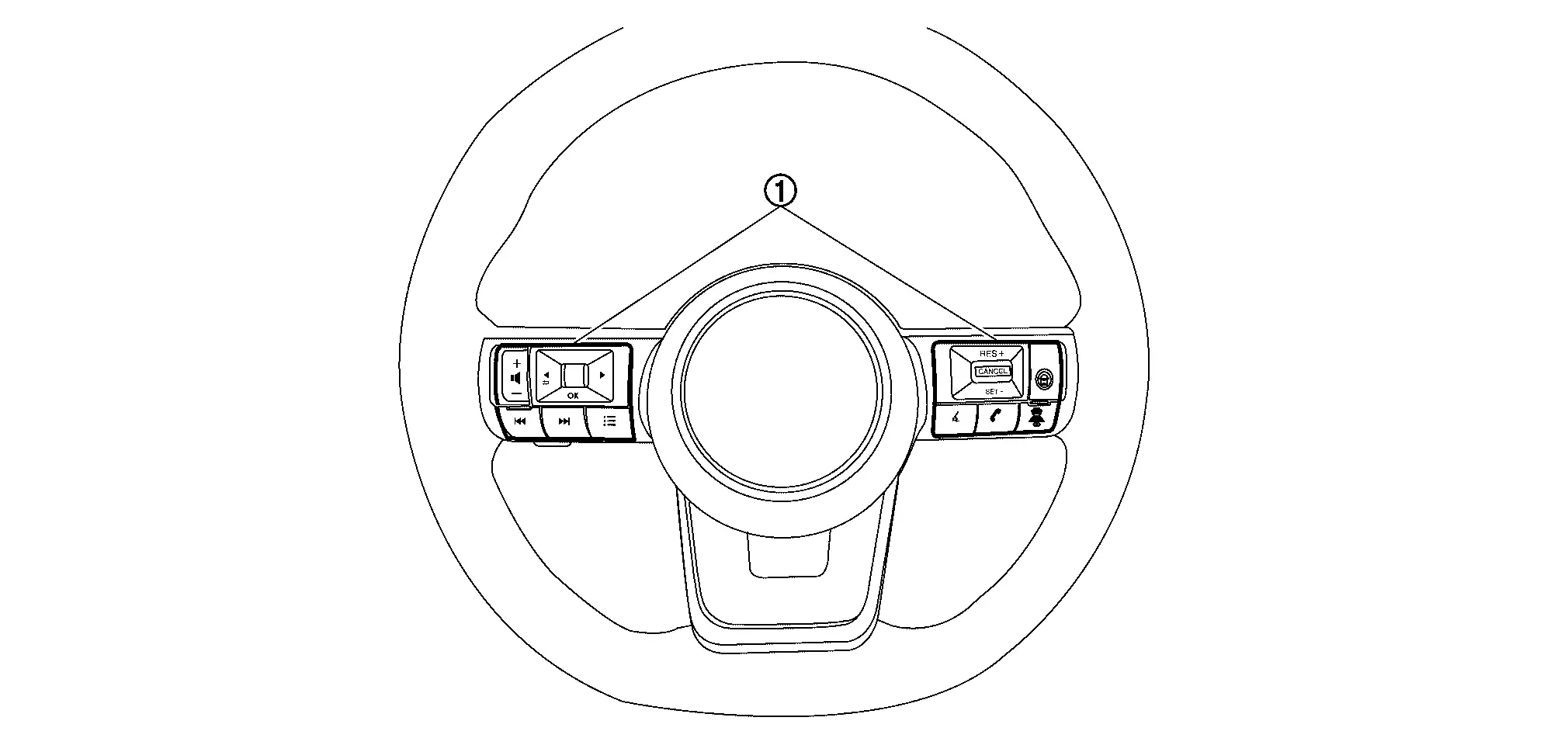
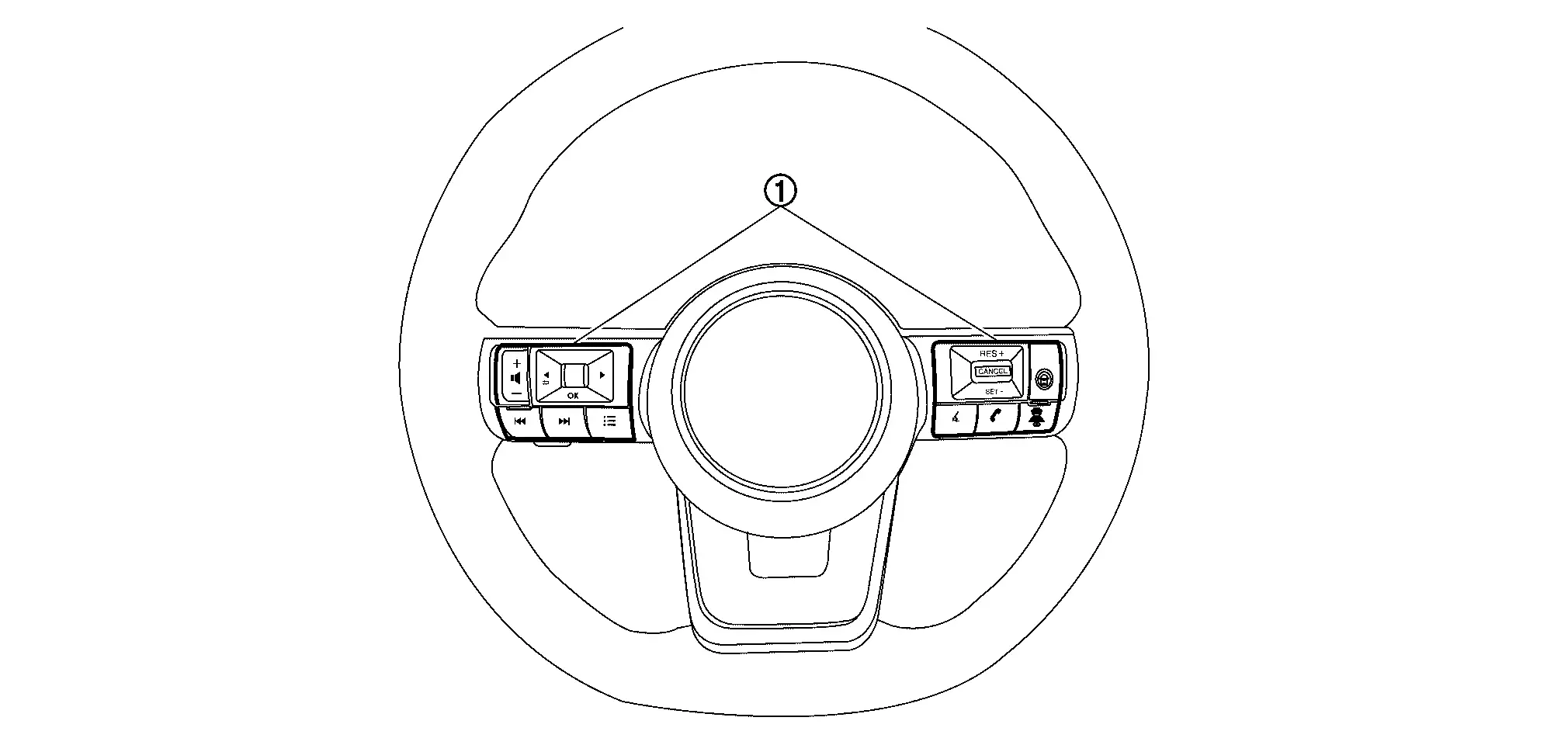
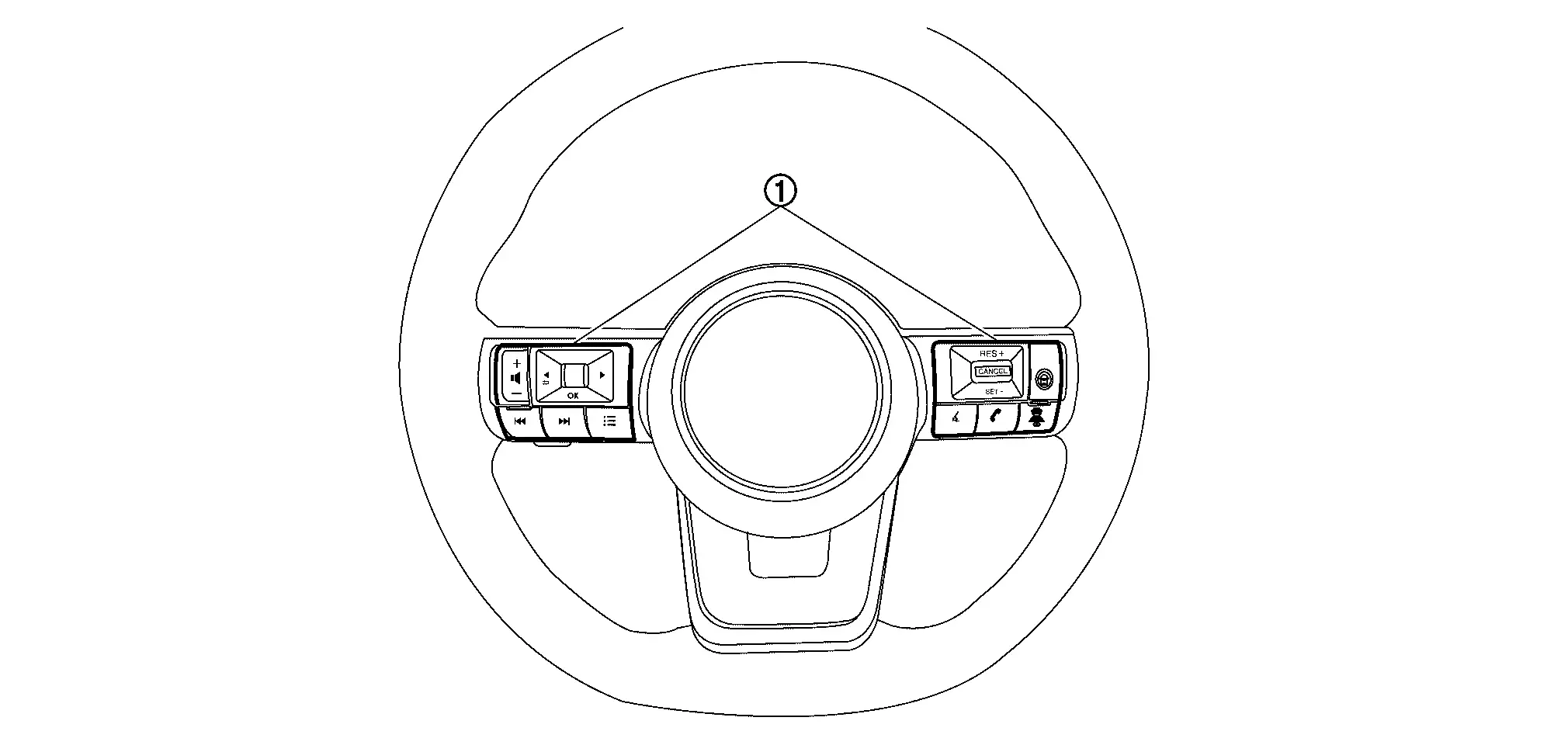
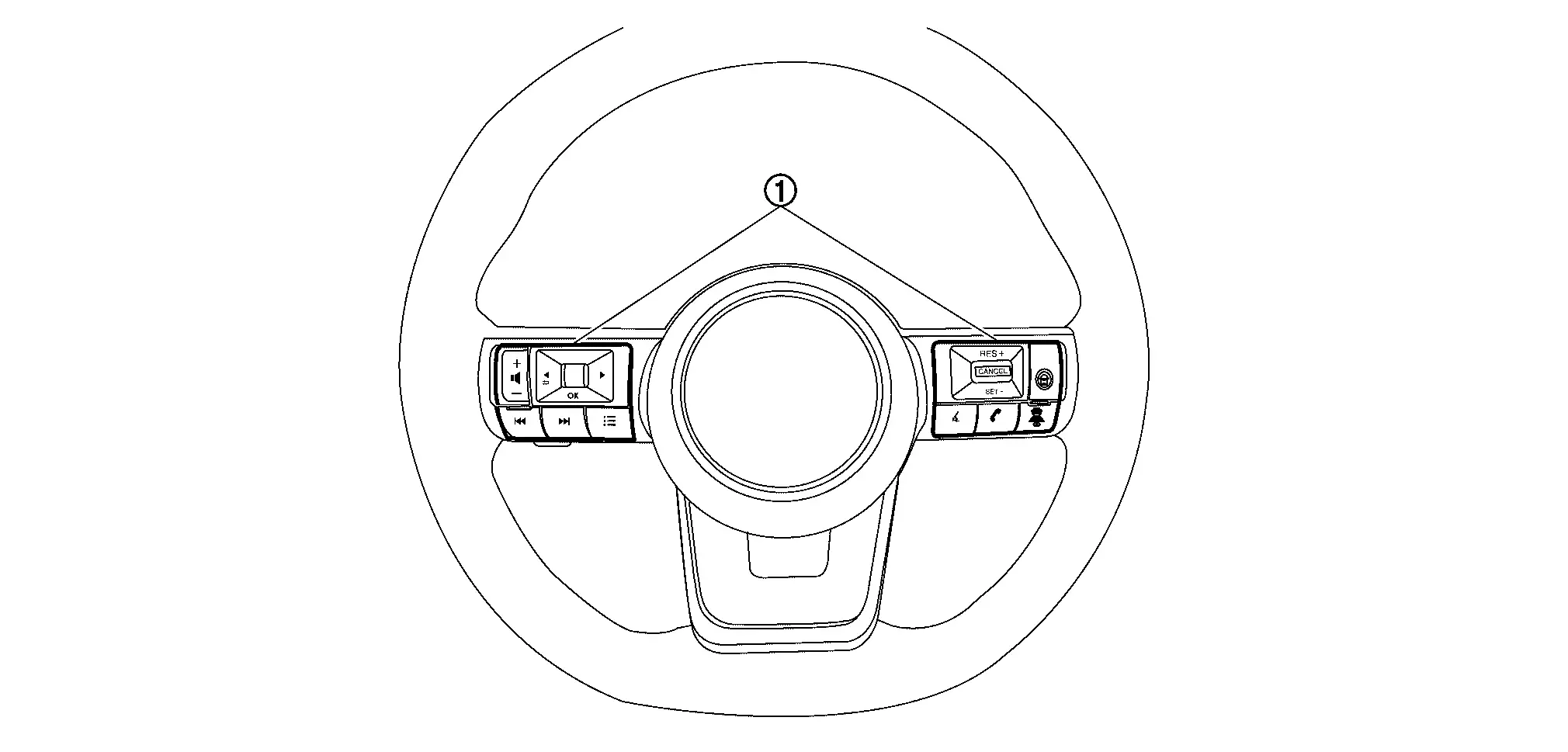
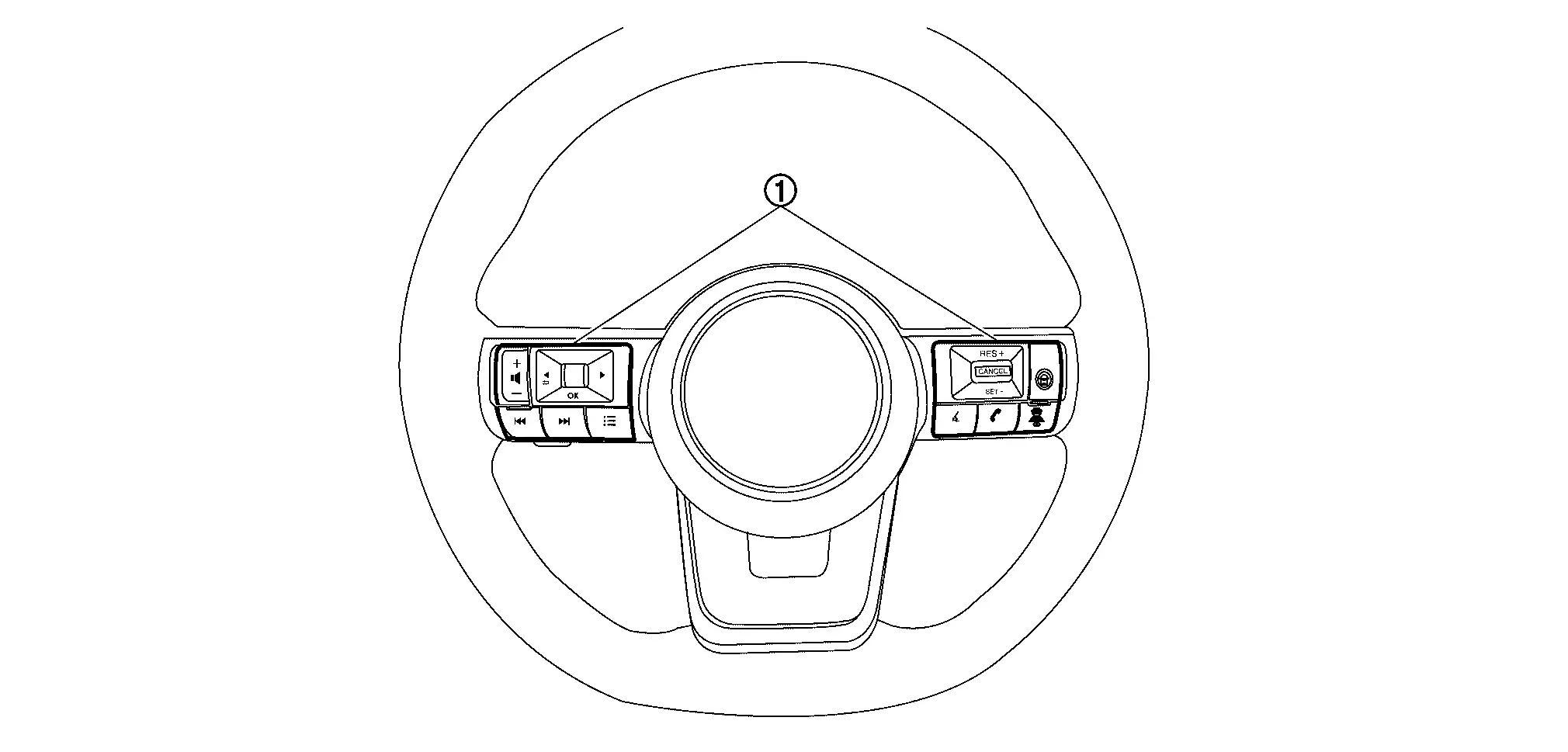
Steering switch
  1. Using the steering switch, select the [Settings] menu in the information display

  2. Select the [Driver Assistance] menu

  3. Select the [Emergency Brake] menu

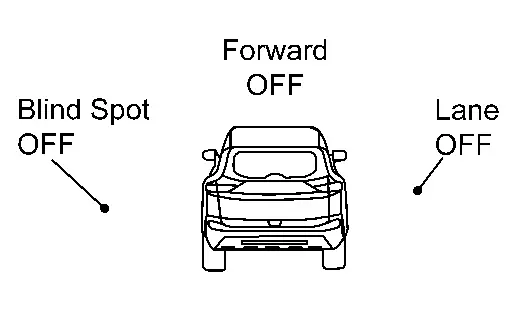
  4. Select the [Front] item to turn the system ON/OFF

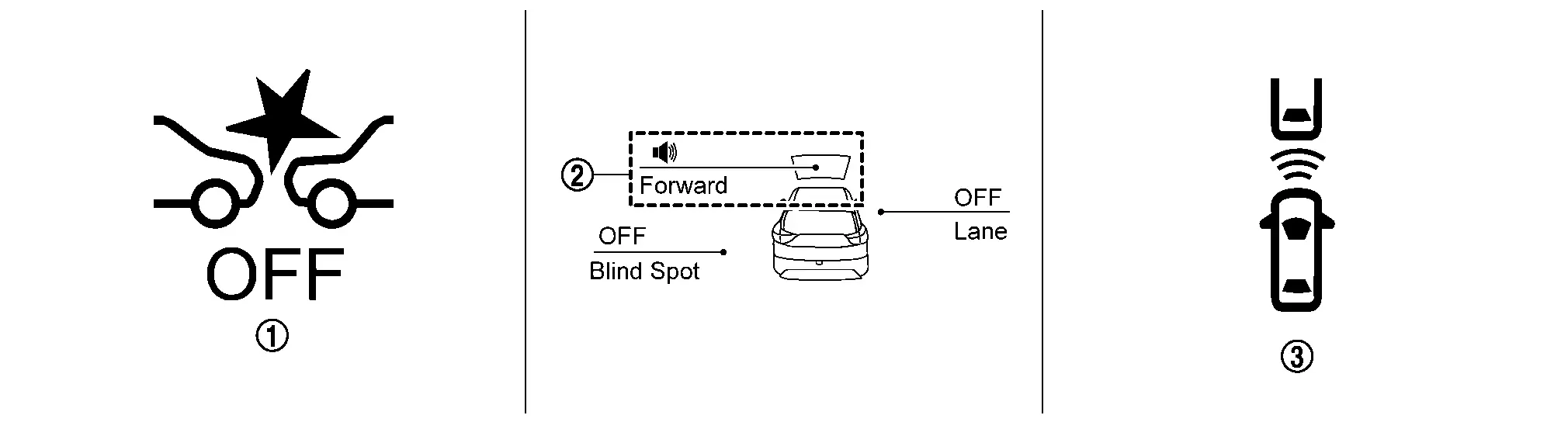
SYSTEM DISPLAY

No. Switch name Description
AEB warning lamp
  • AEB warning lamp indicates that an abnormal condition is present in I-FCW system

  • When the I-FCW system turns OFF, the AEB warning lamp will illuminate.

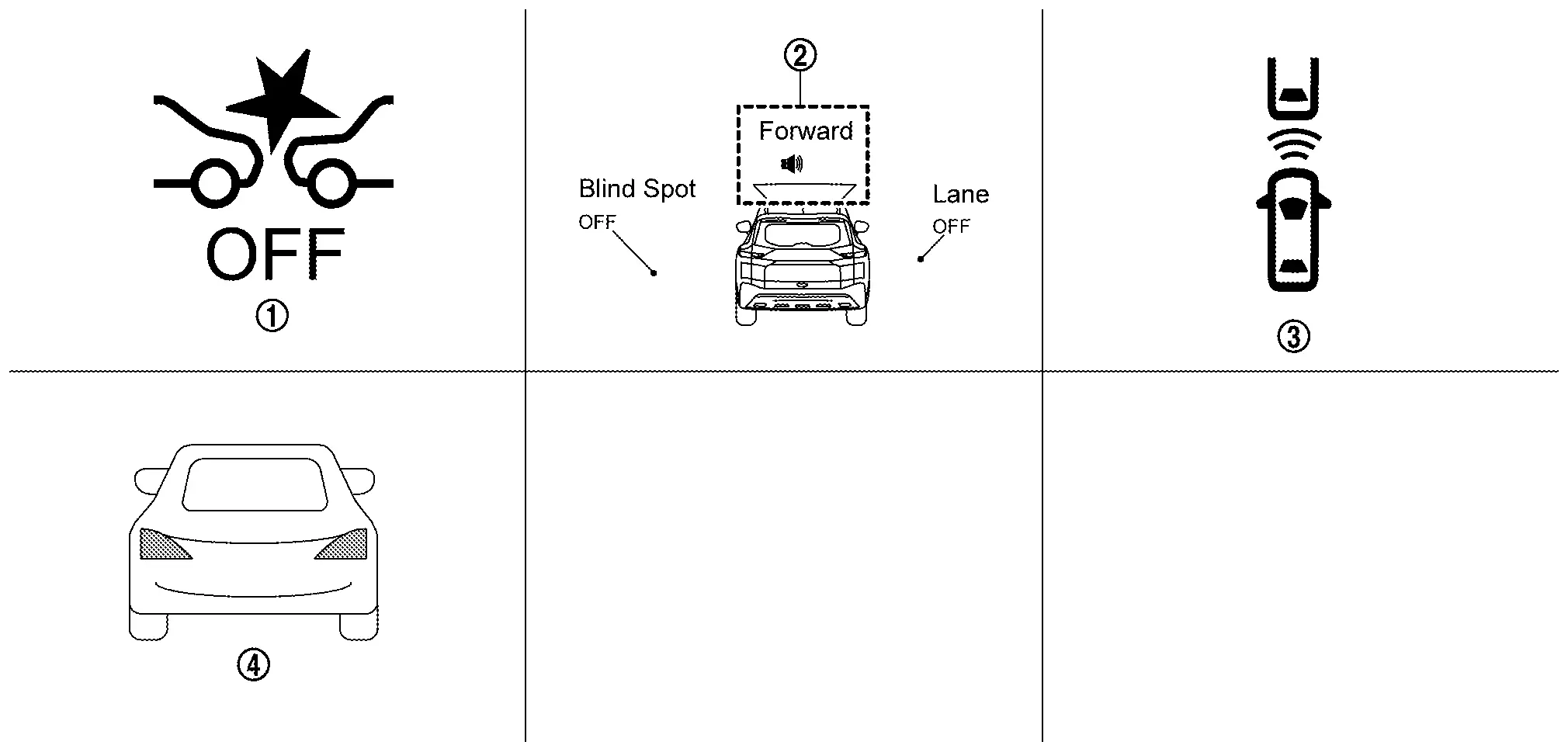
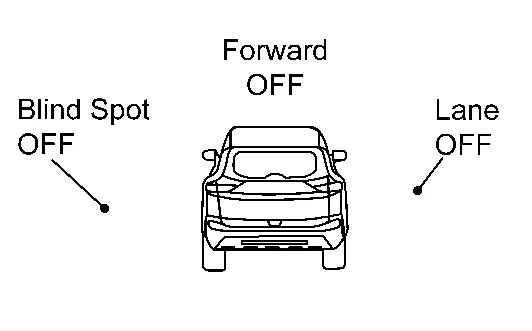
I-FCW system indicator
  • Indicates that I-FCW system is ON

  • Blinks when approaching Nissan Pathfinder vehicle ahead

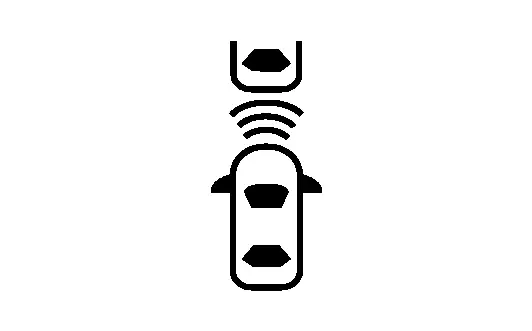
Nissan Pathfinder Vehicle ahead indicator

(Information display)
  • Indicates whether it detects a Nissan Pathfinder vehicle ahead

  • Blinks when approaching vehicle ahead

DISPLAY AND WARNING

System Display

Condition Action Display on information display Warning lamp Buzzer
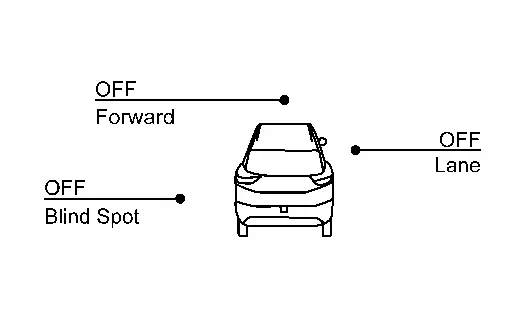
I-FCW OFF —
ON OFF
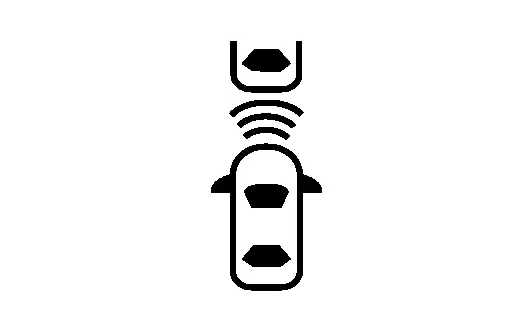
I-FCW ON There is not a possibility of a collision with the Nissan Pathfinder vehicle ahead —

I-FCW system indicator: White

Speaker icon: White
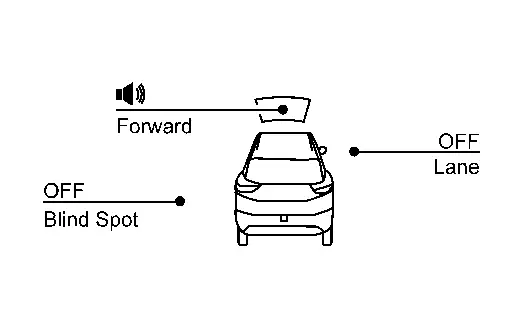
OFF OFF
There is a possibility of a collision with the Nissan Pathfinder vehicle ahead —

Yellow (Blink)

OFF Beep

I-FCW system indicator: Yellow (Blink)

Speaker icon: White
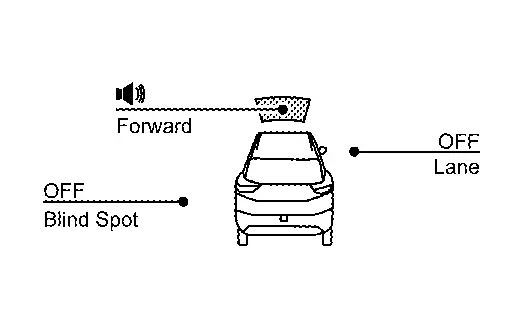
I-FCW system malfunction The I-FCW system is automatically canceled* Malfunction ON Beep
  • Dirt around the distance sensor

  • When driving on roads with limited road structures or buildings (for example, long bridges, deserts, snow fields, driving next to long walls).

The I-FCW system is automatically canceled*

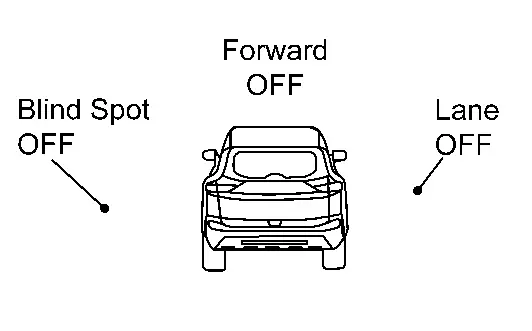
Forward Driving Aids

temporarily disabled

Front Sensor blocked

See Owner's Manual
Blink Beep

*: The system operates if the ignition switch is turned OFF⇒ON after the condition improves

Full Tft Meter

Operation

SWITCH NAME AND FUNCTION

No. Switch name Description
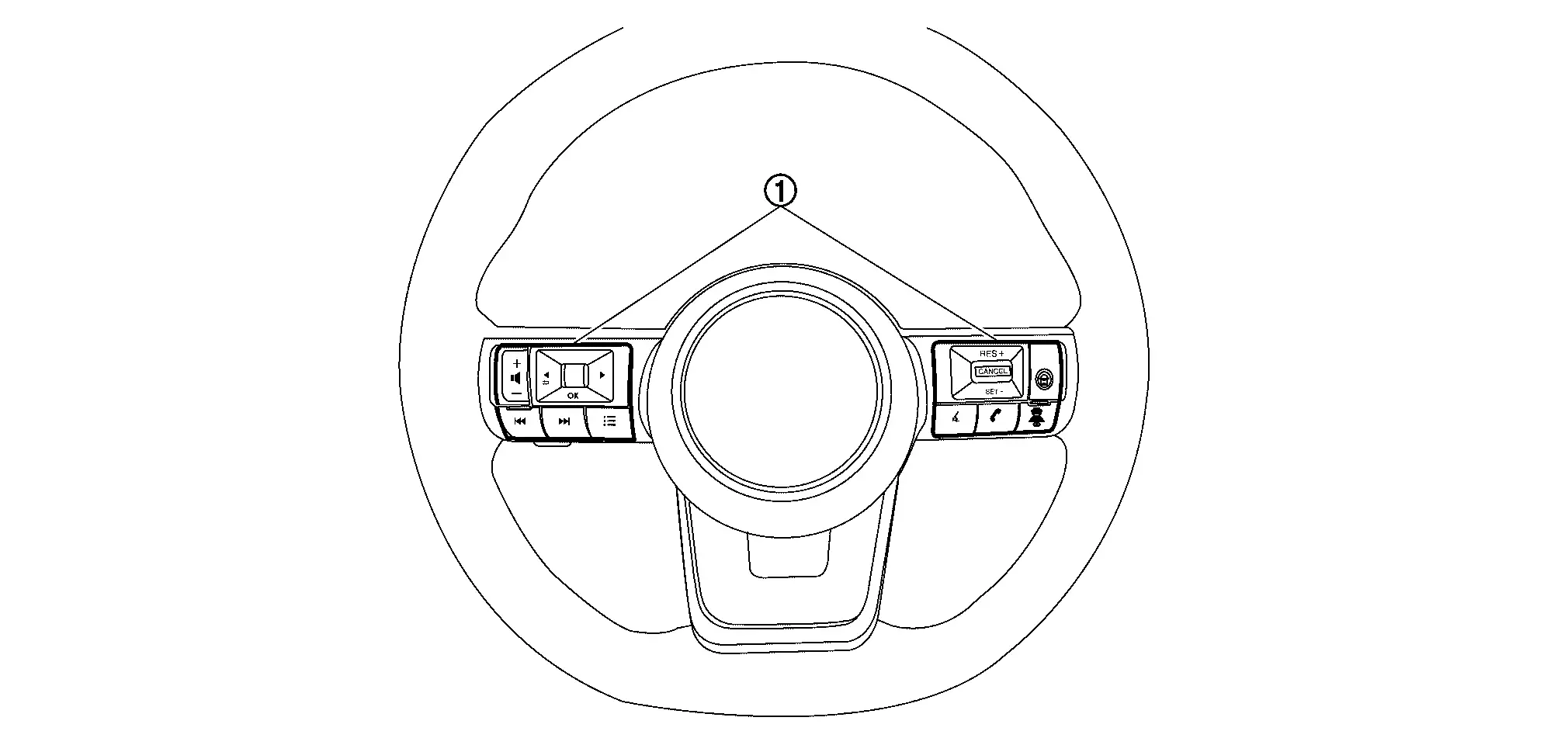
Steering switch
  1. Using the steering switch, select the [Settings] menu in the information display

  2. Select the [Driver Assistance] menu

  3. Select the [Emergency Brake] menu

  4. Select the [Front] item to turn the system ON/OFF

SYSTEM DISPLAY

No. Switch name Description
AEB warning lamp
  • AEB warning lamp indicates that an abnormal condition is present in I-FCW system

  • When the I-FCW system turns OFF, the AEB warning lamp will illuminate.

I-FCW system indicator
  • Indicates that I-FCW system is ON

  • Blinks when approaching Nissan Pathfinder vehicle ahead

Nissan Pathfinder Vehicle ahead indicator

(Information display)
  • Indicates whether it detects a Nissan Pathfinder vehicle ahead

  • Blinks when approaching vehicle ahead

Nissan Pathfinder Vehicle ahead indicator

(Head Up Display)
  • Indicates whether it detects a Nissan Pathfinder vehicle ahead

  • Blinks when approaching vehicle ahead

DISPLAY AND WARNING

System Display

Condition Action Display on information display Display on Head Up Display Warning lamp Buzzer
I-FCW OFF —
— ON OFF
I-FCW ON There is not a possibility of a collision with the Nissan Pathfinder vehicle ahead —

I-FCW system indicator: White

Speaker icon: White
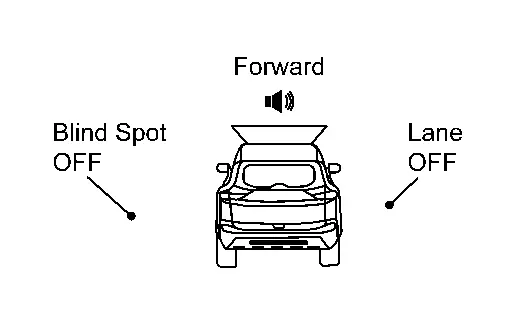
— OFF OFF
There is a possibility of a collision with the Nissan Pathfinder vehicle ahead —

Yellow (Blink)

Yellow (Blink)

OFF Beep

I-FCW system indicator: Yellow (Blink)

Speaker icon: White
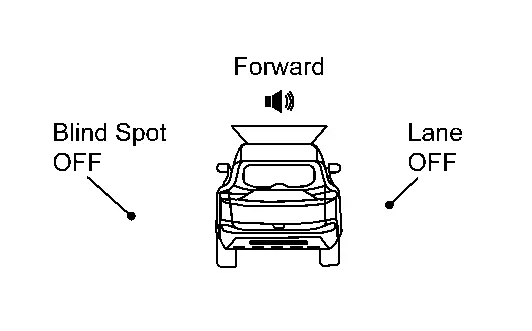
I-FCW system malfunction The I-FCW system is automatically canceled* Malfunction — ON Beep
  • Dirt around the distance sensor

  • When driving on roads with limited road structures or buildings (for example, long bridges, deserts, snow fields, driving next to long walls).

The I-FCW system is automatically canceled*

Forward Driving Aids

temporarily disabled

Front Sensor blocked

See Owner's Manual
— Blink Beep

*: The system operates if the ignition switch is turned OFF⇒ON after the condition improves

Ldw

7 Inch Information Display

Operation

Switch Name and Function

No. Switch name Description
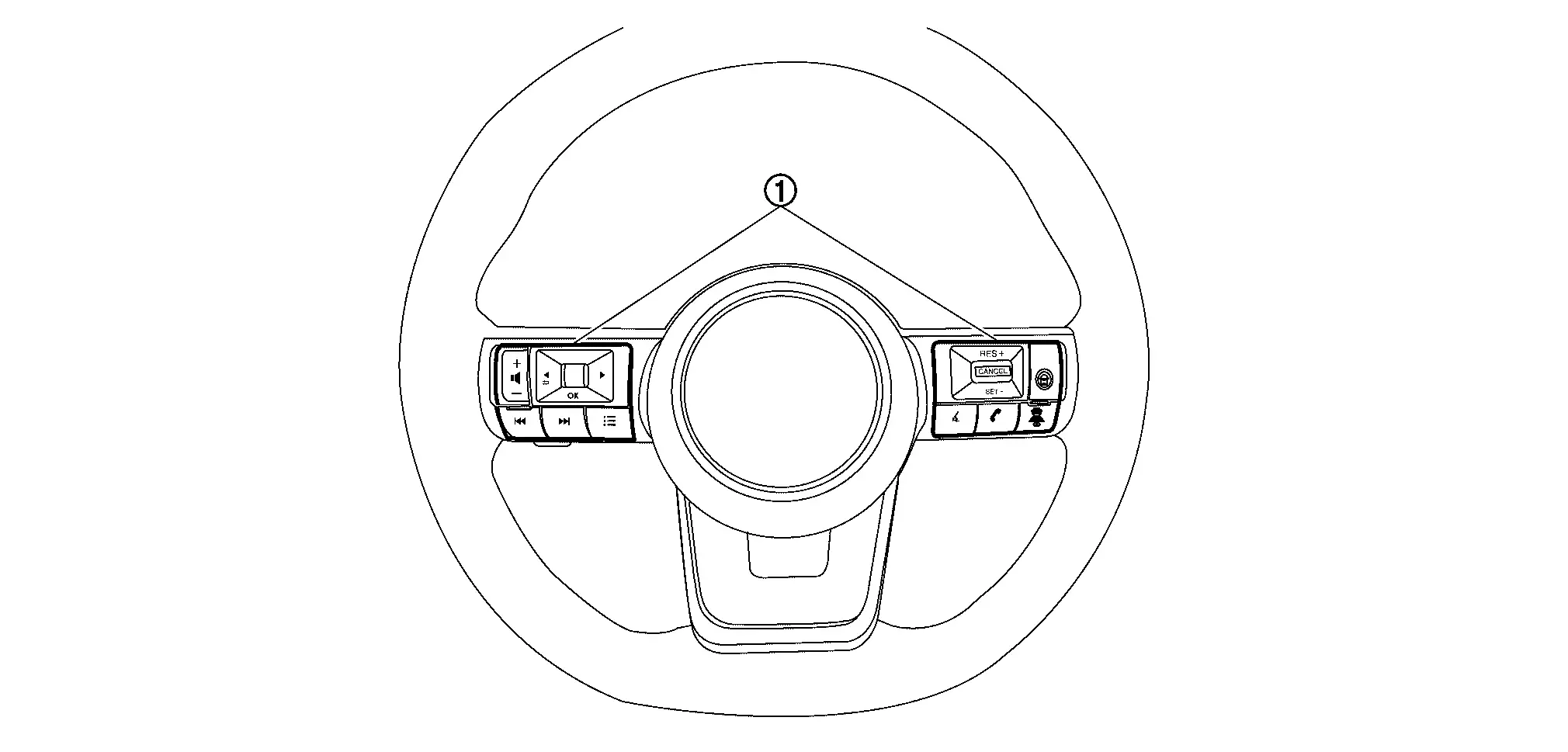
Steering switch
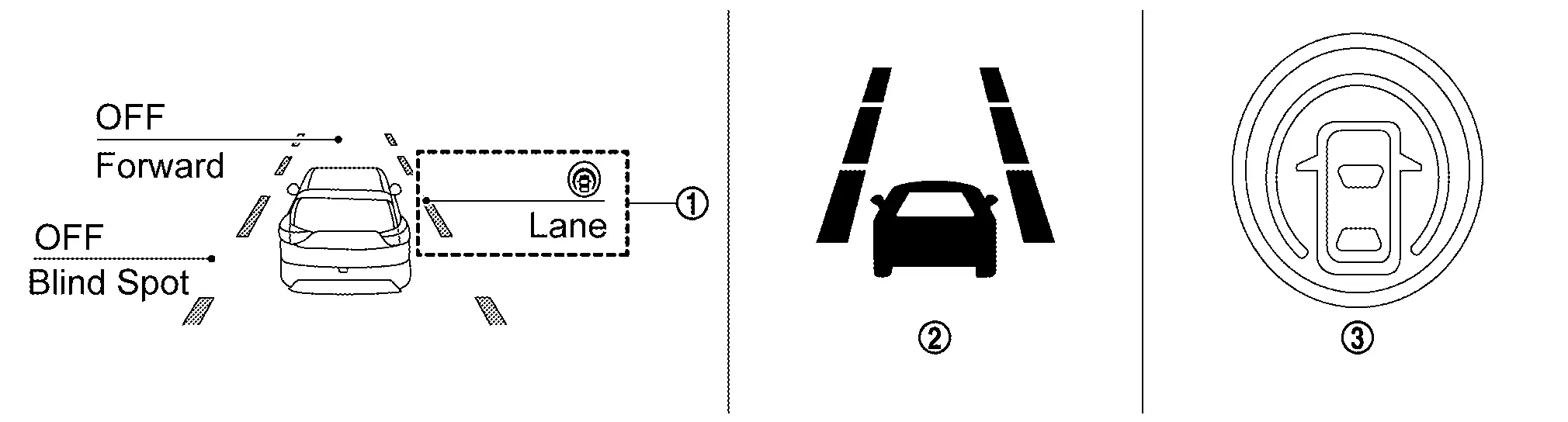
  1. In the [Settings] menu, select the [Driver Assistance] key

  2. Select the [Lane] submenu

  3. A tick mark next to [Lane Departure Warning] indicates that the system is turned ON

  4. Press [OK] to turn the system OFF or ON

SYSTEM DISPLAY

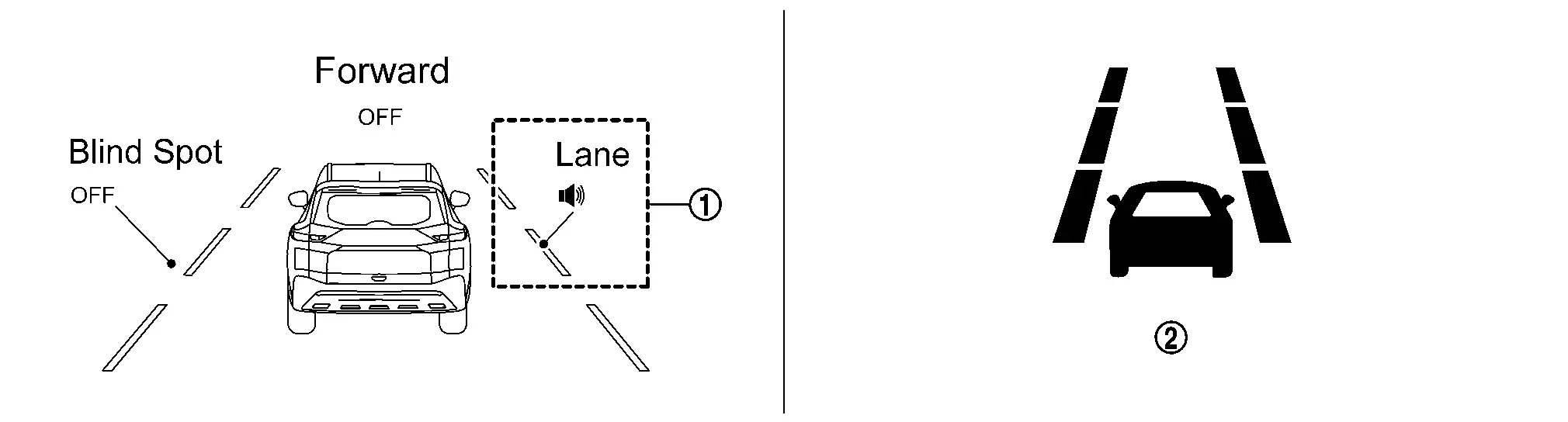
No. Switch name Description
LDW system indicator Indicates that LDW system is ON
LDW indicator
  • Indicates that LDW system is ON

  • Indicates that an abnormal condition is present in LDW system

DISPLAY AND WARNING

System Display

Condition Action Display on information display Steering vibration
LDW OFF —
OFF
LDW ON Nissan Pathfinder Vehicle speed is less than approx. 60 km/h —

LDW system indicator : White

Speaker icon : White
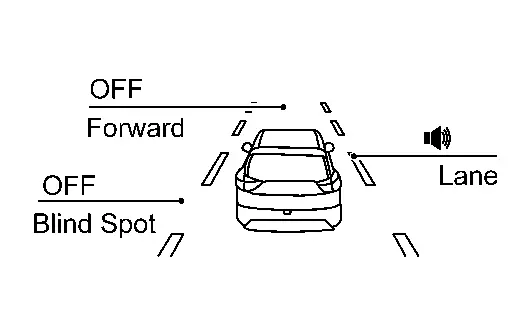
OFF
Nissan Pathfinder Vehicle speed is approx. 60 km/h or more Vehicle closes to lane marker Turn signal is OFF or ON (Opposite to the deviate side) —

Yellow (Blink)

ON

LDW system indicator : Yellow (Blink)

Speaker icon : White
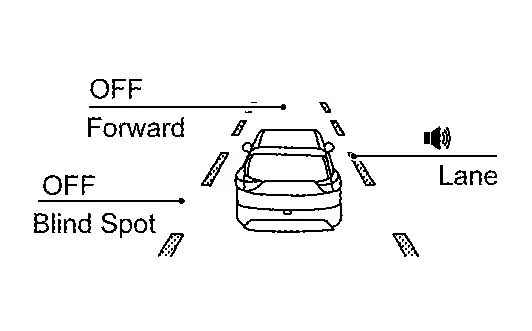
Turn signal is ON(Deviate side) —

LDW system indicator : White

Speaker icon : White
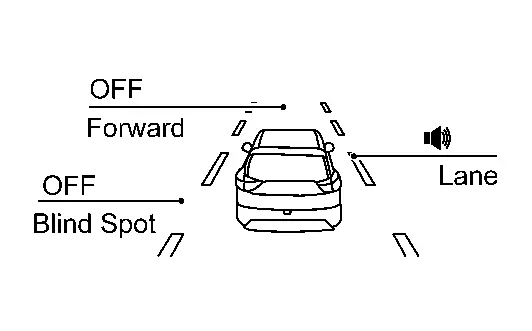
OFF
LDW is malfunction

The LDW system is automatically canceled.

Yellow

OFF

Not Available

System Malfunction
Front camera unit high temperature

The LDW system is automatically canceled.

Unavailable

High Cabin

Temperature
OFF

Full Tft Meter

Operation

Switch Name and Function

No. Switch name Description
Steering switch
  1. In the [Settings] menu, select the [Driver Assistance] key

  2. Select the [Lane] submenu

  3. A tick mark next to [Lane Departure Warning] indicates that the system is turned ON

  4. Press [OK] to turn the system OFF or ON

SYSTEM DISPLAY

No. Switch name Description
LDW system indicator Indicates that LDW system is ON
LDW indicator
  • Indicates that LDW system is ON

  • Indicates that an abnormal condition is present in LDW system

DISPLAY AND WARNING

System Display

Condition Action Display on information display Steering vibration
LDW OFF —
OFF
LDW ON Nissan Pathfinder Vehicle speed is less than approx. 60 km/h —

LDW system indicator : White

Speaker icon : White
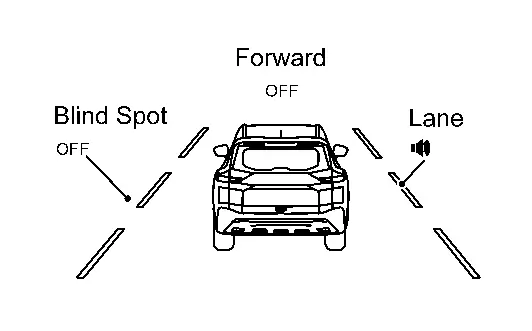
OFF
Nissan Pathfinder Vehicle speed is approx. 60 km/h or more Vehicle closes to lane marker Turn signal is OFF or ON (Opposite to the deviate side) —

Yellow (Blink)

ON

LDW system indicator : Yellow (Blink)

Speaker icon : White
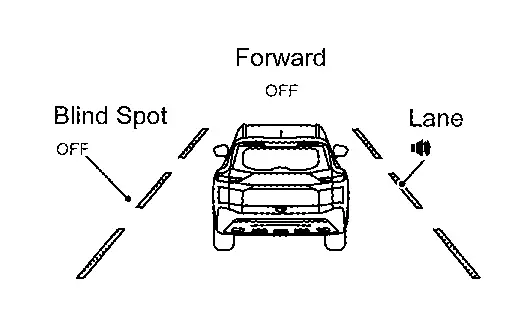
Turn signal is ON(Deviate side) —

LDW system indicator : White

Speaker icon : White

OFF
LDW is malfunction

The LDW system is automatically canceled.

Yellow

OFF

Not Available

System Malfunction
Front camera unit high temperature

The LDW system is automatically canceled.

Unavailable

High Cabin

Temperature
OFF

I-Li

7 Inch Information Display

Operation

Switch Name and Function

No. Switch name Description
Steering switch
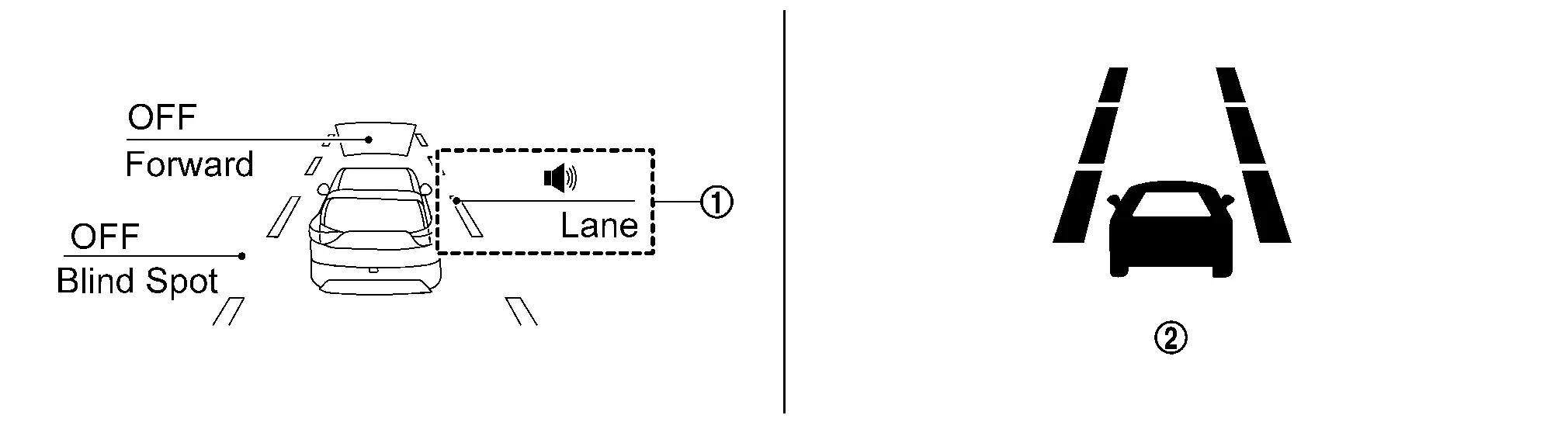
  1. In the [Settings] menu, select the [Driver Assistance] key

  2. Select the [Lane] submenu

  3. A tick mark next to [Lane Departure Prevention] indicates that the system is turned ON

  4. Push the Drive Assist switch

SYSTEM DISPLAY

No. Switch name Description
I-LI system indicator Indicates that I-LI system is ON
LDW indicator
  • Blinks when I-LI system operates

  • Indicates that an abnormal condition is present in I-LI system

I-LI indicator Indicates that I-LI system is ON

DISPLAY AND WARNING

System Display

When the ProPILOT Assist switch is pressed while the engine is running, the I-LI system operates.

Condition Action Display on information display Steering vibration
I-LI OFF —
OFF
I-LI ON Nissan Pathfinder Vehicle speed is less than approx. 60 km/h —

White

OFF

I-LI system indicator: White

Dynamic driver assistance icon: White
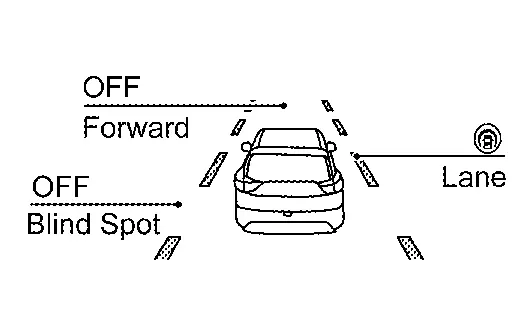
Nissan Pathfinder Vehicle speed is approx. 60 km/h or more Vehicle closes to lane marker Turn signal is OFF or ON (Opposite to the deviate side) Yawing control is ON

Yellow (Blink)

ON

I-LI system indicator: Yellow (Blink)

Dynamic driver assistance icon: White
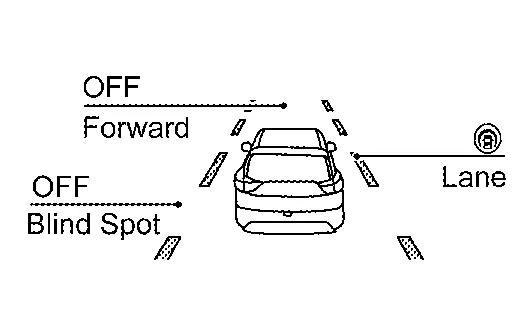
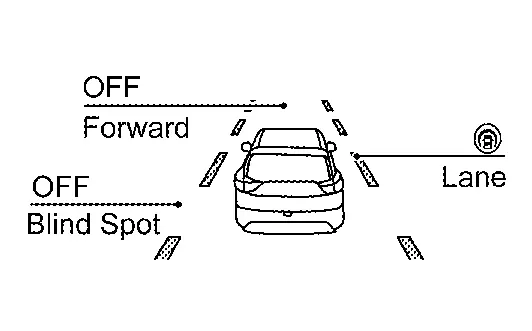
Turn signal is ON (Deviate side) —

I-LI system indicator: White

Dynamic driver assistance icon: White
OFF
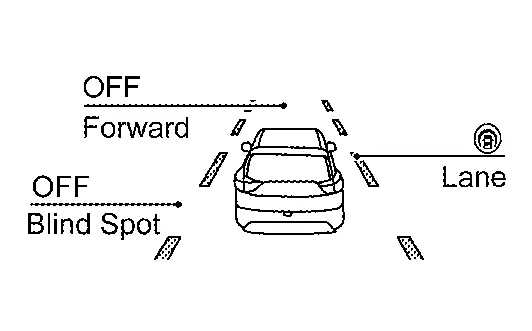
Nissan Pathfinder Vehicle closes to lane marker with soft braking — Yawing control is ON

Yellow (Blink)

ON

I-LI system indicator: Yellow (Blink)

Dynamic driver assistance icon: White
I-LI is malfunction

The I-LI system is automatically canceled.

Yellow

OFF

Not Available

System Malfunction
Front camera unit high temperature

The I-LI system is automatically canceled.

Unavailable

High Cabin

Temperature
OFF
When the VDC or ABS (Including the TCS) operates

The I-LI system is automatically canceled.

Not Available

Poor Road Conditions
OFF
  • When the VDC is turned OFF

  • When the SNOW mode

  • When the SAND mode is selected (AWD models)

  • When the MUD/RUT mode is selected (AWD models)

The I-LI system is automatically canceled.

Currently not available OFF

Full Tft Meter

Operation

Switch Name and Function

No. Switch name Description
Steering switch
  1. In the [Settings] menu, select the [Driver Assistance] key

  2. Select the [Lane] submenu

  3. A tick mark next to [Lane Departure Prevention] indicates that the system is turned ON

  4. Push the Drive Assist switch

SYSTEM DISPLAY

No. Switch name Description
I-LI system indicator Indicates that I-LI system is ON
LDW indicator
  • Blinks when I-LI system operates

  • Indicates that an abnormal condition is present in I-LI system

DISPLAY AND WARNING

System Display

When the ProPILOT Assist switch is pressed while the engine is running, the I-LI system operates.

Condition Action Display on information display Steering vibration
I-LI OFF —
OFF
I-LI ON Nissan Pathfinder Vehicle speed is less than approx. 60 km/h —

I-LI system indicator: White

Speaker icon : White
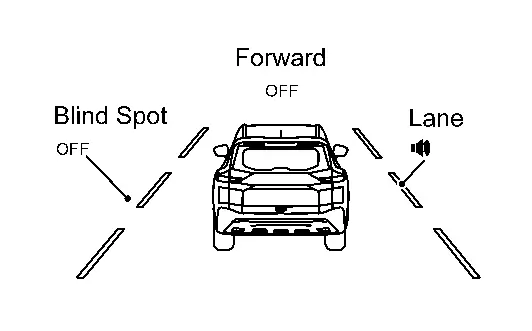
OFF
Nissan Pathfinder Vehicle speed is approx. 60 km/h or more Vehicle closes to lane marker Turn signal is OFF or ON (Opposite to the deviate side) Yawing control is ON

Yellow (Blink)

ON

I-LI system indicator: Yellow (Blink)

Speaker icon : White

Turn signal is ON (Deviate side) —

I-LI system indicator: White

Speaker icon : White
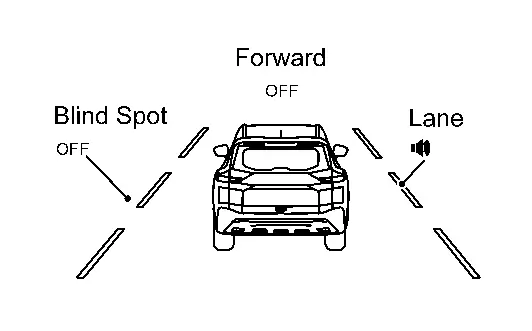
OFF
Nissan Pathfinder Vehicle closes to lane marker with soft braking — Yawing control is ON

Yellow (Blink)

ON

I-LI system indicator: Yellow (Blink)

Speaker icon : White
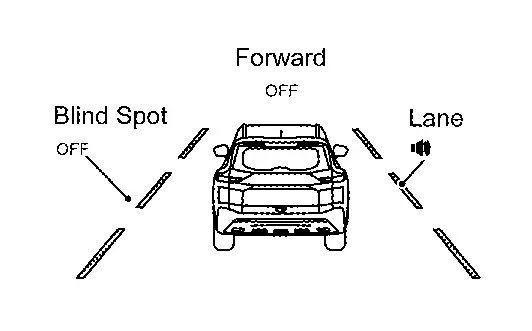
I-LI is malfunction

The I-LI system is automatically canceled.

Yellow

OFF

Not Available

System Malfunction
Front camera unit high temperature

The I-LI system is automatically canceled.

Unavailable

High Cabin

Temperature
OFF
When the VDC or ABS (Including the TCS) operates

The I-LI system is automatically canceled.

Not Available

Poor Road Conditions
OFF
  • When the VDC is turned OFF

  • When the SNOW mode is selected

  • When the SAND mode is selected (AWD models)

  • When the MUD/RUT mode is selected (AWD models)

The I-LI system is automatically canceled.

Currently not available OFF

Bsw

7 Inch Information Display

Operation

Switch Name and Function

No. Switch name Description
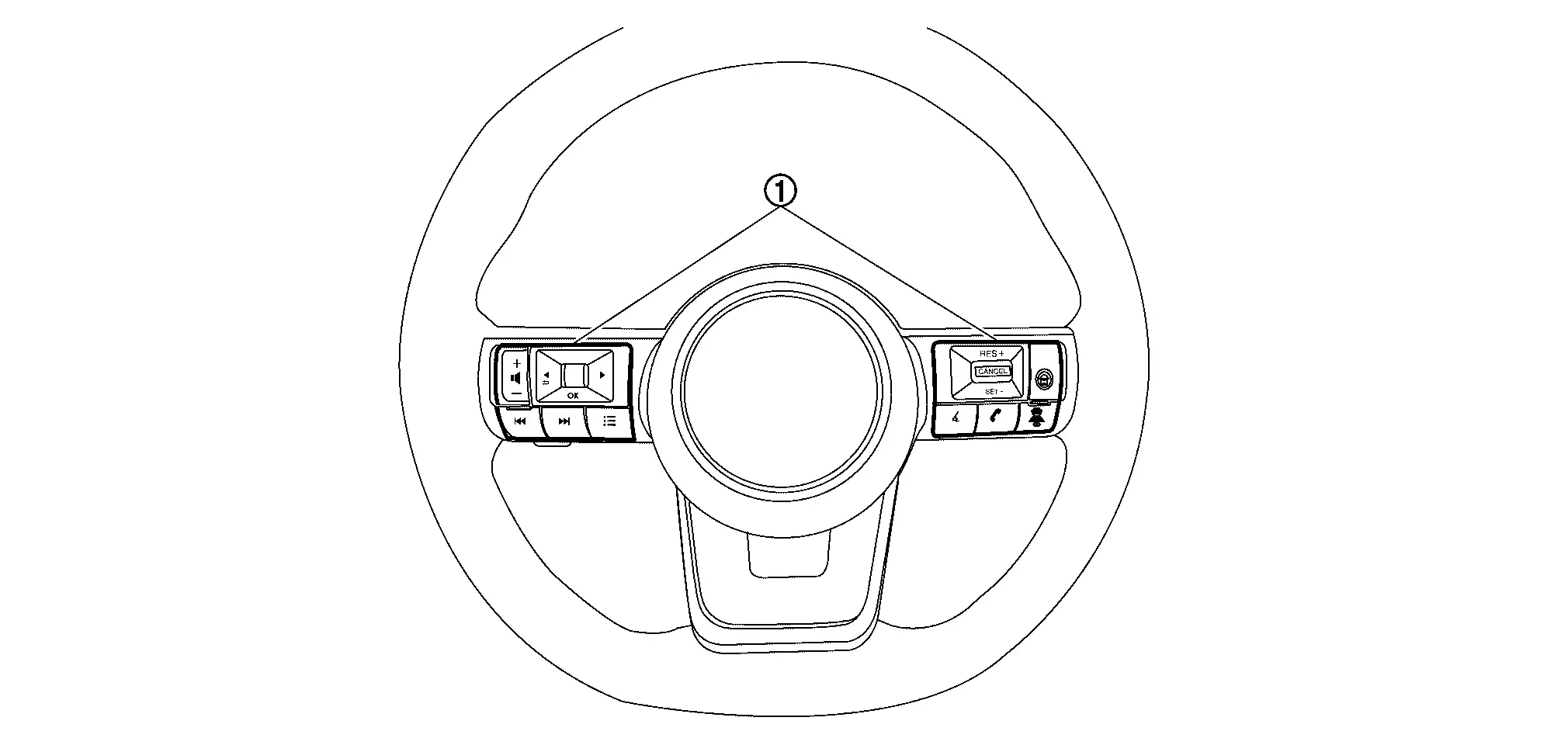
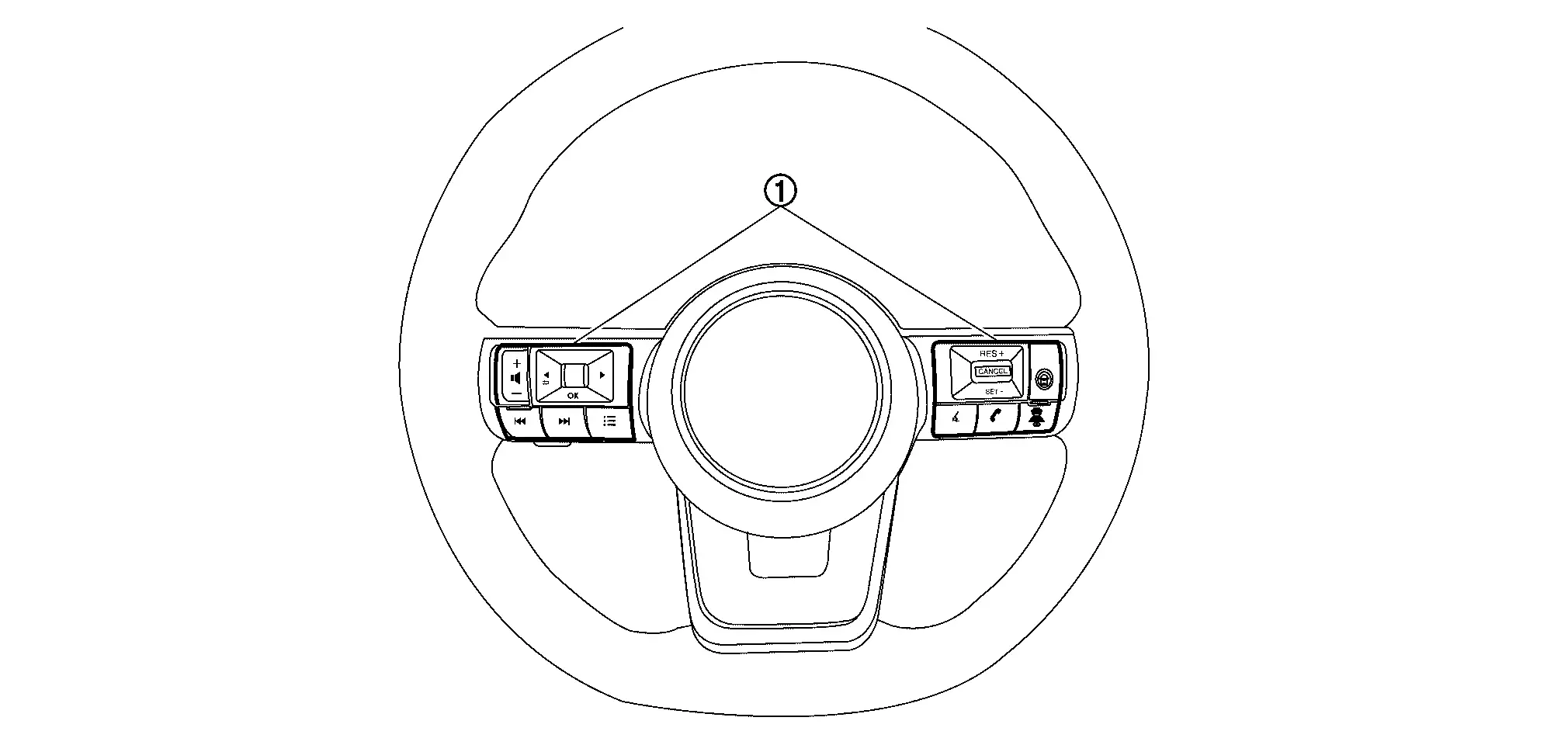
Steering switch
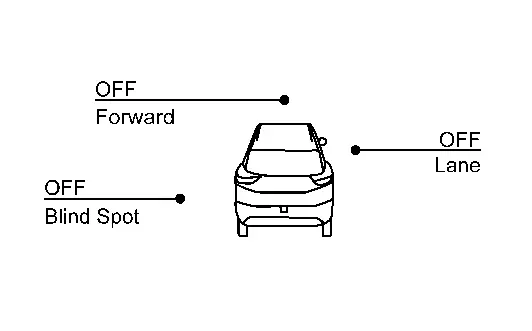
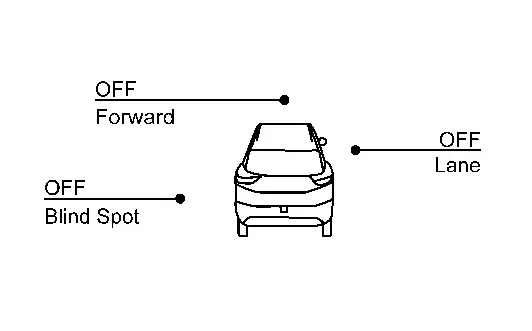
  1. In the [Settings] menu, select the [Driver Assistance] key

  2. Select the [Blind Spot] submenu

  3. A tick mark next to [Blind Spot Warning] indicates that the system is turned ON

  4. Press [OK] to turn the system OFF or ON

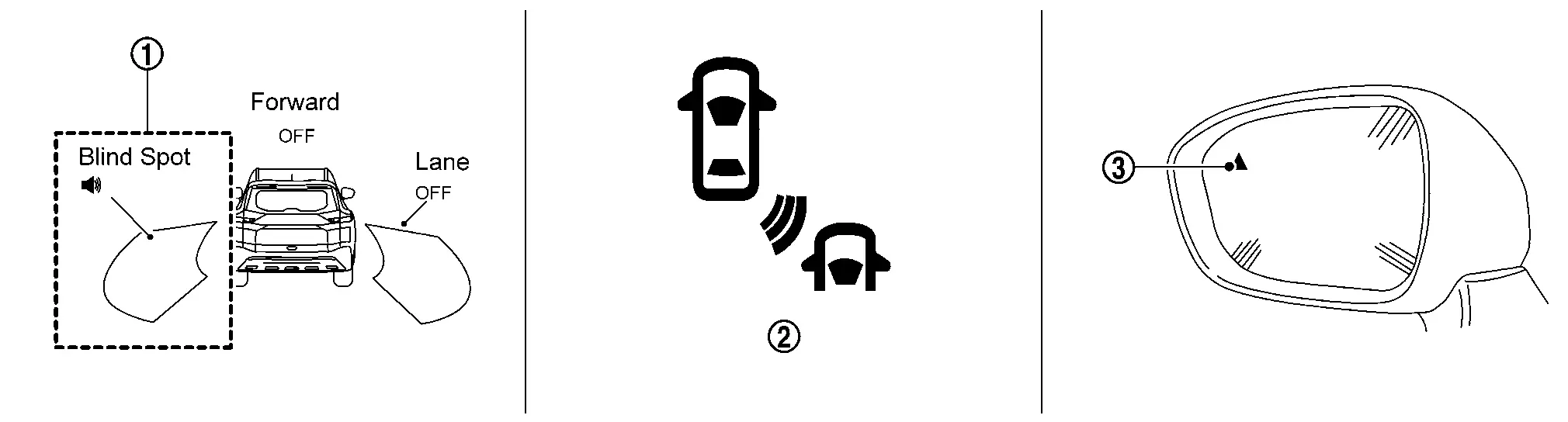
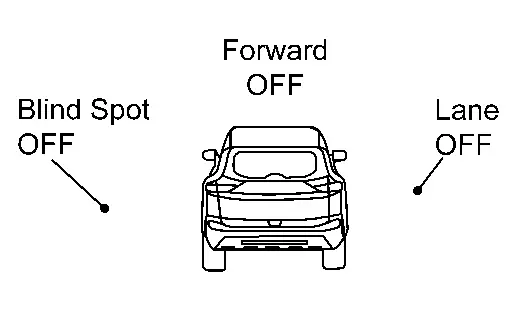
SYSTEM DISPLAY

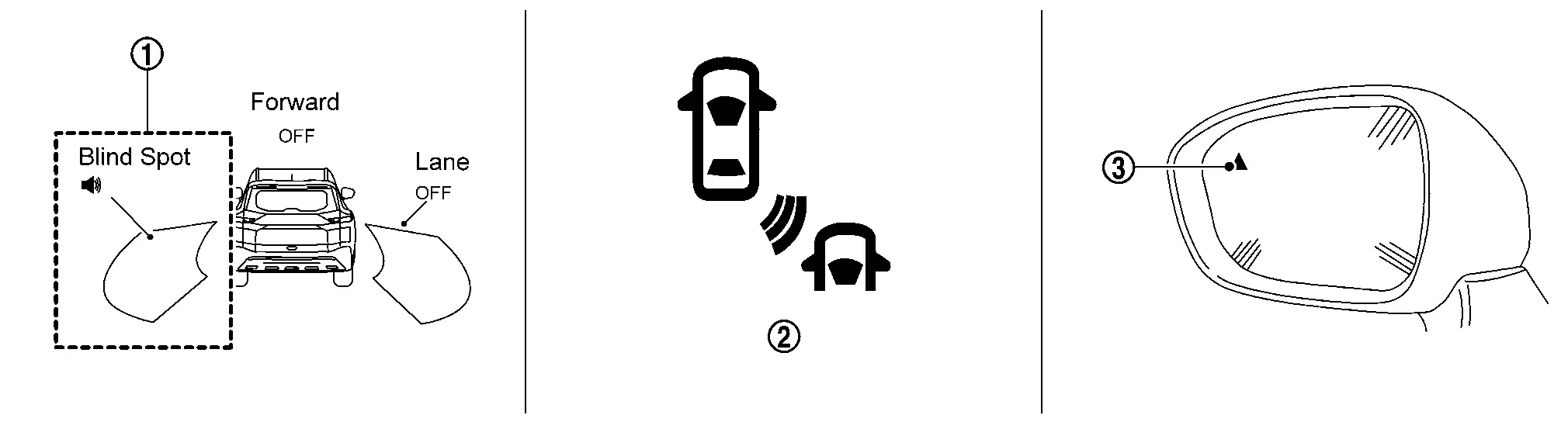
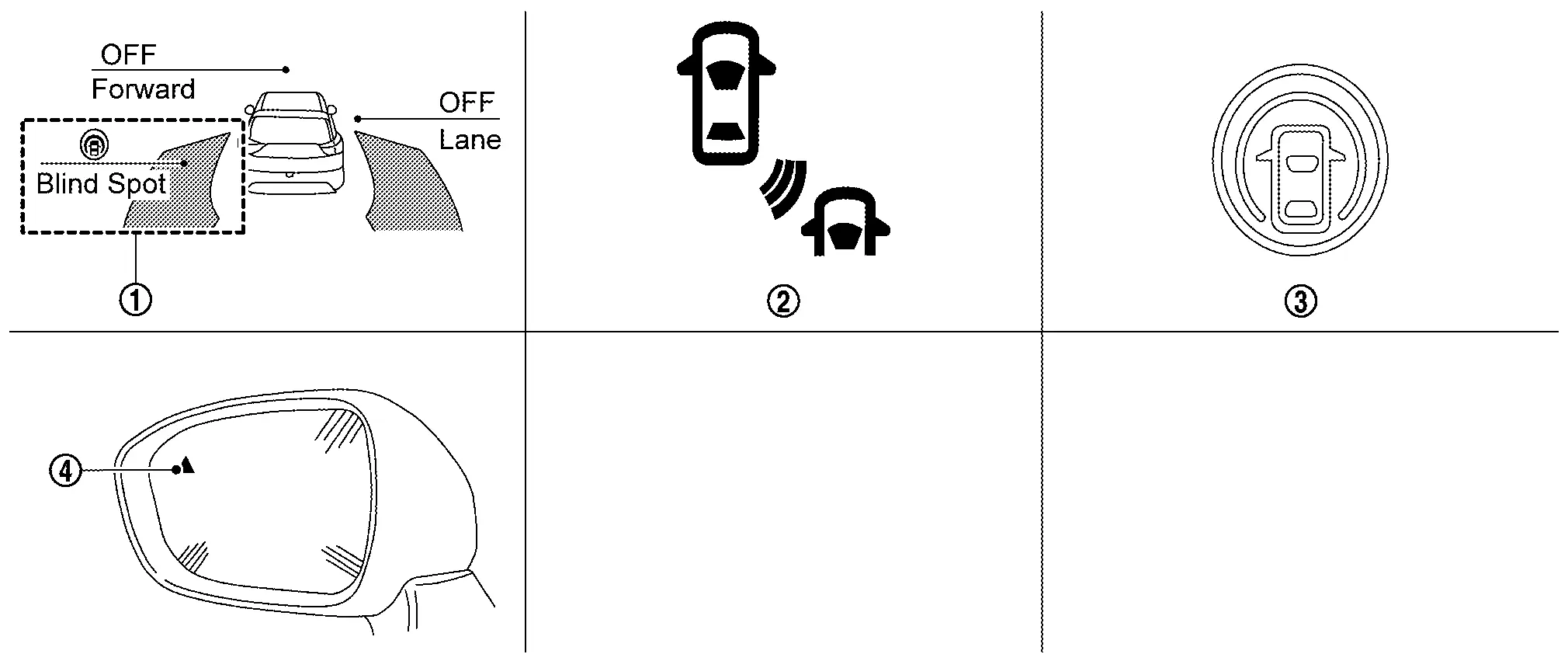
No. Switch name Description
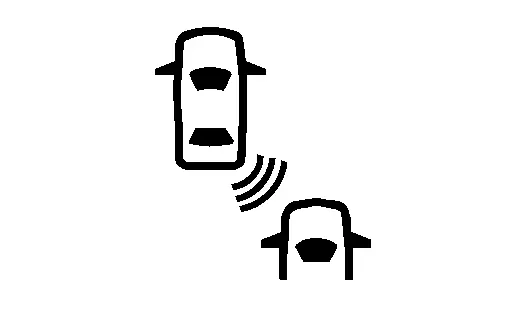
BSW system indicator Indicates that BSW system is ON
BSW indicator
  • Blinks when BSW system is warning to driver

  • Indicates that an abnormal condition is present in BSW system

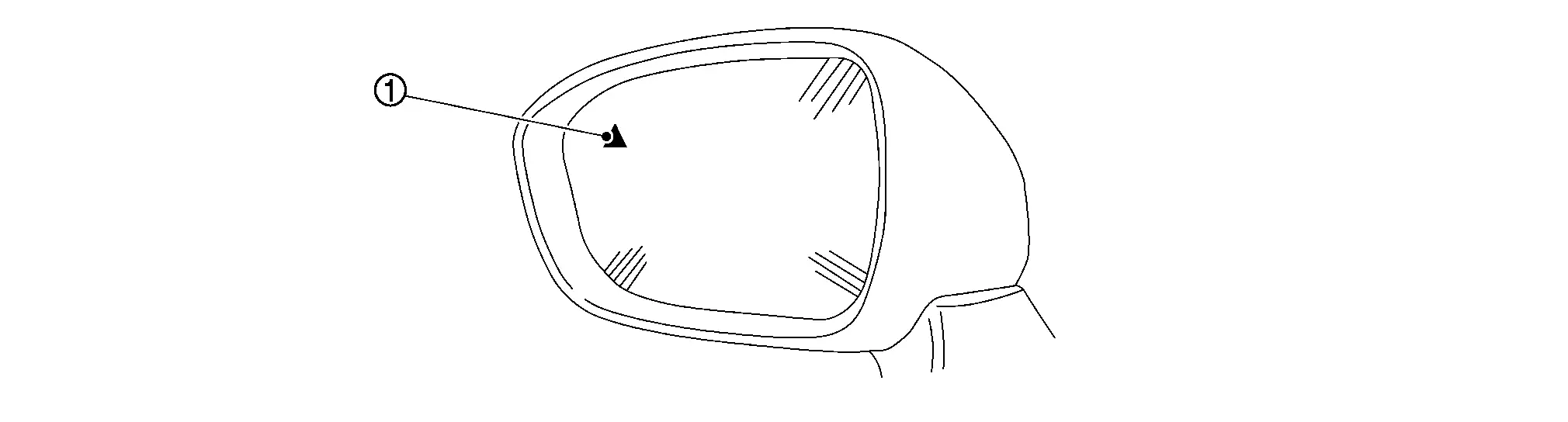
BSW indicator LH/RH
  • Illuminates when detect other Nissan Pathfinder vehicles beside vehicle in an adjacent lane

  • Blinks when BSW system is warning to driver

DISPLAY AND WARNING

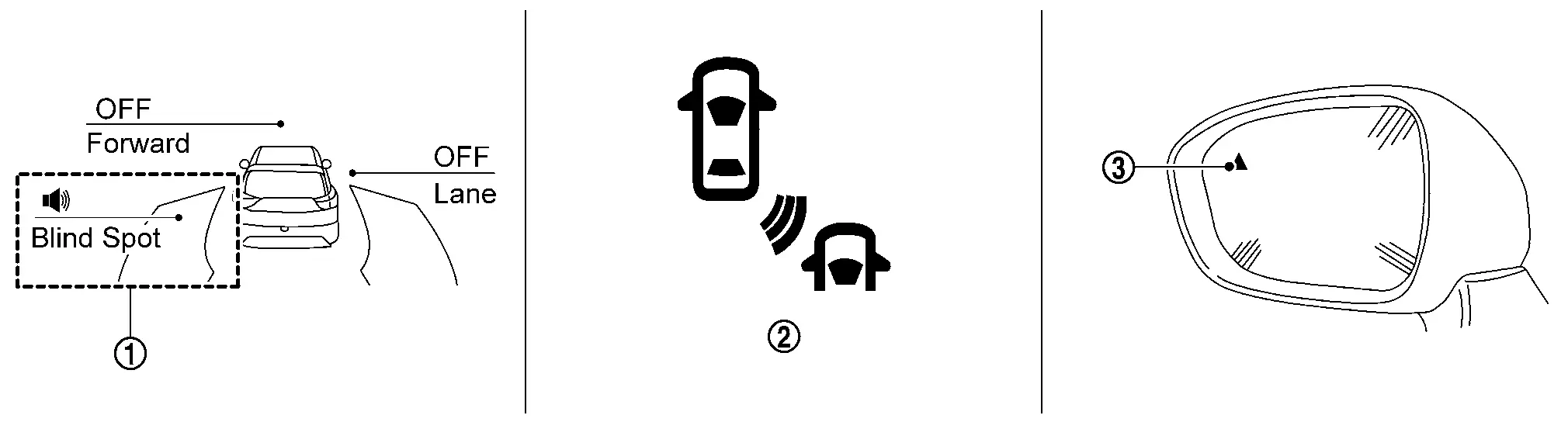
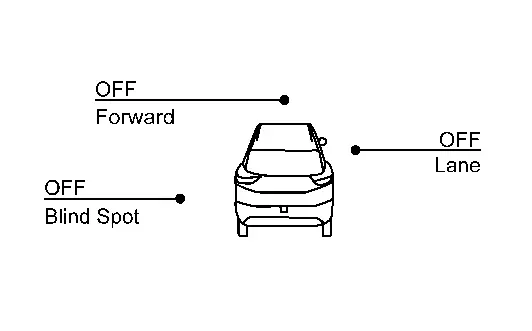
System Display

Condition Action Indication on the BSW indicator Display on information display Buzzer
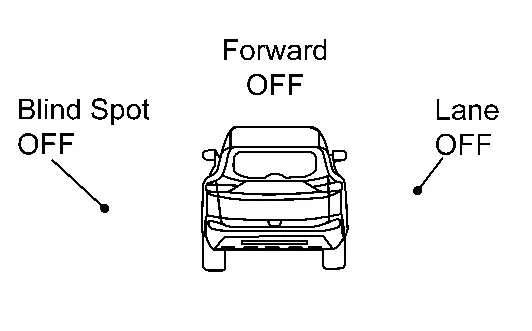
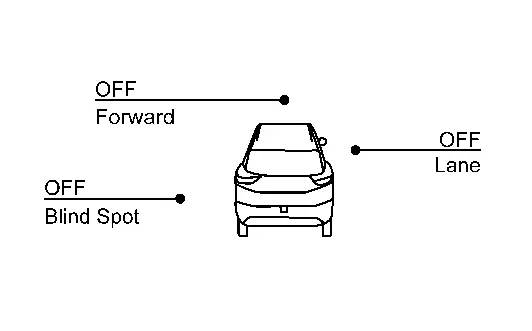
BSW OFF — OFF
OFF
BSW ON Nissan Pathfinder Vehicle speed is less than approx. 32 km/h — OFF

BSW system indicator : White

Speaker icon : White

OFF
Nissan Pathfinder Vehicle speed is approx. 32 km/h or more Vehicle is not detected — OFF

BSW system indicator : White

Speaker icon : White
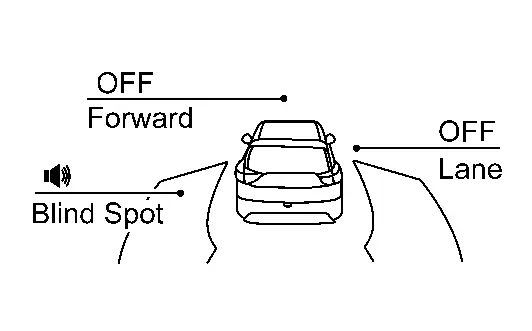
OFF
Nissan Pathfinder Vehicle is detected Turn signal is OFF — ON

BSW system indicator : White

Speaker icon : White
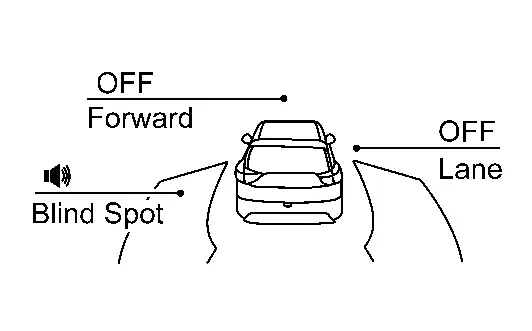
OFF
Nissan Pathfinder Vehicle is detected before turn signal operates Turn signal is ON (Nissan Pathfinder vehicle detected direction) — Blink

Yellow (Blink)

Short continuous beeps

BSW system indicator : Yellow (Blink)

Speaker icon : White
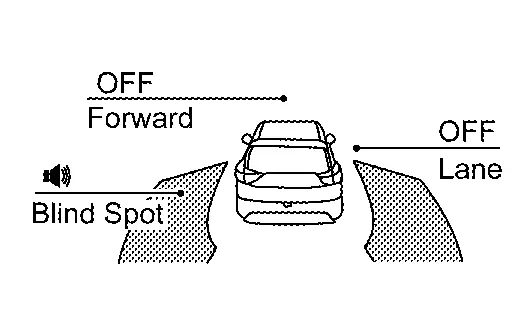
Nissan Pathfinder Vehicle is detected after turn signal operates Turn signal is ON (vehicle detected direction) — Blink

Yellow (Blink)

OFF

BSW system indicator : Yellow (Blink)

Speaker icon : White
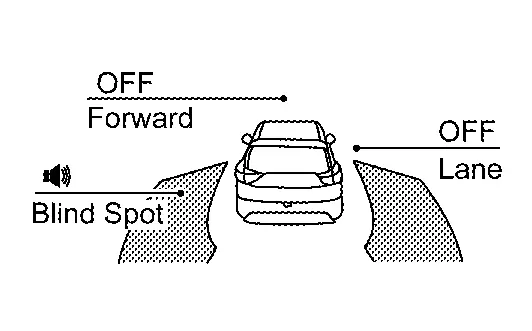
BSW is malfunction

The BSW system is automatically canceled.

OFF

Yellow

OFF

Not Available

System Malfunction
Dirt around the side radar

The BSW system is automatically canceled.

OFF

Unavailable

Side Radar

Obstruction
OFF

Full Tft Meter

Operation

Switch Name and Function

No. Switch name Description
Steering switch
  1. In the [Settings] menu, select the [Driver Assistance] key

  2. Select the [Blind Spot] submenu

  3. A tick mark next to [Blind Spot Warning] indicates that the system is turned ON

  4. Press [OK] to turn the system OFF or ON

SYSTEM DISPLAY

No. Switch name Description
BSW system indicator Indicates that BSW system is ON
BSW indicator
  • Blinks when BSW system is warning to driver

  • Indicates that an abnormal condition is present in BSW system

BSW indicator LH/RH
  • Illuminates when detect other Nissan Pathfinder vehicles beside vehicle in an adjacent lane

  • Blinks when BSW system is warning to driver

DISPLAY AND WARNING

System Display

Condition Action Indication on the BSW indicator Display on information display Buzzer
BSW OFF — OFF
OFF
BSW ON Nissan Pathfinder Vehicle speed is less than approx. 32 km/h — OFF

BSW system indicator : White

Speaker icon : White
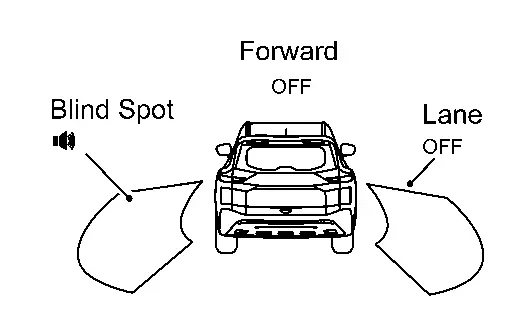
OFF
Nissan Pathfinder Vehicle speed is approx. 32 km/h or more Vehicle is not detected — OFF

BSW system indicator : White

Speaker icon : White
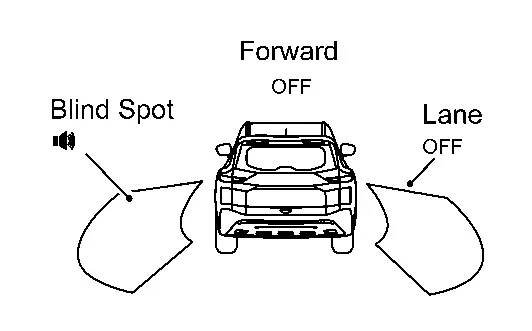
OFF
Nissan Pathfinder Vehicle is detected Turn signal is OFF — ON

BSW system indicator : White

Speaker icon : White

OFF
Nissan Pathfinder Vehicle is detected before turn signal operates Turn signal is ON (Nissan Pathfinder vehicle detected direction) — Blink

Yellow (Blink)

Short continuous beeps

BSW system indicator : Yellow (Blink)

Speaker icon : White
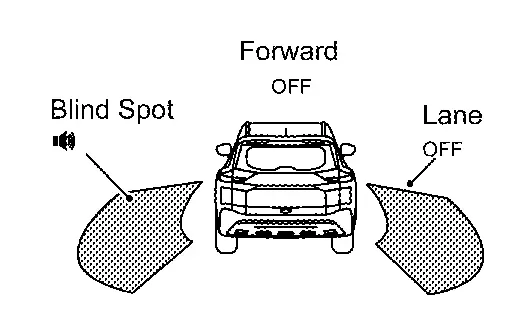
Nissan Pathfinder Vehicle is detected after turn signal operates Turn signal is ON (vehicle detected direction) — Blink

Yellow (Blink)

OFF

BSW system indicator : Yellow (Blink)

Speaker icon : White
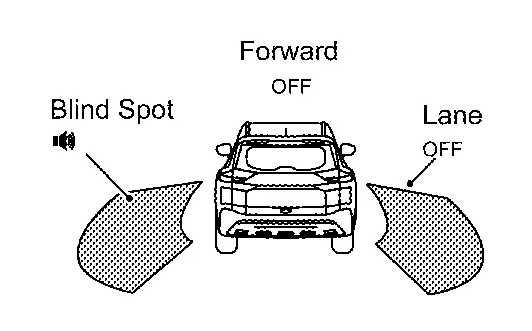
BSW is malfunction

The BSW system is automatically canceled.

OFF

Yellow

OFF

Not Available

System Malfunction
Dirt around the side radar

The BSW system is automatically canceled.

OFF

Unavailable

Side Radar

Obstruction
OFF

I-Bsi

7 Inch Information Display

Operation

Switch Name and Function

No. Switch name Description
Steering switch
  1. In the [Settings] menu, select the [Driver Assistance] key

  2. Select the [Blind Spot] submenu

  3. A tick mark next to [Blind Spot Intervention] indicates that the system is turned ON

  4. Push the Drive Assist switch

SYSTEM DISPLAY

No. Switch name Description
I-BSI system indicator Indicates that I-BSI system is ON
I-BSI indicator
  • Blinks when I-BSI system is warning to driver

  • Indicates that an abnormal condition is present in I-BSI system

I-BSI ON indicator Indicate that I-BSI system is ON
BSW indicator LH/RH Illuminates when detect other Nissan Pathfinder vehicles beside vehicle in an adjacent lane

DISPLAY AND WARNING

System Display

Condition Action Indication on the BSW indicator Display on information display Buzzer
I-BSI OFF — OFF
OFF
I-BSI ON Nissan Pathfinder Vehicle speed is less than approx. 60 km/h — OFF

White

OFF

I-BSI system indicator : White

Dynamic driver assistance icon : White

Nissan Pathfinder Vehicle speed is approx. 60 km/h or more Vehicle is not detected — OFF

White

OFF

I-BSI system indicator : White

Dynamic driver assistance icon : White

Nissan Pathfinder Vehicle is detected Vehicle does not approach to adjacent lane — ON

White

OFF

I-BSI system indicator : White

Dynamic driver assistance icon : White
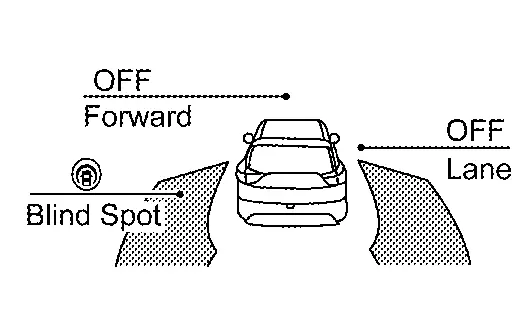
Nissan Pathfinder Vehicle approaches to adjacent lane Yawing control is ON ON

Yellow (Blink)

ON

I-BSI system indicator : Yellow (Blink)

Dynamic driver assistance icon : White
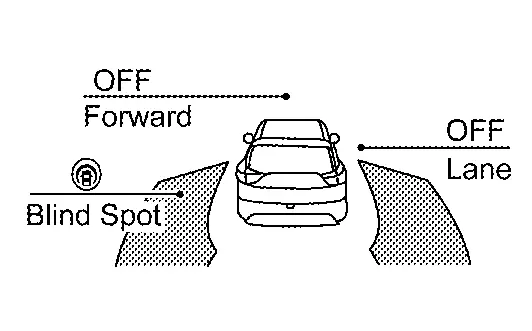
I-BSI is malfunction The I-BSI system is automatically canceled. OFF

Yellow

ON

Not Available

System Malfunction
When the VDC or ABS (including the TCS) operates

The I-BSI system is automatically canceled.

OFF

Not Available

Poor Road Conditions
ON
  • When the VDC is turned OFF

  • When the SNOW mode is selected

  • When the SAND mode is selected (AWD models)

  • When the MUD/RUT mode is selected (AWD models)

The I-BSI system is automatically canceled.

OFF Currently not available ON
Front camera unit high temperature

The I-BSI system is automatically canceled.

OFF

Unavailable

High Cabin

Temperature
ON
Dirt around the side radar

The I-BSI system is automatically canceled.

OFF

Unavailable

Side Radar

Obstruction
ON

Full Tft Meter

Operation

Switch Name and Function

No. Switch name Description
Steering switch
  1. In the [Settings] menu, select the [Driver Assistance] key

  2. Select the [Blind Spot] submenu

  3. A tick mark next to [Blind Spot Intervention] indicates that the system is turned ON

  4. Push the Drive Assist switch

SYSTEM DISPLAY

No. Switch name Description
I-BSI system indicator Indicates that I-BSI system is ON
I-BSI indicator
  • Blinks when I-BSI system is warning to driver

  • Indicates that an abnormal condition is present in I-BSI system

BSW indicator LH/RH Illuminates when detect other Nissan Pathfinder vehicles beside vehicle in an adjacent lane

DISPLAY AND WARNING

System Display

Condition Action Indication on the BSW indicator Display on information display Buzzer
I-BSI OFF — OFF
OFF
I-BSI ON Nissan Pathfinder Vehicle speed is less than approx. 60 km/h — OFF

I-BSI system indicator : White

Speaker icon : White
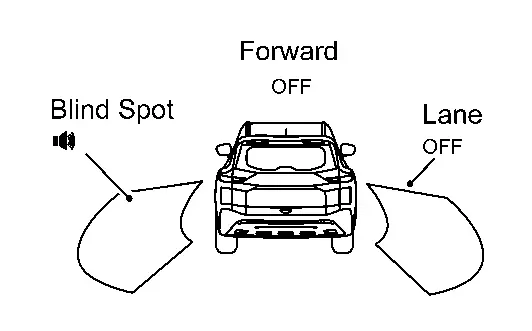
OFF
Nissan Pathfinder Vehicle speed is approx. 60 km/h or more Vehicle is not detected — OFF

I-BSI system indicator : White

Speaker icon : White
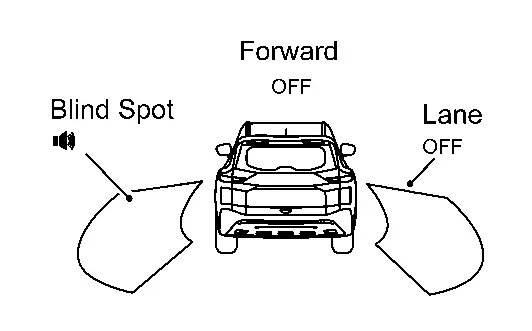
OFF
Nissan Pathfinder Vehicle is detected Vehicle does not approach to adjacent lane — ON

I-BSI system indicator : White

Speaker icon : White
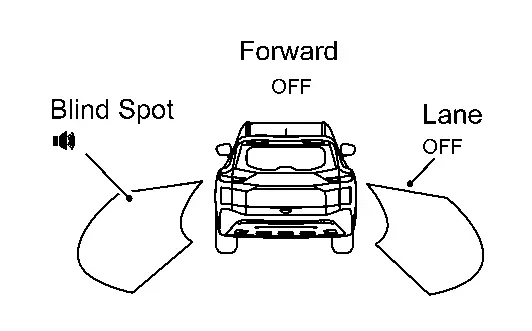
OFF
Nissan Pathfinder Vehicle approaches to adjacent lane Yawing control is ON ON

Yellow (Blink)

ON

I-BSI system indicator : Yellow (Blink)

Speaker icon : White
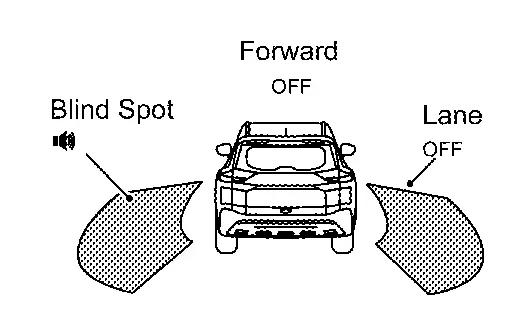
I-BSI is malfunction The I-BSI system is automatically canceled. OFF

Yellow

ON

Not Available

System Malfunction
When the VDC or ABS (including the TCS) operates

The I-BSI system is automatically canceled.

OFF

Not Available

Poor Road Conditions
ON
  • When the VDC is turned OFF

  • When the SNOW mode is selected

  • When the SAND mode is selected (AWD models)

  • When the MUD/RUT mode is selected (AWD models)

The I-BSI system is automatically canceled.

OFF Currently not available ON
Front camera unit high temperature

The I-BSI system is automatically canceled.

OFF

Unavailable

High Cabin

Temperature
ON
Dirt around the side radar

The I-BSI system is automatically canceled.

OFF

Unavailable

Side Radar

Obstruction
ON

Rcta

7 Inch Information Display

Operation

Switch Name and Function

No. Switch name Description
Steering switch
  1. In the [Settings] menu, select the [Driver Assistance] key

  2. Select the [Rear Cross Traffic Alert] submenu

  3. Press [OK] to turn the system OFF or ON

SYSTEM DISPLAY

No. Switch name Description
BSW indicator LH/RH
  • Illuminates when detect approaching Nissan Pathfinder vehicles

  • Blinks when RCTA system is warning to driver

DISPLAY AND WARNING

System Display

Condition Action Indication on the BSW indicator Display on information display Buzzer
RCTA OFF — OFF — OFF
RCTA ON Shift lever is in any position other than reverse — OFF — OFF
Shift lever is in reverse Nissan Pathfinder Vehicle speed is less then approx. 8 km/h Vehicle is not detected — OFF — OFF
Nissan Pathfinder Vehicle is detected — Blink — ON
Nissan Pathfinder Vehicle speed is approx. 8 km/h or more Vehicle is detected — — — —
RCTA is malfunction

The RCTA system is automatically canceled.

— Malfunction —
Dirt around the side radar

The RCTA system is automatically canceled.

—

Unavailable

Side Radar

Obstruction
—

Full Tft Meter

Operation

Switch Name and Function

No. Switch name Description
Steering switch
  1. In the [Settings] menu, select the [Driver Assistance] key

  2. Select the [Rear Cross Traffic Alert] submenu

  3. Press [OK] to turn the system OFF or ON

SYSTEM DISPLAY

No. Switch name Description
BSW indicator LH/RH
  • Illuminates when detect approaching Nissan Pathfinder vehicles

  • Blinks when RCTA system is warning to driver

DISPLAY AND WARNING

System Display

Condition Action Indication on the BSW indicator Display on information display Buzzer
RCTA OFF — OFF — OFF
RCTA ON Shift lever is in any position other than reverse — OFF — OFF
Shift lever is in reverse Nissan Pathfinder Vehicle speed is less then approx. 8 km/h Vehicle is not detected — OFF — OFF
Nissan Pathfinder Vehicle is detected — Blink — ON
Nissan Pathfinder Vehicle speed is approx. 8 km/h or more Vehicle is detected — — — —
RCTA is malfunction

The RCTA system is automatically canceled.

— Malfunction —
Dirt around the side radar

The RCTA system is automatically canceled.

—

Unavailable

Side Radar

Obstruction
—

Tsr

7 Inch Information Display

Operation

SWITCH NAME AND FUNCTION

No. Switch name Description
Steering switch
  1. In the [Settings] menu, select the [Driver Assistance] key

  2. Select [Traffic Sign] to turn the system ON/OFF

SYSTEM DISPLAY

No. Display item Description
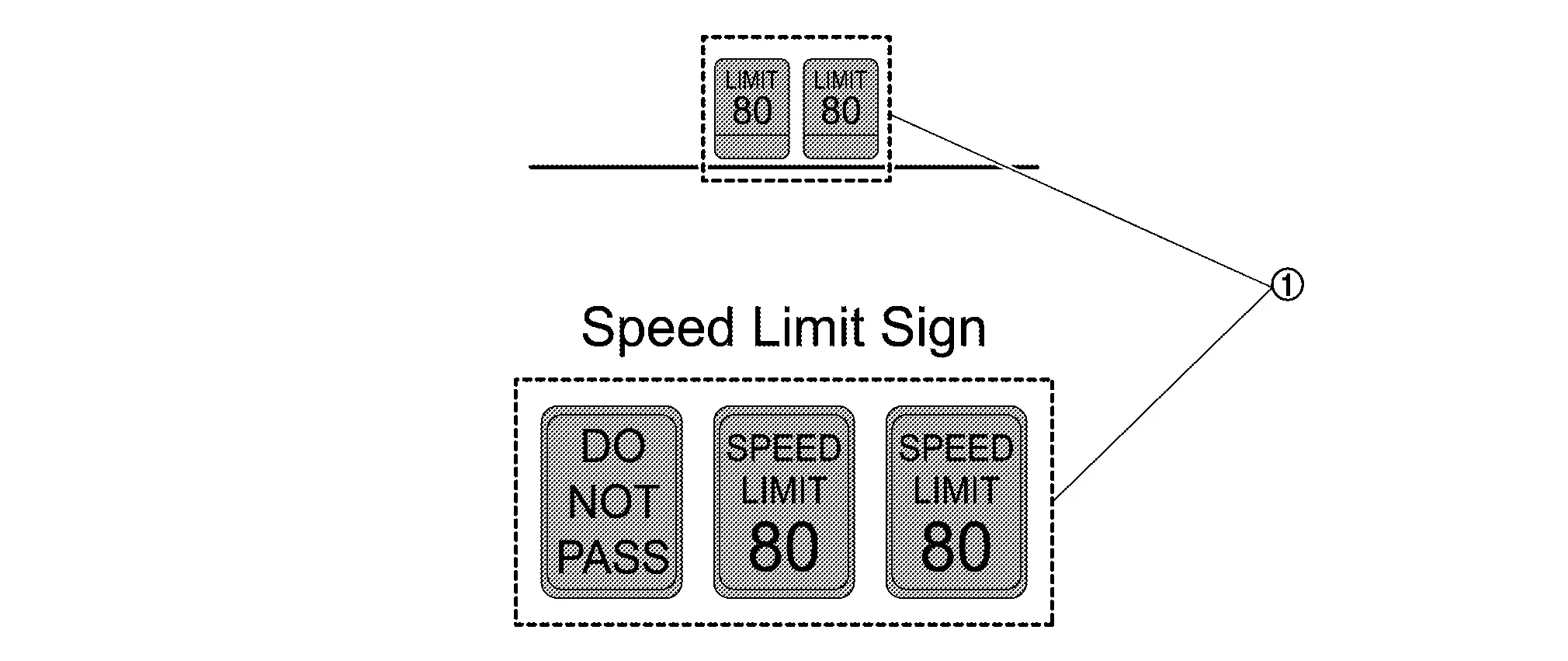
Road sign indicator Displays road signs detected by the front camera unit

DISPLAY AND WARNING

System Display

The TSR systems operate when ON is selected with the combination meter.

System status Condition Display on information display
TSR OFF — —
TSR ON Road sign not detected —
Road sign detected (except for speed limit signs)

This is an example. For details of displayed signs, Refer to System Description.
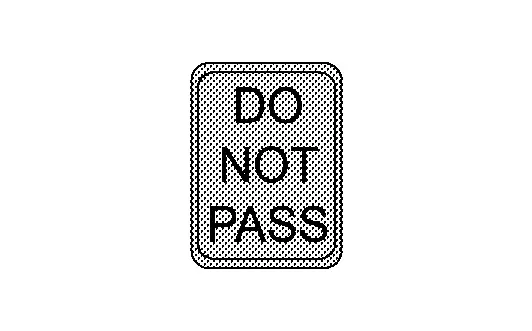
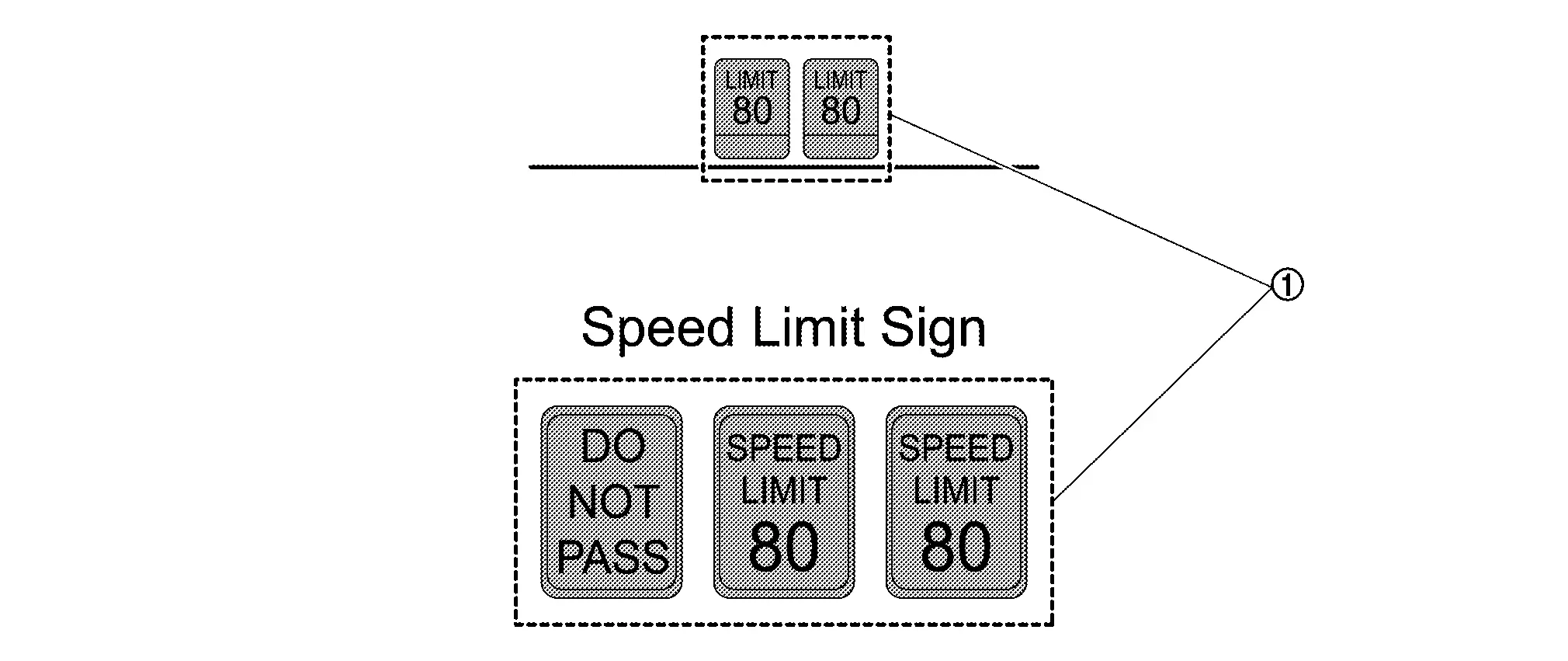
Road sign detected (Speed limit signs)

This is an example. For details of displayed signs, Refer to System Description.
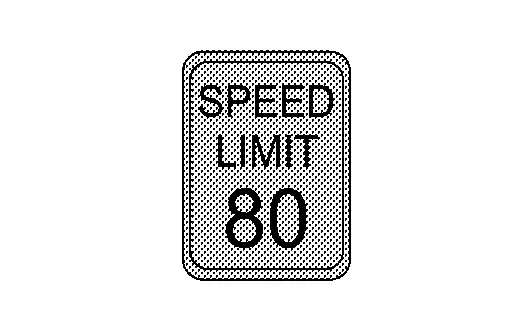
TSR is malfunction The TSR system is automatically canceled.

Malfunction

See Owner’s Manual

Full Tft Meter

Operation

SWITCH NAME AND FUNCTION

No. Switch name Description
Steering switch
  1. In the [Settings] menu, select the [Driver Assistance] key

  2. Select [Traffic Sign] to turn the system ON/OFF

SYSTEM DISPLAY

No. Display item Description
Road sign indicator Displays road signs detected by the front camera unit

DISPLAY AND WARNING

System Display

The TSR systems operate when ON is selected with the combination meter.

System status Condition Display on information display Display on Head Up Display
TSR OFF — — —
TSR ON Road sign not detected — —
Road sign detected (except for speed limit signs)

This is an example. For details of displayed signs, Refer to System Description.
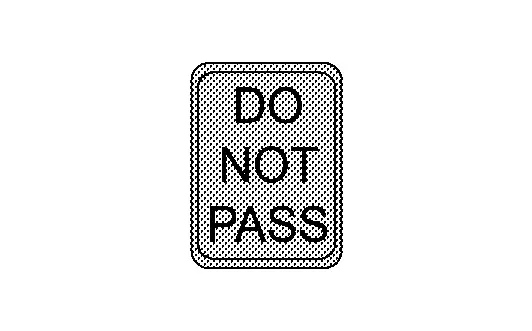
This is an example. For details of displayed signs, Refer to System Description.

Road sign detected (Speed limit signs)

This is an example. For details of displayed signs, Refer to System Description.
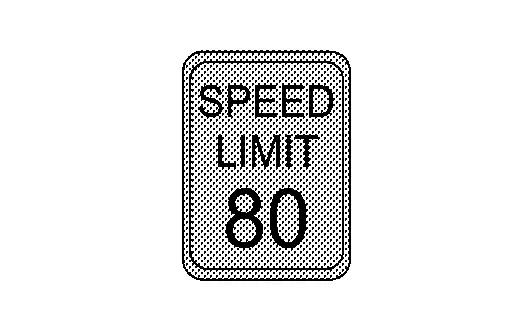
This is an example. For details of displayed signs, Refer to System Description.
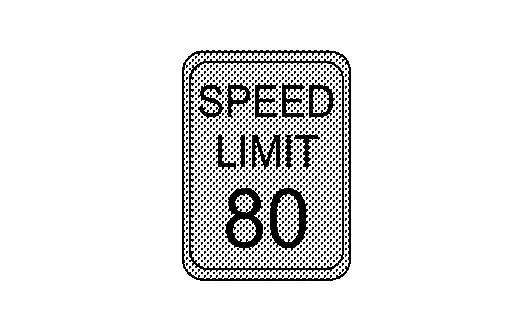
TSR is malfunction The TSR system is automatically canceled.

Malfunction

See Owner’s Manual
—

I-Da

7 Inch Information Display

Operation

SWITCH NAME AND FUNCTION

No. Switch name Description
Steering switch
  1. In the [Settings] menu, select the [Driver Assistance] key

  2. Select the [Driver Attention Alert] submenu

  3. Press [OK] to turn the system OFF or ON

DISPLAY AND WARNING

Nissan Pathfinder Vehicle condition/ Driver’s operation Display on combination meter
I-DA OFF —
I-DA ON
I-DA is malfunction

Malfunction

See Owner’s Manual

Full Tft Meter

Operation

SWITCH NAME AND FUNCTION

No. Switch name Description
Steering switch
  1. In the [Settings] menu, select the [Driver Assistance] key

  2. Select the [Driver Attention Alert] submenu

  3. Press [OK] to turn the system OFF or ON

DISPLAY AND WARNING

Nissan Pathfinder Vehicle condition/ Driver’s operation Display on combination meter
I-DA OFF —
I-DA ON
I-DA is malfunction

Malfunction

See Owner’s Manual