Power Outlet - Removal and Installation
- Wireless Charger Unit
- Wireless Charger Indicator
Wireless Charger Unit Nissan Pathfinder 5th Gen
Removal and Installation
REMOVAL
Remove electric shift selector. Refer to Removal and Installation.
Remove the front console tray. Refer to Exploded View.
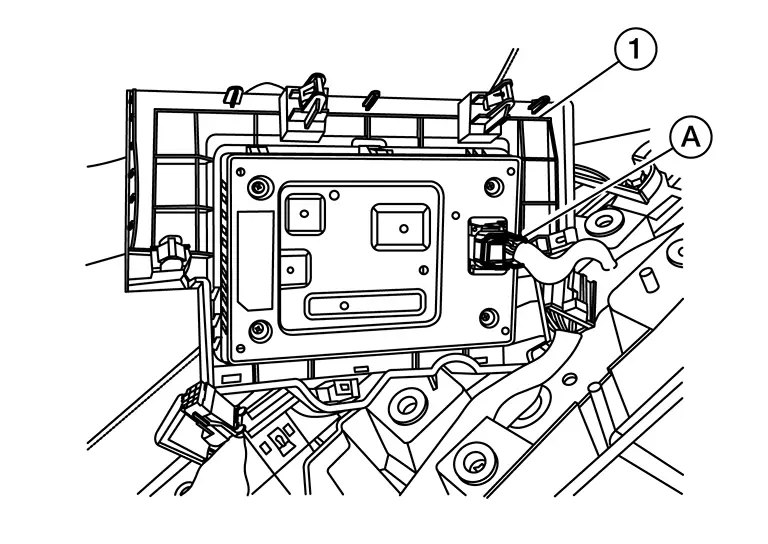
Disconnect the harness connector (A) from the wireless charger unit (1).
Using a suitable tool, release pawls and remove the wireless charger unit (1) from the front console tray (2).
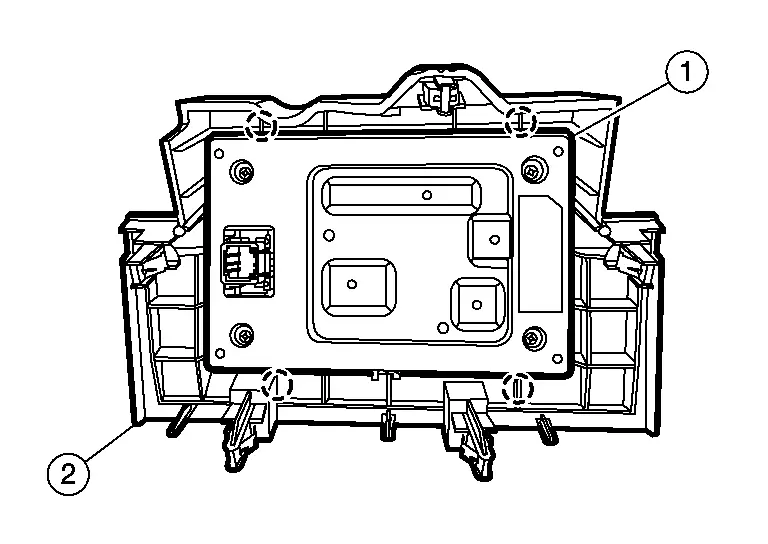
 |
: Pawl |
INSTALLATION
Note the following, and install in the reverse order of removal.
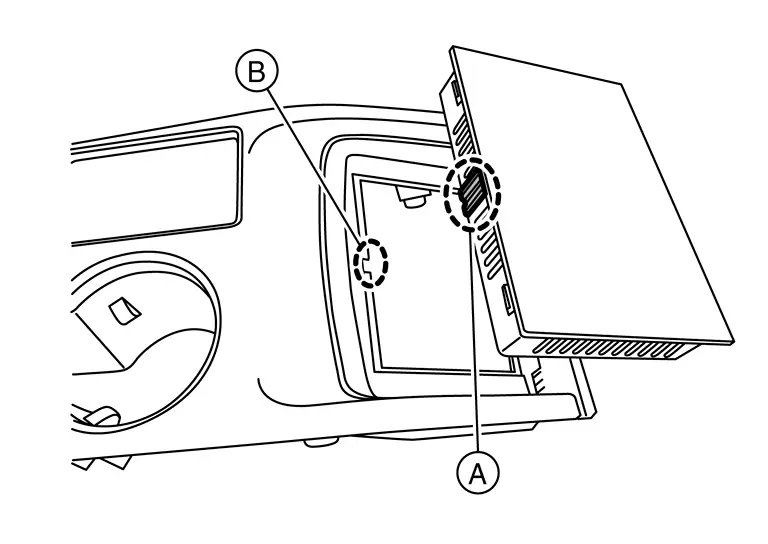
Align tab (A) with cut out (B) when installing wireless charger unit.
Wireless Charger Indicator Nissan Pathfinder
Removal and Installation
REMOVAL
Remove cluster lid C lower. Refer to Removal and Installation.
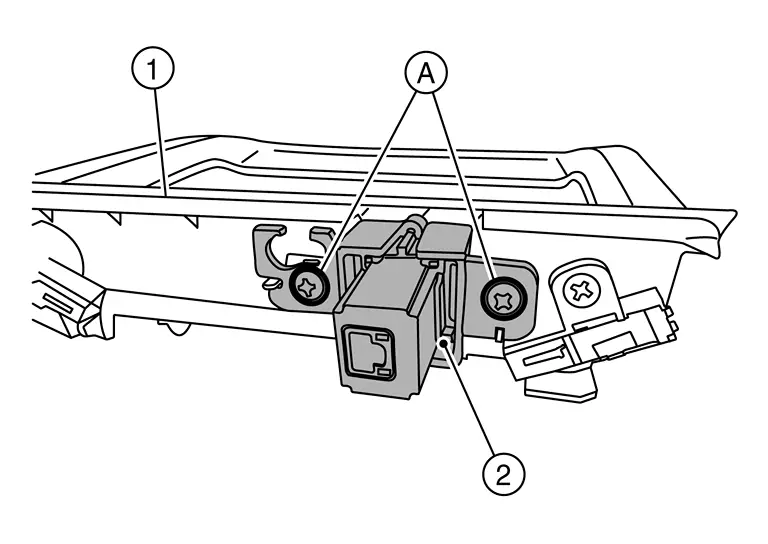
Remove screws (A) and remove wireless charger indicator (2) from cluster lid C lower (1).
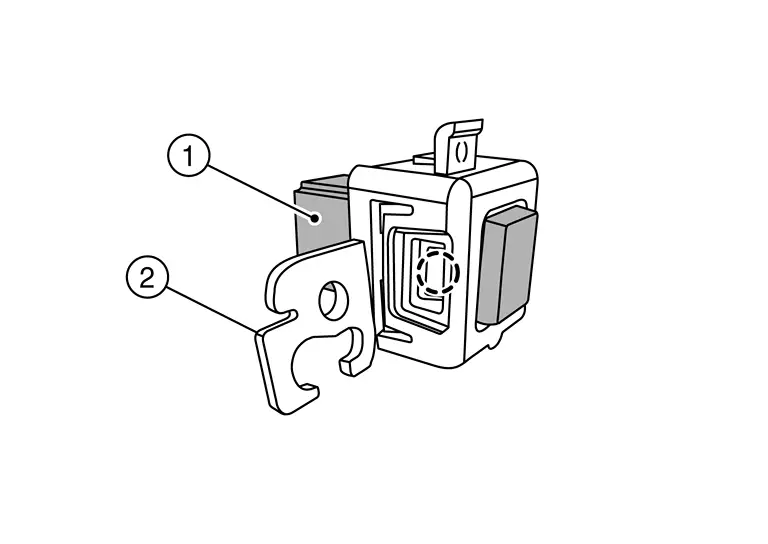
Using a suitable tool, release pawls and separate wireless charger indicator (1) from bracket (2).
 |
: Pawl |
INSTALLATION
Installation is in the reverse order of removal.
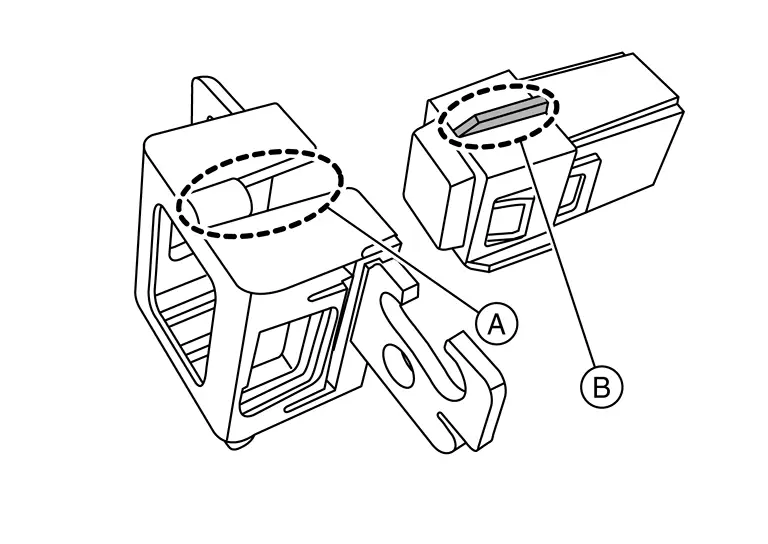
Align tab (B) with cut out (A) when installing wireless charger indicator and bracket.
 |
: Pawl |