Crash zone sensor
In this manual: Crash zone sensor
3steps
~18min
2/5difficulty
Done 0 of 3
Exploded View
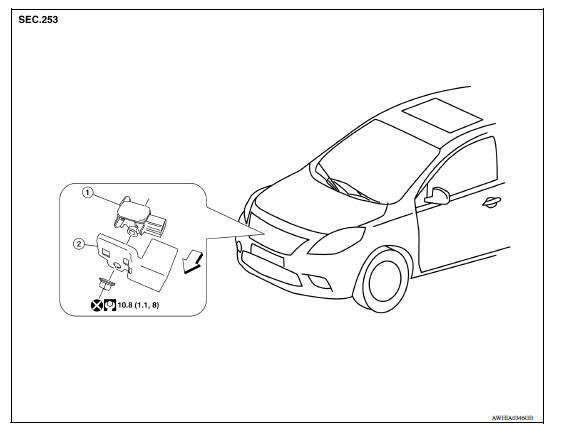
1. Crash zone sensor 2. Bracket A. Nut  Front
Removal and Installation
REMOVAL
WARNING:
- Before servicing, turn ignition switch OFF, disconnect battery negative terminal and wait three minutes or more.
- Do not use the air tools or electric tools for servicing.
CAUTION:
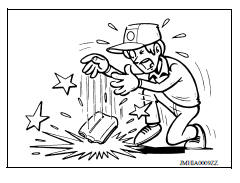
- Do not impact the crash zone sensor.
- Replace the crash zone sensor if it has been dropped or sustained an impact.
- Replace the crash zone sensor of deployed driver air bag and deployed passenger air bag.
- Remove the crash zone sensor nut, then remove the bracket and crash zone sensor from radiator support bracket in front of vehicle.
- Disconnect the harness connector from the crash zone sensor.
- Remove crash zone sensor.
INSTALLATION
Installation is in the reverse order of removal.
CAUTION:
- Make sure the locating pin on crash zone sensor is aligned with the cutout hole of the radiator support bracket before tightening nut.
- Do not use the old nut after removal, replace with new nut.
- Do not damage the harness while installing.
- If malfunction is detected by the air bag warning lamp, after repair or replacement of the malfunctioning parts, reset the memory using self-diagnosis or CONSULT. Refer to SRC "SRS Operation Check" or SRC "CONSULT Function (AIR BAG)".
- After the work is completed, check that no system malfunction is detected by air bag warning lamp.
Was this page helpful?